
Best practices for an all in one life management app for busy professionals
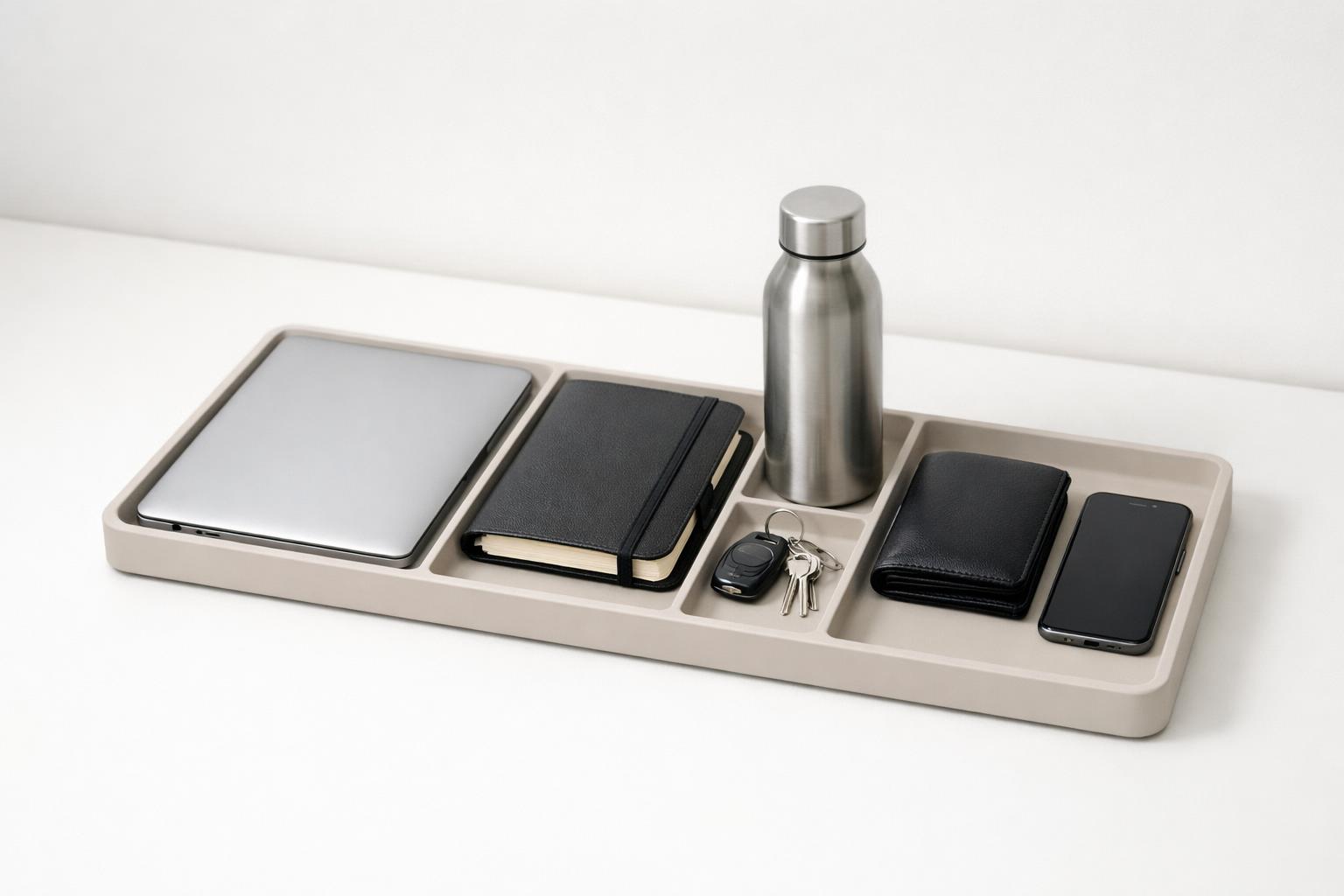
Busy professionals usually do not need a “second brain” in the abstract; they need an all in one life management app that gives them one reliable place to manage responsibilities across work and personal life without losing clarity.
Quick answer: The best all-in-one life management app for a busy professional is not the one with the most features. It is the one that lets you capture everything quickly, organize work and personal responsibilities in one place without mixing them into chaos, surface the right task at the right time, and support regular review. In practice, that means choosing an app and using it with clear life areas, lightweight projects, realistic reminders, a daily planning habit, and a small set of execution tools like calendar visibility, focus sessions, and notes or journaling.
TL;DR
- Use one primary system for both work and personal life, but separate it with life areas, projects, and views.
- Prioritize fast capture, realistic scheduling, and a daily “what matters today” plan over endless categorizing.
- Pick an app that supports reminders, recurring tasks, calendar visibility, and focused execution methods like time blocking or Pomodoro.
- Review your system weekly so it stays trustworthy; an all-in-one app fails when it becomes a storage bin instead of a decision tool.
What should an all-in-one life management app actually do?
Busy professionals usually do not need a “second brain” in the abstract. They need one reliable place to manage responsibilities across work, health, home, relationships, and admin. That sounds simple, but most apps fail in one of two ways: they are too narrow, acting like a basic to-do list, or too broad, turning into a cluttered database.
A practical all-in-one app should do five things well.
First, it should support fast capture. If adding a task is slow, you will avoid the system. That is why quick entry, inbox capture, and ideally voice capture matter for people who think on the move.
Second, it should let you organize by context that reflects real life. For most people, that means life areas or domains, not just one flat task list. A flat list may be easy at first, but it becomes harder to prioritize when work follow-ups, doctor appointments, bills, and family tasks all compete equally.
Third, it should support both deadlines and planning. Knowing what to do is not enough; you also need to know when to do it. Good systems distinguish between tasks that are due on a date and tasks you plan to do on a date.
Fourth, it should help with execution, not just storage. Time blocking and Pomodoro-style focus methods are widely used because they help translate plans into work sessions (12 Essential ways to manage your time effectively | Inside Capella | Capella University Blog).
Fifth, it should make review easy. A weekly review is what keeps an app from becoming a graveyard of stale tasks. If an app makes it hard to scan open loops, reschedule items, or clean up projects, you will stop trusting it.
This is also why “all-in-one” should not mean “everything imaginable.” It should mean one central operating system for commitments and follow-through.
How should busy professionals structure everything without making it messy?
The best structure is usually three layers: life areas, projects, and tasks.
Life areas are your stable buckets: work, health, finances, relationships, home, learning, side business, and so on. These rarely change. They stop your system from becoming dominated by whichever area is loudest this week.
Projects sit underneath life areas. A project is any outcome that requires more than one step: “renew passport,” “launch client proposal,” “plan quarterly budget,” or “find a new pediatrician.” If you skip the project layer, tasks become vague and disconnected. If you create too many layers, the system becomes maintenance-heavy.
Tasks are the next visible actions. They should be specific enough that you can do them without rethinking them. “Taxes” is not a task. “Upload 1099s to accountant folder” is.
A good default setup looks like this:
- Inbox for uncategorized capture
- Life areas for long-term organization
- Projects for multi-step outcomes
- Tasks for the next actions
- Today or This week view for decisions
This mirrors how effective task systems reduce overwhelm: capture first, clarify second, prioritize third (Make Better To-Do Lists: 15 Tips that Work for Managers 2026 • Asana).
The key is to avoid over-tagging. Busy professionals often try to compensate for overload by creating ten priorities, fifteen tags, and color systems for every mood. That usually adds friction. Instead, use only a few useful distinctions:
- Life area
- Project
- Due date
- Planned date
- Waiting on
- Recurring
That is enough for most people.
This structure also supports work-life balance better than separate disconnected apps. Time management and deliberate prioritization are commonly recommended as part of healthier work-life balance because they help ensure personal responsibilities do not disappear behind work demands.
What workflows actually work day to day?
A good app matters less than the habits wrapped around it. For most busy professionals, the most effective workflow is not complicated.
1. Capture everything immediately
Use your app as the first stop for tasks, follow-ups, errands, ideas, and commitments. If possible, use voice or quick add when you are driving, walking, or between meetings. The goal is reducing mental clutter, not perfectly organizing in the moment.
2. Clarify once or twice a day
Turn inbox items into something usable: - Is it actionable? - Does it belong to a project? - Does it need a deadline, reminder, or just a next step? - Can it be deleted?
This is where many systems break. People capture, but never clarify.
3. Plan tomorrow before today ends
A short evening planning habit is one of the simplest ways to make a system useful. Taking a few minutes to outline the next day’s tasks is a common time-management recommendation because it reduces startup friction and increases clarity (Top 8 Time Management Strategies for Professionals — TechClass).
Choose a realistic number of tasks. The 1-3-5 style approach is popular because it limits daily overload: one big thing, three medium things, five small things.
4. Match work to time and energy
Not every important task belongs in the same mental state. Some professionals reserve protected focus blocks in their calendars well in advance to preserve strategic work time. Others match tasks with their energy across the day (Council Post: How Busy Professionals Can Better Manage Their Time: 20 Expert Tips). Both are sensible.
Use your app to decide what matters, then use calendar blocks or focus timers to do it.
5. Review weekly
Once a week, look across every life area and project. Remove stale tasks. Decide the next actions. Reschedule what slipped. Add missing follow-ups. This is the maintenance that keeps one app from turning into five hidden lists.
Which features matter most when choosing the app?
When evaluating an all-in-one life management app, ignore feature count and ask whether the app lowers friction in the moments that matter most.
The first feature to care about is quick capture. If entering a task takes too many taps, your brain will start keeping parallel lists. That defeats the whole point of having one system.
The second is real organization across life areas. Some apps are built mainly for work projects, while others are built for habits or notes. A true life-management app should handle multiple domains cleanly without forcing your personal life into a work project template.
The third is reminders and recurring tasks. Busy lives run on repeated responsibilities: bills, medications, workouts, check-ins, weekly planning, school deadlines. If recurring schedules are clumsy, your system will leak. Many list apps position recurring items and reminders as core advanced features because repeated obligations are a major part of real planning.
The fourth is calendar visibility. Seeing tasks next to fixed events helps you plan realistically. It closes the gap between “important” and “possible.”
The fifth is focus support. Built-in focus timers or simple work-session tools are useful because they help turn intention into action. Time blocking and Pomodoro are widely recognized as accessible time-management systems for improving execution (18 Time Management Systems To Boost Your Productivity).
The sixth is reflection or journaling support, if you will actually use it. This is not essential for everyone, but it can be valuable for noticing patterns: missed follow-ups, overloaded weeks, neglected life areas, or recurring stress triggers. Some newer life-management apps also frame themselves around broader wellbeing dimensions rather than task completion alone.
If you are an Apple user, there is one more practical consideration: a native iPhone and Mac experience reduces friction. Cross-device support, local storage options, and iCloud syncing are common reasons people prefer native Apple productivity tools.
Quick answer: A practical setup and app checklist for a busy professional
A concrete starter setup helps more than abstract advice. For example, a client-facing manager could create life areas for Work, Home, Health, Finances, Relationships; projects such as Q4 proposal, team hiring, renew car insurance, annual physical; and daily views limited to Today, Waiting on, This week. During the day, they capture everything into Inbox, process it at lunch and end of day, then choose one major task, two to three medium tasks, and a few small admin items for tomorrow. Work tasks stay visible in a Work view, while personal tasks remain in the same system but appear in separate filters to protect boundaries.
Use this short checklist when choosing or configuring an app:
- Can I add a task in seconds from phone and desktop?
- Can I separate work and personal life without maintaining two systems?
- Does it support recurring tasks, reminders, and calendar visibility?
- Can I review open projects and waiting-for items quickly?
- Does it make daily planning simple instead of forcing heavy setup?
- Can I keep sensitive work notes out of personal reflections, or vice versa?
- If I am migrating from several tools, can I start with one inbox and a few life areas instead of importing years of clutter?
If an app fails this checklist, it is probably too complex, too narrow, or not designed for real life management.
What are the best practices for using one app across work and personal life?
Using one app for everything can either reduce stress or create a giant mixed pile. The difference comes down to boundaries.
The first best practice is to keep one system, multiple views. Store everything in one place, but do not look at everything at once. Use filters or sections such as: - Today - Work - Personal - Waiting on - This week - Upcoming
This gives you one source of truth without constant context switching.
The second is to treat work and personal commitments as equally real. A life management app should not silently train you to optimize only for visible work deadlines. Personal maintenance matters too: exercise, medical appointments, family logistics, financial admin, and rest. Consistent routines that include both work hours and personal activities are often recommended because they reduce decision fatigue and help people stay organized during busy periods.
The third is to set fewer, clearer reminders. Too many notifications train you to ignore all notifications. Use reminders for time-sensitive commitments, location-based tasks if available, and critical follow-ups. Do not set alarms for every low-stakes task.
The fourth is to distinguish must-do, should-do, and could-do. A long task list feels productive but often hides what is actually urgent or important. Clear and achievable goals are consistently recommended in time and habit advice because they provide direction for daily choices.
The fifth is to build small planning rituals: - 2-minute capture habit during the day - 10-minute daily plan - 30-minute weekly review - Monthly check across life areas
These rituals matter more than advanced features.
Finally, be honest about what should not live in the app. Your life management tool should hold commitments, plans, and reflections. It should not become a dumping ground for every article, idea, or file unless you have a real retrieval method. Simpler systems are easier to trust.
Bottom line
The best practices for an all-in-one life management app are straightforward: capture fast, organize by life area, break outcomes into projects and next actions, plan days realistically, and review weekly. Choose an app that helps you act, not just collect.
If you want one place to manage tasks, reminders, focus, and reflection across work and personal life on Apple devices, malife is built for exactly that. Download the app and set up a few life areas, a short daily plan, and one weekly review before adding anything more.
The most effective all in one life management app keeps you focused on a few clear life areas, realistic next actions, and a simple review rhythm so you can act consistently instead of just collecting more tasks.