
How turning speech into tasks improves follow-through for busy professionals
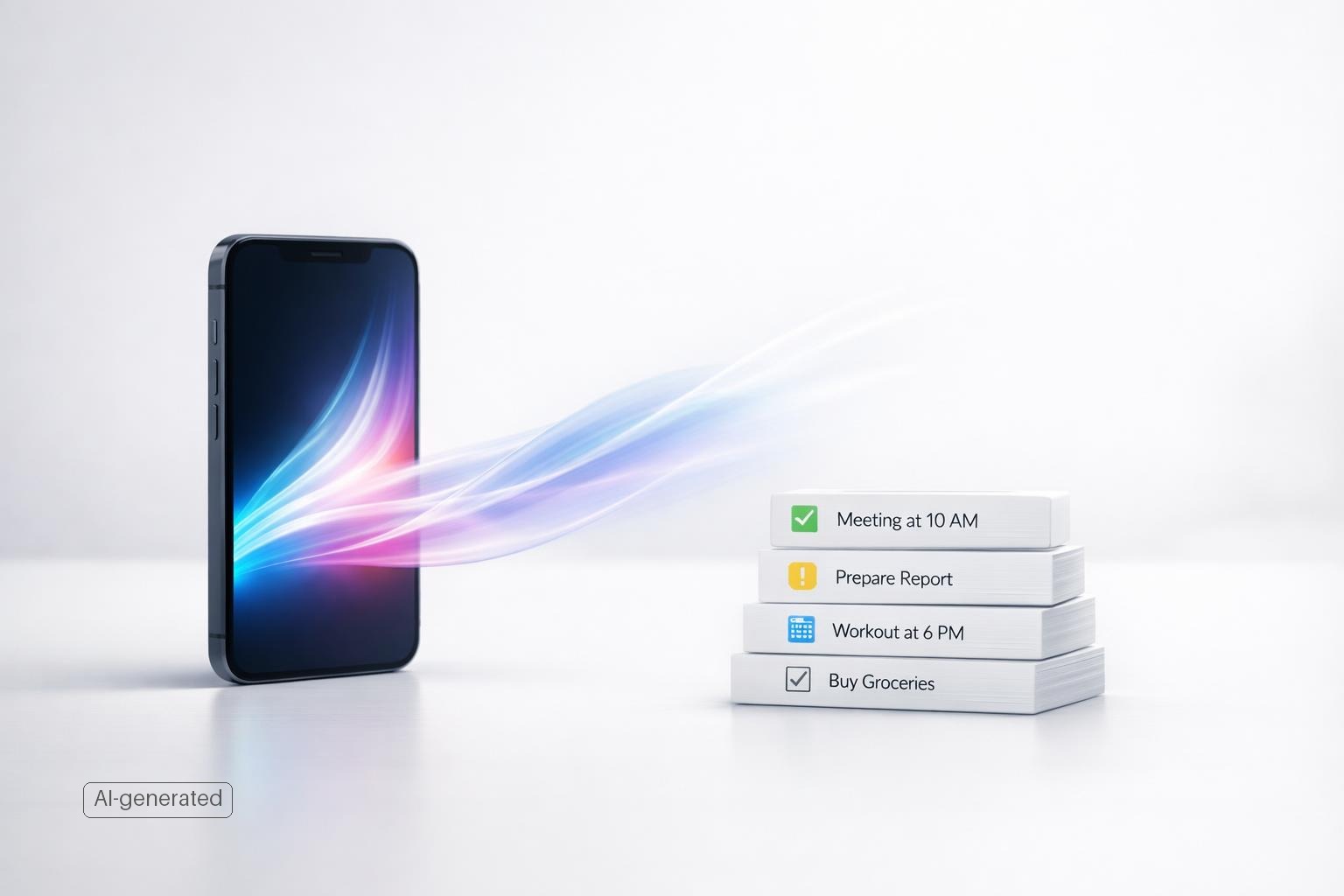
Turning speech into tasks for busy professionals works best.
Quick answer: Turning speech into tasks improves follow-through because it removes the biggest failure point in personal productivity: the gap between noticing something and reliably capturing it (Beyond Words: Measuring User Experience through Speech Analysis in Voice User Interfaces). For busy professionals, speaking is often faster and lower-friction than opening an app, choosing a list, typing, and setting details. That matters most during transitions—walking between meetings, driving, cooking, or wrapping up a work session—when good intentions usually disappear.
TL;DR
- Speech capture helps follow-through when it reduces friction at the exact moment a task appears in your mind.
- The real win is not speed alone; it is preserving context, deadlines, and intent before attention moves elsewhere.
- Voice capture works best when spoken notes become structured tasks with dates, projects, and reminders instead of staying as raw transcripts.
- It is most useful for busy, mobile moments and least useful for detailed planning that needs careful review.
Why busy professionals drop tasks in the first place
Most follow-through problems do not start with laziness. They start with interruption, context switching, and weak capture. Busy professionals move through the day in short fragments: Slack message, call, email, commute, family task, calendar change, idea, follow-up. Every transition creates a chance to forget the thing you meant to do.
Psychology research on multitasking has long described a switching cost when people move between tasks, including the mental work of shifting goals and activating the rules for the next activity. That matters here because traditional task entry often asks you to stop what you are doing, open a tool, decide where an item belongs, type it clearly, maybe set a date, then return to your original work. Even if that takes only 20 seconds, it still creates enough friction that many people delay capture or trust memory instead.
That delay is expensive. If you tell yourself “I’ll add that later,” later usually arrives with less context and more noise. By then, you may remember the headline but forget the specifics: who asked, what the deadline was, what “done” actually means.
This is one reason productivity systems often fail to stick: success depends less on having the perfect framework and more on repeating a workable behavior consistently. If capture is awkward, consistency collapses. If capture is easy enough to use in real life, follow-through improves because more commitments make it into a trusted system at the moment they occur.
How speech capture changes the moment of capture
Speech works because it matches the speed and messiness of real life better than typing does. You can say, “Remind me to send revised pricing to Maya tomorrow at 9, and put it under client work,” much faster than you can open a task app and build that item manually. Voice assistants and task tools already support creating and managing tasks by voice in mainstream consumer ecosystems (Set & manage Google Tasks with Google Assistant - Android - Google Assistant Help).
The practical advantage is not only hands-free entry. It is lower decision load. When you speak naturally, you tend to include useful context without trying: person, timing, urgency, place, and purpose. A typed quick-add often becomes “email Maya,” which is technically a task but not a very actionable one. Spoken capture is more likely to sound like what you actually mean.
That matters because intention decays fast after interruption. In busy environments, even a short break in attention can degrade performance and make it harder to resume effectively. Speech lets you offload the thought with less disruption, especially at natural break points—leaving a meeting, parking the car, ending a workout, finishing a client call.
There is also growing research and development around conversational and LLM-based voice assistants that aim to better infer user intent and complete task flows on mobile devices. In plain English: newer systems are getting better at turning natural speech into something structured and usable (How productivity improves in hands-free continuous dictation tasks: lessons learned from a longitudinal study - ScienceDirect).
For follow-through, that structure is the key. Voice memo apps have existed forever. They help capture thoughts. They do not automatically help execution. Follow-through improves when speech becomes a task with enough metadata to show up again at the right time.
What makes spoken tasks more likely to get done
A spoken task only improves follow-through if it becomes actionable. Otherwise, you have traded one pile of loose thoughts for another. The difference comes down to four elements.
-
Clear action The task should start with a verb and describe a visible next step. “Draft proposal outline” beats “proposal.” Voice capture often helps here because people naturally speak in actions: call, send, book, ask, review.
-
Context Good follow-through depends on knowing where the task belongs. Is it work, personal admin, health, finances, or family? Is it part of a project? Context reduces the cost of finding and prioritizing the task later.
-
Timing A task without timing is often just a wish. That does not mean every item needs an exact deadline, but many do need either a due date, a reminder, or a “review this later” placement. Voice-based systems are useful when they can interpret phrases like “tomorrow afternoon” or “next Friday.”
-
Trust You must believe the system caught the task correctly. Research on voice assistant use repeatedly points to interaction breakdowns and error handling as important UX issues. If a tool mishears names, misses dates, or files tasks unpredictably, people stop relying on it.
This is why raw transcription is not enough. The strongest speech-to-task workflows add structure automatically: parse the action, infer the date, attach the task to a project or life area, and let you confirm quickly if needed.
For busy professionals, that trust creates a valuable shift. You stop mentally rehearsing the task to avoid forgetting it. That alone reduces mental clutter and frees attention for the work in front of you.
Where speech-to-task helps most in a real workday
Voice capture is not an all-day replacement for typing. It is best at specific moments where friction and forgetting are highest.
During transitions
Transitions are where tasks are born and lost. You leave a meeting remembering three follow-ups. You end a call with a promised intro. You step out of the gym and remember you need to reschedule a dentist appointment. Speaking those tasks immediately is often the difference between “captured” and “gone.”
When your hands are busy
Walking, commuting, cooking, tidying, carrying a bag, or moving between rooms are classic moments when typing is annoying enough to be postponed. Hands-free or low-touch capture helps because the idea gets processed while the context is still fresh.
When you need to preserve nuance quickly
Typed quick-add tends to collapse detail. Speech tends to preserve it. “Follow up with Liam about the invoice discrepancy from September and ask whether legal approved the revised terms” is much more useful than “check invoice.”
When you operate across multiple life areas
Busy professionals rarely manage only work. They also juggle health, home, family, finances, learning, and relationships. A standard to-do list often flattens those responsibilities into one stream. A better system routes spoken tasks into the right life area or project so your personal responsibilities do not disappear behind work noise.
This is where a tool like malife makes practical sense for Apple users. Instead of treating every spoken input as a generic task, a life-management system can place it within work, health, finances, or relationships, then connect it to reminders, focus sessions, and even reflection. That improves follow-through because the task lands in the system you already use to run your life, not in a disconnected inbox.
How to use speech capture without creating a messy task list
Voice can improve follow-through, but it can also create clutter if you capture everything and process nothing. The fix is a simple operating rule: capture fast, review briefly, organize enough, then execute.
A useful workflow looks like this:
-
Speak naturally, but include one or two anchors Try to say the action, person or project, and timing in one sentence. Example: “Remind me to send the onboarding doc to Priya after lunch under hiring.”
-
Use one trusted inbox Do not scatter spoken tasks across voice memos, email drafts, and three apps. A single destination matters more than perfect categorization.
-
Review captured items at predictable times Do a 2-minute pass after meetings and a slightly longer pass once or twice a day. The goal is not deep planning. It is checking that important tasks got parsed correctly.
-
Convert vague thoughts into next actions If you captured “deal with taxes,” rewrite it to something executable, like “email accountant about Q4 estimated payment.”
-
Set reminders selectively Too many alerts train you to ignore alerts. Use reminders for commitments that are time-sensitive, location-sensitive where supported, or easy to forget.
-
Pair capture with a weekly cleanup Voice lowers the barrier to adding tasks, which is good. A weekly review keeps that benefit from turning into list bloat.
Quick answer: What this looks like in malife
Here is a concrete before-and-after example. You leave a client call and say: “Remind me to send revised pricing to Maya tomorrow at 9 a.m., put it in Work under Acme, and mention the annual plan option.” In malife, the goal is that this spoken input becomes a structured draft task: Send revised pricing to Maya; life area/project: Work → Acme; reminder: tomorrow, 9:00 a.m.; note: include annual plan option. Then do a fast review: check the client name, date, and project; fix anything the parser got wrong; save. The next morning, the reminder appears as a real task instead of a buried transcript.
If the capture is imperfect, recovery should be quick. Example: “Maya” becomes “Mia,” or “tomorrow at 9” is parsed without the reminder. Correct the title or time during review, then move on. If a task is sensitive—HR, legal, medical, or confidential client work—type it instead of speaking it aloud, or save the spoken version later in private. Voice works best when the tradeoff is favorable: low-friction capture now, brief verification soon after, reliable follow-through later.
This is also where an AI-powered tool can help. If spoken input is automatically parsed into tasks, dates, and categories, you spend less time cleaning up after capture. The best version of speech capture is not “talk more.” It is “talk once, organize less.”
What speech-to-task cannot fix on its own
Speech improves capture, not judgment. It will not solve poor prioritization, unrealistic workload, or a habit of saying yes to too much. If your list is already overloaded, voice may help you capture that overload more efficiently.
It also does not eliminate the normal limitations of voice interfaces. Research on voice assistants notes recurring challenges around misunderstandings, conversation flow, and breakdowns in real-world interaction. Names can be misheard. Deadlines can be interpreted wrong. Shared or noisy environments can make voice awkward. Some users simply prefer typing for privacy or precision (GPTVoiceTasker: LLM-Powered Virtual Assistant for Smartphone).
There is also a difference between capture and execution. A task entered perfectly still needs a review rhythm, a realistic schedule, and enough focus time to get done. Follow-through improves because speech reduces friction at the front end. It does not replace the middle and back end of a productivity system.
My opinion: speech capture is most valuable as a first-mile tool, not a complete productivity method. It is excellent at getting commitments out of your head and into a trusted system. It is less effective for detailed planning, project decomposition, or hard prioritization. Those still benefit from a deliberate review on a larger screen.
For Apple users, the sweet spot is a native workflow on iPhone and Mac: capture by voice on the move, then review and execute in a structured system later. That balance gives you speed without losing control.
Bottom line
If you regularly think, “I’ll remember that later,” turning speech into tasks is one of the simplest ways to improve follow-through. It works not because voice is trendy, but because it cuts friction at the moment commitments appear. The real benefit comes when spoken input becomes a structured task inside a system you trust.
If your current problem is missed follow-ups, scattered reminders, and mental clutter, a voice-first capture workflow is worth trying. If you want that workflow inside a broader life-management app for iPhone and Mac, download the app and test whether speaking tasks into malife makes your next week easier to run.
If your current problem is missed follow-ups, scattered reminders, and mental clutter, turning speech into tasks for busy professionals is worth using as the fastest way to capture commitments before reviewing them in a trusted system.