
Common smart voice notes pitfalls
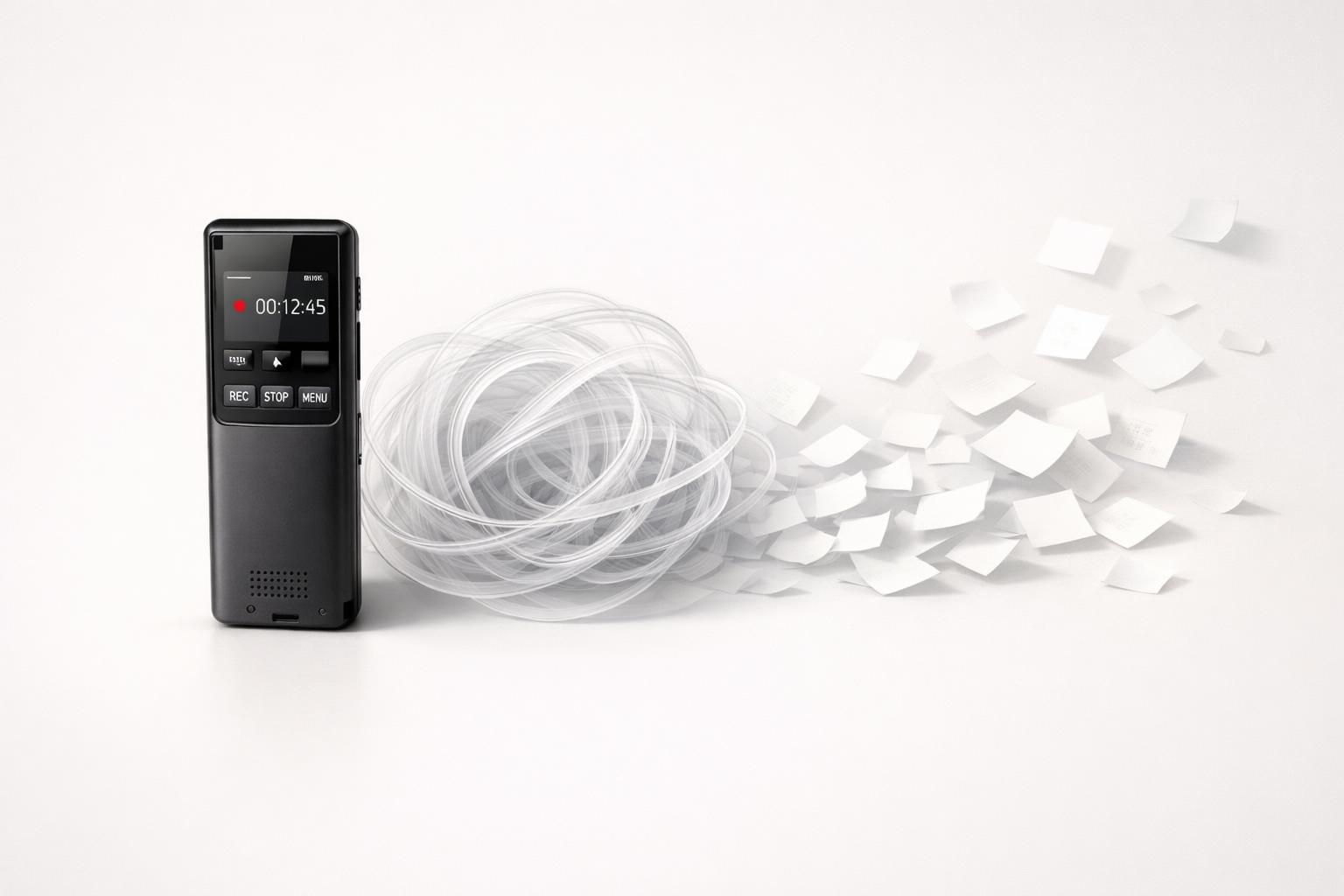
Quick answer: The biggest smart voice notes pitfalls are assuming capture equals clarity, trusting transcripts too much, recording without enough context, letting notes pile up without a review system, and using voice for situations where text or live conversation would be better. Voice notes are excellent for fast capture, but they break down when you expect them to organize themselves, extract perfect tasks, or replace deliberate planning. If you want voice notes to help rather than create more mess, treat them as input to a system—not the system itself.
TL;DR
- Smart voice notes fail most often at the handoff: you captured something, but never turned it into a task, decision, reminder, or reference.
- Transcription is useful, not flawless; speech recognition accuracy varies by speaker, environment, vocabulary, and conditions, and is commonly measured with word error rate.
- Short, structured recordings work better than rambling ones: say the project, the action, and the deadline out loud.
- Voice notes are bad for sensitive, high-stakes, or socially awkward communication; sometimes a typed message or direct conversation is the better tool.
The first pitfall: Mistaking fast capture for real organization
The main appeal of smart voice notes is obvious: speaking is faster and lower-friction than typing for many people, especially when walking, driving, or switching between tasks (Improved Speech Recognition for People Who Stutter - Apple Machine Learning). Speech interaction has become widely used across devices and platforms. But speed at capture creates a false sense of completion.
That’s the first pitfall. You speak an idea, a reminder, or a follow-up, and your brain marks it as “handled.” In reality, you may have created nothing more than an audio file or a transcript blob. If the note doesn’t become a task, calendar item, project update, or journal entry, it’s just stored intention.
This is why many people end up with dozens of voice memos they never revisit. The problem is not capture. It’s the lack of a clear destination. Smart voice tools promise summaries, categories, and action-item extraction, and many apps now offer exactly that (NoteSpeak: AI Voice Transcribe - App Store - Apple). But even good automation cannot decide your priorities for you.
A practical fix is to reduce the number of possible outcomes for every voice note. Each note should land in one of four buckets:
- A task to do
- A reminder for a specific time
- A project note for later reference
- A journal/reflection entry
If you can’t tell which bucket a note belongs in, it was probably too vague when recorded. That’s not an AI problem. It’s an input problem.
Why transcripts go wrong more often than people expect
The second pitfall is overtrusting transcription. Smart voice note tools can feel magical when they work well, but speech-to-text is still probabilistic. It does not “hear” meaning the way a human does. It predicts likely words from audio patterns and context.
In speech recognition research, accuracy is commonly measured using word error rate, or WER (Measuring the Accuracy of Automatic Speech Recognition Solutions | ACM). That matters because a transcript can look polished while still containing errors that change meaning—especially names, dates, technical terms, medication names, addresses, or action items (Full article: A scoping review on the use of speech-to-text technology for). In some educational research contexts, speech-to-text accuracy figures around the high-80% range have been reported, which is useful but far from perfect. Other reviews suggest users often find speech recognition practically useful once accuracy gets above roughly 80%, but “useful” does not mean “safe to trust blindly”.
Errors get worse in predictable situations:
- Background noise
- Multiple speakers
- Fast or mumbled speech
- Domain-specific jargon
- Switching languages mid-note
- Poor microphone placement
- Accents, speech differences, or disfluencies that models handle less well
Apple’s own machine learning research notes that speech recognition systems have improved substantially, while also highlighting that performance is not equally good for all users, including people who stutter. That’s an important reminder: if transcription fails, it may not be because you used it “wrong.” The system may simply not handle your speech pattern well enough yet.
The practical rule is simple: trust transcripts for capture, not for final truth. Review anything that includes commitments, numbers, names, or deadlines.
The context pitfall: Smart notes are only as smart as what you say
The third pitfall is giving the system too little context. People often record voice notes the way they think, not the way a future self can process. That leads to notes like:
- “Follow up with Sam about that thing.”
- “Need to fix the budget issue.”
- “Remember what I said about next month.”
- “Idea for the app—make it simpler.”
These feel meaningful in the moment because your brain still holds the missing details. Two days later, they’re weak inputs. A transcript can be perfectly accurate and still useless.
Contextual information prevents many downstream mistakes because it gives the system more to work with and gives you more to act on later. If you want a voice note to become something actionable, say the missing structure out loud.
A better pattern is:
- Project or life area
- Specific action
- Person involved
- Deadline or trigger
- Why it matters, if needed
For example: “Work project. Email Sam today by 4 PM to confirm the revised budget and ask for approval before Friday’s client meeting.”
That single sentence is much easier for a smart system to turn into a task with context. It is also easier for you to review later without reinterpreting your own thinking.
This is especially important if you use voice notes across multiple life areas—work, health, home, finances, relationships—because the same vague phrase can mean different things in different contexts. “Book appointment” is not enough. “Health: book dentist cleaning next week” is.
If your app supports structured capture into tasks, reminders, and life areas, use that structure. As malife has argued elsewhere, the real value of voice capture is not just transcription but turning spoken input into organized action inside a broader planning system.
The backlog pitfall: Voice notes become a guilt pile fast
The fourth pitfall is letting smart voice notes accumulate without a review rhythm. This is where a helpful capture habit turns into digital clutter.
Voice is easy to create and hard to scan. A typed list lets you visually skim 30 items in seconds. A pile of recordings or long transcripts is slower to process. Even when AI summaries help, you still need to decide what matters. If you don’t review regularly, the backlog becomes psychologically heavy: every note starts to feel like an unresolved obligation (Audionotes: Audio Notes AI - App Store - Apple).
This is why voice notes work best with a short processing loop. Not a giant weekly cleanup if you can avoid it. Ideally:
- Process quick captures once or twice a day
- Convert actionable items into tasks immediately
- Archive or delete low-value notes fast
- Keep journal/reflection notes separate from operational tasks
Mixing everything together is another common mistake. Brainstorms, meeting notes, emotional reflections, errands, and reminders do not belong in one undifferentiated stream. Some voice note apps now market automatic categories, tags, smart folders, summaries, and task extraction. Those features help, but only if you maintain a simple review habit.
A good rule is the 24-hour test: if a voice note still matters tomorrow, it should no longer live only as a raw recording. It should be converted into a task, filed as a project note, or saved as a journal entry with a clear label.
Otherwise, you are not building a trusted system. You are building a storage locker.
Quick answer: Privacy, rescue, and when smart features actually help
Two practical concerns get missed in most voice-note advice: privacy and recovery. First, voice notes often contain more sensitive data than typed notes because people speak casually—names, health details, addresses, finances, relationship issues, or work information. The risk is not just the recording itself, but also where it is stored, whether it is transcribed in the cloud, who can access linked accounts, and how long raw audio is retained. As a rule, avoid voice capture for confidential material unless you understand the app’s privacy model, and delete raw audio after processing if you do not need it.
Second, if you already have a backlog, do not replay everything. Triage it. Start with the last 7–14 days, then sort each note into: act, reference, journal, or delete. If a note is older and still important, promote only the outcome—a task, reminder, or summary—not the full recording. For meetings, smart features help most with rough summaries and action-item extraction, but fail more often with multiple speakers, decisions hidden in side comments, and exact wording. For personal capture, they help with quick task drafting and reflection summaries, but fail when your note is vague or emotionally rambling. To improve transcription accuracy in either case, record in a quieter place, keep the phone close, speak slightly slower, say names and dates clearly, and split long thoughts into shorter notes.
When voice notes are the wrong tool
The fifth pitfall is using voice notes where they create friction for other people or risk for you. Not every message should be spoken. Not every thought should be recorded. And not every workflow benefits from audio first.
Voice notes are often a poor choice when:
- The recipient needs to skim quickly
- The message contains sensitive or confidential information
- The content is emotionally important and deserves a live response
- The environment makes listening inconvenient
- The message includes exact details that are easier to read than hear
- You need searchable, structured information immediately
There’s also a social layer here. Voice notes can impose time and attention costs on the recipient that text does not. Etiquette guidance often notes that some important or emotionally significant news is better delivered in a more appropriate format than a casual voice note. Even in work settings, sending a two-minute ramble instead of a three-line summary can feel inconsiderate.
For personal productivity, the wrong-tool problem shows up in another way: people use voice to avoid thinking clearly. Speaking can feel easier than deciding. So instead of writing “Pay electricity bill Friday,” they record a 90-second stream of half-formed concerns about bills, cash flow, and admin stress. That may be useful as journaling. It is not useful as task management.
The fix is not “use fewer voice notes.” It’s “match the tool to the job.”
Use voice when you need low-friction capture, reflection, or hands-free input. Use text when precision, scanning, and quick reference matter more.
How to avoid the common smart voice notes pitfalls
If you want smart voice notes to stay useful, the solution is less about finding a magical app and more about using a reliable capture format.
Here is a practical workflow that works for most people:
-
Capture briefly Keep most notes under 30–60 seconds unless they are true meeting notes or journal entries.
-
Speak in structure Say: area, action, person, deadline. Example: “Finance: pay quarterly tax estimate by Monday.”
-
Separate note types Don’t mix tasks, reflections, and reference notes in one stream if your app can separate them.
-
Review fast Process voice captures daily, not “someday.”
-
Verify critical details Check names, dates, numbers, and commitments before acting on a transcript.
-
Delete aggressively If a note has been processed, archive it or remove it. Don’t keep raw clutter by default.
-
Use the right destination A task should become a task. A thought about your mood should become a journal entry. A meeting takeaway should go into the project.
This is where integrated systems tend to outperform standalone voice memo tools. If your voice capture can flow directly into tasks, reminders, project boards, and journaling, you reduce the gap where most notes get lost. That matters more than having the fanciest transcript (Top 7 Common Voice to Text Transcription Mistakes & Avoid Them).
For Apple users especially, the best setup is usually a native workflow that lets you capture quickly on iPhone or Mac, then sort the result into the right life area before it disappears into a generic inbox.
Bottom line
Smart voice notes are useful, but only when you respect their limits. The common pitfalls are predictable: vague input, blind trust in transcripts, no review routine, and using voice where another format would work better. If you capture clearly and process quickly, voice notes can reduce mental clutter. If you don’t, they just turn clutter into audio.
If you want a better setup, use a system that turns voice capture into tasks, reminders, project notes, and journaling in one place.
Related articles
- Common centralize your tasks pitfalls →
- Getting started with a daily capture habit for busy professionals: A beginner guide to building a reliable capture routine that reduces mental overload and improves follow-through. →
- 10-point task app with context checklist for busy professionals: Evaluate whether a context-aware task app is better than a simple to-do list →
- Organize tasks by life area checklist →