
The science behind a better task app than a to-do list
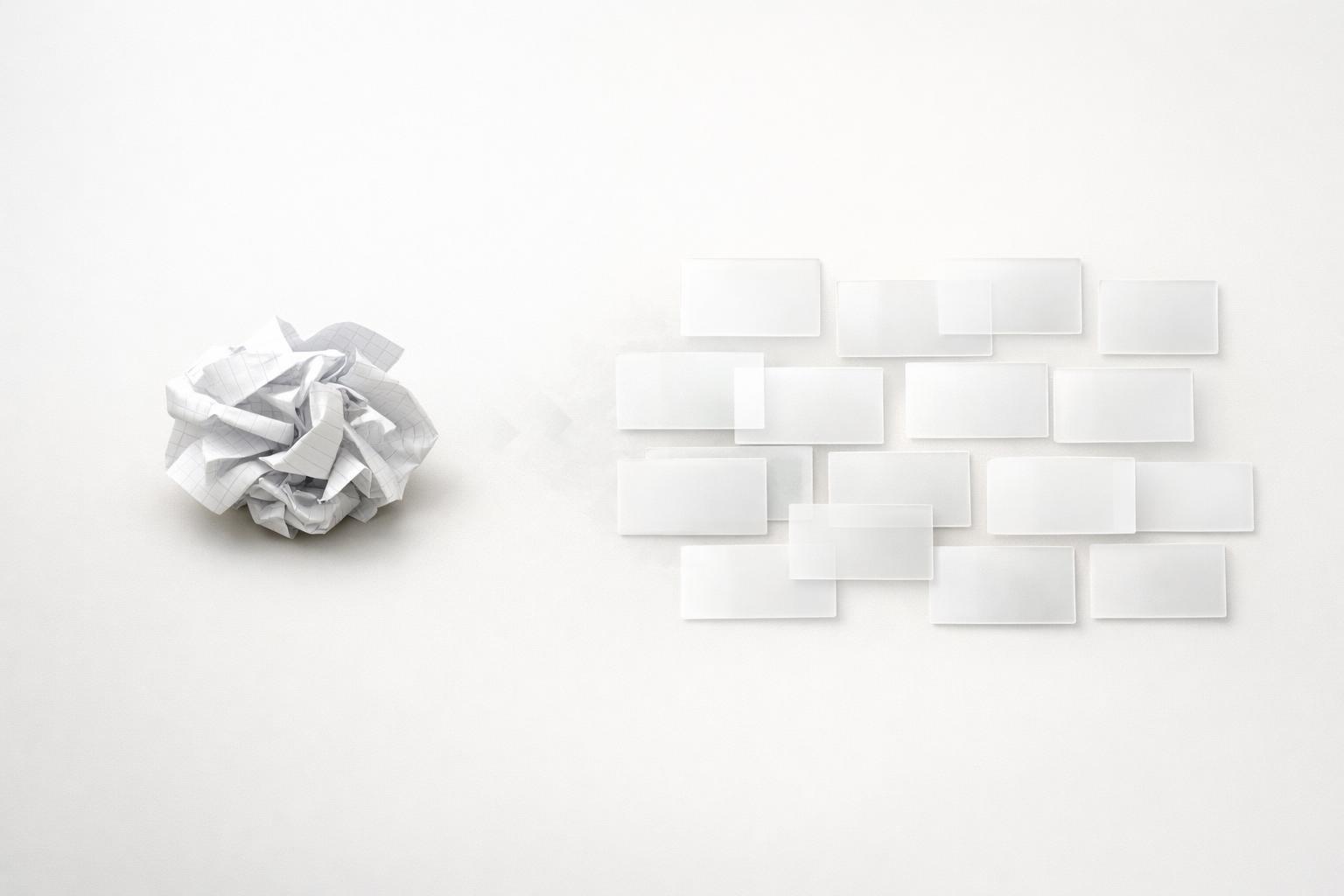
A better task app than to-do list thinking starts by turning a static list into a system that captures, organizes, and helps you act on what matters.
Quick answer: A better task app than a basic to-do list works because it reduces cognitive load, captures tasks with less friction, adds context that helps you choose what to do next, and supports follow-through instead of just storage. The science is not that one app magically makes people disciplined. It’s that design choices—fewer tools, easier capture, visible priorities, reminders tied to real life, and reflection loops—fit how attention and memory actually work. A plain list can hold tasks. A better system helps you remember, decide, focus, and adjust.
TL;DR
- Basic to-do lists fail when they become storage bins instead of decision tools; many tasks stay vague, context-free, and easy to ignore.
- Better task apps reduce mental load by combining capture, reminders, prioritization, and execution in one place.
- Voice input, AI parsing, and structured task organization can lower the friction between “I need to remember this” and “it’s now actionable”.
- The strongest systems go beyond work tasks and reflect life areas, time, energy, and follow-up needs, which makes planning more realistic.
- If your current list is long, stale, and stressful, the problem is probably not effort. It’s system design.
Why do basic to-do lists stop working?
A to-do list is useful at first because it gives immediate relief. You write something down, and your brain no longer has to keep rehearsing it. The problem starts when the list grows faster than your ability to act on it.
Most basic lists are flat. They treat “email accountant,” “book dentist,” “finish proposal,” and “call mom” as the same kind of object. That sounds harmless, but it creates a real decision problem. Every time you open the list, you have to re-interpret each item: What does this mean? Is it urgent? Does it belong to work or home? Can I do it on my phone? Does it require deep focus or two minutes? A long list without context turns planning into repeated micro-decisions.
That is one reason people often feel productive while organizing tasks but less effective when actually doing them. Some reporting around productivity apps has claimed that a large share of to-do items never get completed (GPTVoiceTasker: LLM-Powered Virtual Assistant for Smartphone). Even if that exact figure varies by source, the broader pattern is familiar: lists accumulate old intentions.
There is also a tool-fragmentation problem. If tasks live in notes, calendar, email, chat, and your head, you spend energy checking systems instead of moving work forward. Harvard Business Review has argued that most people should use the smallest number of tools necessary to work efficiently (The 8 Digital Productivity Tools Everyone Should Adopt). That is less about minimalism as a philosophy and more about reducing switching costs.
So the issue is not that lists are bad. It’s that a plain list is usually too weak a structure for modern life. It captures obligations, but it does not reliably support prioritization, timing, or execution.
What does science suggest people actually need from a task system?
A useful task system should do four jobs well: capture, clarify, cue, and review.
Capture matters because memory is unreliable under stress (PITCH: Designing Agentic Conversational Support for Planning and). If adding a task takes too many taps or too much formatting, people delay it, and delayed capture often becomes forgotten capture. That is why voice assistants and natural-language input matter. Google documents that users can create, edit, and delete tasks with Google Assistant, with AI helping add tasks into Google Tasks (Set & manage Google Tasks with Google Assistant - Android - Google Assistant). The practical lesson is simple: lower-friction input increases the odds that intentions become recorded before they disappear.
Clarify matters because vague tasks create avoidance. “Taxes” is not a next action. “Upload March receipts” is. A better app nudges structure: project, deadline, reminder, subtask, or life area. That structure is not bureaucracy. It is decision support.
Cue matters because people do not just need a place to store tasks; they need prompts at the right moment. Google’s migration of Keep reminders into Google Tasks across surfaces like Calendar, Gemini, Keep, and Tasks points to a broader industry truth: reminders are more useful when they are integrated into the systems people already check (Learn about Google Keep reminders in Google Tasks - Google Tasks Help). Good reminders reduce the need to “remember to remember.”
Review matters because priorities change. A task app should make it easy to revisit commitments, close loops, and notice patterns. Research on conversational planning and self-reflection tools suggests that systems that actively support reflection can help users consider different perspectives and sustain engagement over time. That does not mean everyone needs a chatbot therapist. It means planning works better when the system helps you think, not just store.
In short, the science-aligned task system is not just a list manager. It is an external brain with enough structure to support action.
Which app features actually improve follow-through?
Not every “smart” feature is useful. Some are gimmicks. The features that tend to matter are the ones that reduce friction or improve action selection.
First, fast capture. If you can speak a thought while walking, driving, or between meetings and have it turned into a usable task, that removes a major point of failure. Research prototypes like GPTVoiceTasker have explored LLM-powered smartphone assistants for task execution and usability. The exact product findings are less important than the direction: natural-language capture is becoming more practical.
Second, context. A better app lets you organize by project, deadline, and also by life area. That last part is underrated. Most people do not only manage work. They manage health, family, finances, errands, and personal admin. When all of that is forced into one undifferentiated list, work often crowds out everything else. Organizing by life area creates a more honest picture of your responsibilities.
Third, execution views. A backlog view is useful for storage, but not enough for momentum. Kanban-style stages such as upcoming, in progress, waiting, and done can make work visible in a way a single list cannot. This is especially helpful for multi-step projects and follow-ups.
Fourth, reminders and automation. Zapier’s task-management guidance notes that automation can reduce the mental load of repetitive remembering, copying, and re-entering information (Get it done: 10 task automation ideas | Zapier). That is exactly right. Repeating tasks, follow-up reminders, and calendar visibility are not “advanced features” for power users. They are basic support for consistency.
Fifth, focus support. Multitasking is often treated as a badge of competence, but research regularly finds tradeoffs in cognitive performance and productivity when attention is split (App-Based Task Shortcuts for Virtual Assistants | The 34th Annual ACM). A task app that pairs a selected task with a focus timer or a clear “do now” state helps convert intention into single-task execution.
The pattern here is straightforward: the best features are not the flashiest ones. They are the ones that make it easier to capture, choose, and finish.
Quick answer: What the evidence supports, what it doesn’t, and who should upgrade
Here is the cleanest way to read the science claim. Stronger evidence supports the mechanisms, not the idea that one branded app category guarantees better outcomes. Externalizing tasks reduces memory load; clearer next actions reduce ambiguity; timely cues improve prospective memory; and single-task focus reduces attention-splitting costs. Those mechanisms plausibly improve measurable outcomes like fewer forgotten tasks, faster capture, less time spent deciding what to do next, and better follow-through on multi-step work. What the evidence does not prove is that every feature-rich app beats every simple list for every user.
That tradeoff matters. Richer apps can create setup overhead, category sprawl, and “productivity theater” if you spend more time organizing than doing. If your workload is light, your tasks are simple, and you already review a short list consistently, a plain to-do list may be enough. Upgrade when complexity rises: multiple life areas, recurring reminders, follow-ups, projects with stages, or frequent task capture on the go.
This is also the fairest way to understand malife’s claim. Malife combines the mechanisms the article argues for—fast capture, reminders, life-area context, execution views, focus support, and reflection—in one native iPhone and Mac workflow. That does not scientifically prove malife is best for everyone. It does make malife a strong fit for users whose problem is not “I need a list,” but “I need one system that helps me remember, choose, and follow through across my whole life.”
Why life context matters more than most to-do apps admit
A standard to-do app usually assumes that all tasks belong in one neutral queue. Real life does not work that way.
People make tradeoffs across roles: employee, founder, parent, partner, student, friend, patient, homeowner. A task system that ignores those roles can accidentally reward only what is loudest or newest. That often means urgent work wins while important personal responsibilities drift.
This is where a life-management approach is stronger than a plain task list. If you can see tasks by life area—work, health, finances, relationships, home—you get a more realistic planning surface. You can notice that your work pipeline is full, but your health tasks have been untouched for two weeks. You can see that “renew passport” is not just another checkbox; it belongs to personal admin and may need a deadline and a reminder chain.
There is also an emotional benefit. A giant mixed list feels endless because it collapses every domain into one stream of obligation. Separating responsibilities by area can reduce that sense of chaos. You are no longer looking at “everything in my life.” You are looking at the right slice for the moment.
This does not mean you should build a complicated system with dozens of categories. In my view, that often backfires. The goal is enough structure to support better decisions, not so much structure that maintaining the system becomes the work.
A better task app also benefits from reflection. If journaling and planning live near each other, you can connect patterns: why certain tasks keep slipping, which commitments drain energy, where you consistently underestimate time, or which life areas are neglected. Research on conversational support for self-reflection points toward the value of systems that help users revisit their behavior and assumptions over time.
That is the deeper difference. A plain to-do list tracks tasks. A better app helps you manage a life.
How to tell whether you need more than a to-do list
You do not need a sophisticated app just because one exists. Some people genuinely do fine with a simple list. The question is whether your current setup helps you act consistently.
You probably need more than a basic to-do list if several of these are true:
- You capture tasks in multiple places.
- You often rewrite the same tasks without finishing them.
- You forget follow-ups unless someone reminds you.
- Your personal responsibilities disappear behind work.
- You feel busy but unclear about what matters today.
- Your list is long enough that opening it creates stress.
- You know what you should do, but starting is the hard part.
If that sounds familiar, upgrade the system, not just your willpower.
A practical improvement path looks like this:
- Consolidate into one main task system.
- Use quick capture, ideally voice when typing is inconvenient.
- Add just enough structure: project, due date, reminder, life area.
- Separate storage views from action views. Keep a backlog, but also maintain a short “now” or “in progress” set.
- Review regularly. Daily for selection, weekly for cleanup and re-prioritization.
- Pair tasks with focus blocks instead of relying on multitasking.
This is also why many people find time-blocking or scheduled task work more effective than a giant open list. HBR has discussed replacing or supplementing to-do lists with scheduled planning approaches in some cases. The point is not that calendars beat lists in every situation. It is that commitment becomes more real when tied to time and context.
For Apple users especially, the ideal setup is often a native app that feels fast on iPhone and Mac, supports reminders and calendar visibility, and lets you move from capture to action without friction. That is where a life-management app can outperform a generic list.
Bottom line
A better task app than a to-do list is not better because it looks smarter. It is better because it matches how people actually remember, decide, and follow through. If your current list mostly stores guilt, you need a system that reduces friction, adds context, and supports focus across your whole life—not just work.
If you want that kind of setup on iPhone and Mac, download malife. It is built to organize tasks, reminders, projects, and reflection across life areas in one place, without the overhead of stitching together separate tools.
A better task app than to-do list is one that reduces friction, adds context, and supports focus across your whole life instead of just storing guilt.
Related articles
- Common apps for life management pitfalls for busy professionals →
- Best practices for an all in one life management app for busy professionals →
- Organize tasks by life area checklist →
- The definitive guide to a task app with context for busy professionals: Ultimate-guide positioning for a context-aware alternative to a simple to-do list. →