
Best practices for a meeting reminder in 2026
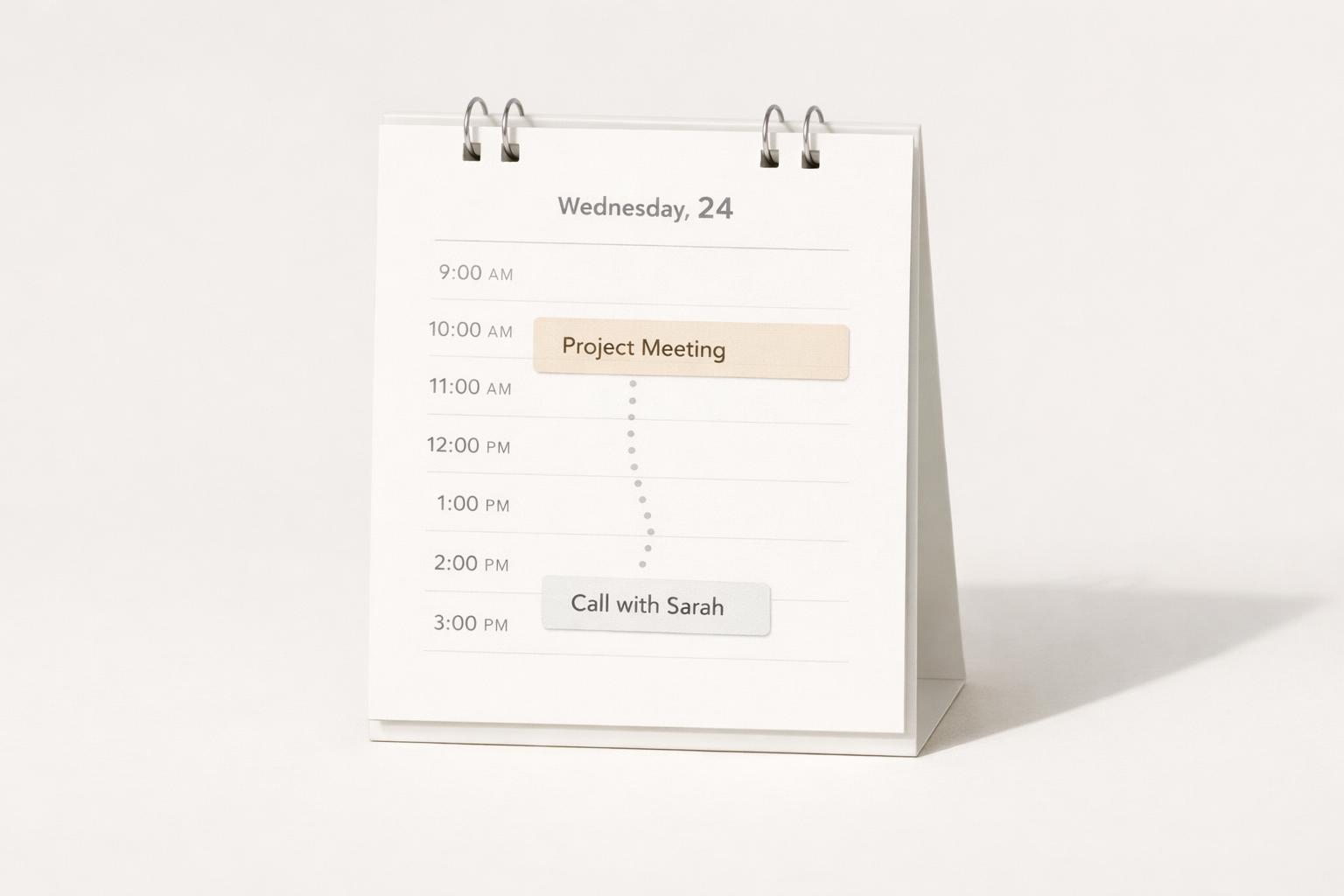
Quick answer: The best meeting reminder in 2026 is not just a single alert 10 minutes before start time. It is a small system: capture the meeting cleanly, attach the purpose and join link, set reminders at the right moments for the meeting’s importance and context, add one follow-up reminder after the meeting, and use voice or AI only if it reliably turns that input into a structured task or event. Good reminders reduce friction before the meeting and reduce dropped commitments after it. Bad reminders are noisy, vague, easy to snooze, and disconnected from the work that should happen next.
TL;DR
- Use layered reminders, not one default alert: typically one early planning reminder and one “move now” reminder.
- Put the meeting outcome, prep task, and join details in the same place as the reminder, so the alert is actionable.
- Treat pre-meeting and post-meeting reminders differently: one gets you ready, the other protects follow-through.
- Voice capture is useful when busy, but only if you review what it created; reminder setup errors are common in voice workflows.
- Fewer, better reminders beat constant pings. If everything is urgent.
What makes a meeting reminder actually effective?
A meeting reminder works when it helps you arrive prepared and on time without creating more attention debt than it saves. That sounds obvious, but many reminders fail because they are only time alarms. They tell you when a meeting starts, but not what you need to do before it or what matters in it.
In practice, an effective reminder should answer four questions at a glance:
- What meeting is this?
- What is the purpose?
- What do I need before it starts?
- How do I join or where do I go?
That means the reminder should be tied to a complete calendar event or task, not just a title like “Catch-up” or “Call.” Outlook, for example, supports reminders attached to both events and tasks, and those reminders can appear over mail or calendar views (Add or delete notifications or reminders in Outlook | Microsoft Support). Google Assistant can also create tasks by voice on Android and iPhone/iPad, which is useful for fast capture when you are away from your desk (Set & manage Google Tasks with Google Assistant - iPhone & iPad - Google Assistant Help).
The real best practice in 2026 is context-rich reminders. If your notification says “Budget review in 15 min — open spreadsheet, decide on Q4 cuts, Zoom link attached,” it reduces switching costs. If it says only “Meeting,” it creates a scramble.
One more point: a meeting reminder should not only protect punctuality. It should protect quality. Research and practitioner advice on meetings consistently emphasizes clear agenda, time discipline, and explicit next steps after the meeting (Stop wasting time: Keys to great meetings). The reminder system should support that, not just the start time.
How many reminders should you set.
The most common reminder mistake is relying on the default. A 15-minute alert is sometimes fine, but it is often too late for prep and too early for “leave now” in physical settings. The better approach is a layered reminder strategy.
For most people, three reminder types cover almost everything:
-
Planning reminder: 1 day before or 2 hours before Use this when the meeting needs prep, reading, materials, or decisions. This is not your “join now” notification. It is your prompt to think.
-
Transition reminder: 10–15 minutes before This is the standard “wrap up what you are doing” alert. It is best for switching tabs, finishing a message, or grabbing notes.
-
Movement reminder: 2–5 minutes before, or travel-time based Use this when you need to physically move rooms, test audio, or click into a video meeting before the official start.
Not every meeting deserves all three. Daily standups, internal huddles, and recurring check-ins should be light-touch. In fact, shorter huddles can be more effective than bloated hour-long meetings. A weekly 12-minute team sync probably needs only one reminder. A client pitch or medical appointment may need all three.
A simple rule set helps:
- Low-stakes recurring meeting: one reminder at 5 or 10 minutes
- Normal collaborative meeting: one prep reminder + one start reminder
- High-stakes or travel-dependent meeting: prep + transition + movement reminder
Snoozing matters too. There is evidence that proactive assistants that warn users about consequences of repeated snoozing, such as missing a meeting, are rated positively in time-management contexts (Voicing Suggestions and Enabling Reflection: Results of an Expert Discussion on Proactive Assistants for Time Management). That does not mean you need nagging software. It means your reminders should make delay visible. If you keep snoozing the same meeting type, the problem is usually one of schedule realism, reminder timing, or overload.
What should a meeting reminder include besides the time?
A strong meeting reminder is a mini-brief, not just a bell. This is where many productivity systems still feel fragmented: the calendar knows the time, notes know the agenda, tasks know the prep, and your brain has to stitch it together. Best practice is to reduce that stitching.
At minimum, include these fields in the event or linked task:
- Clear title: “Design review: onboarding flow,” not “Review”
- Purpose or expected outcome: decide, brainstorm, approve, update
- Join details: link, room, address.
- Prep item: deck, doc, numbers, questions
- Owner or participants: especially if it changes your level of prep
- Next-action placeholder: somewhere to capture follow-ups immediately afterward
This last point matters more than people think. One of the most practical pieces of meeting advice is that after every meeting, you should leave with clarity on what was decided and who does what next. If your meeting reminder is disconnected from the place where follow-ups live, the meeting ends and the real work leaks away.
A useful pattern is to pair the calendar event with a linked task:
- The event holds time, link, agenda, attendees
- The task holds prep and next action
That works especially well for one-on-ones, project reviews, sales calls, hiring interviews, and anything with follow-through. In a life-management app, this can sit inside the relevant life area or project instead of being buried as just another appointment. That is often more realistic than keeping “meeting prep” and “life admin” in separate systems.
For Mac and iPhone users, native reminders are especially effective when they fit your actual device behavior: what shows on screen, what can be snoozed, and what appears while you are in focus mode or deep work. Visibility matters. Some users even prefer more intrusive meeting alerts because subtle notifications are easy to miss during focused work (AI-Powered Reminders for Collaborative Tasks: Experiences and Futures).
Quick answer
Here is a copy-and-use template plus three fast examples. This is one of the clearest 2026 upgrades over older “one alert before start” advice: reminders now need to handle hybrid meetings, shared calendars, automatic join links, and time-zone ambiguity more reliably.
Template Title: Meeting name When: Day, date, time, time zone Purpose: decide / review / update / approve Prep: one thing to read, bring, or answer Join/Location: link, room, address Reminders: prep reminder + start reminder + follow-up reminder Next action placeholder: what may need doing after
Example 1 — Remote client call Title: Client proposal review — Acme When: Tue, Aug 12, 2:00 PM ET / 11:00 AM PT Purpose: Confirm scope and next milestone Prep: Re-read proposal and open pricing sheet Join: Meet link in event Reminders: 1 day before, 10 min before, follow-up at 4:30 PM
Example 2 — In-person appointment Title: Dentist cleaning When: Fri, Sep 5, 8:30 AM local time Purpose: Routine cleaning Prep: Insurance card and arrive 10 minutes early Location: 145 River St, Suite 200 Reminders: 1 day before, leave-home travel reminder, 10 min before
Example 3 — Recurring standup Title: Product standup When: Weekdays, 9:15 AM local time Purpose: Blockers and priorities Prep: Update board before start Join: Team room / recurring link Reminders: 5 min before only; use a shared team task for follow-ups
For time zones, always include the zone in the title or notes when attendees are distributed. For Apple users, allow meeting apps and your task app through the relevant Focus mode so the alert can break through while less important notifications stay muted. For team workflows, keep the meeting in the shared calendar, but assign prep and follow-up as individual tasks so ownership stays clear.
How should you use AI and voice for meeting reminders in 2026?
AI and voice are most useful at the moment of capture, not as a substitute for judgment. In 2026, the practical win is speed: while walking, driving, leaving another meeting, or finishing a call, you can say something like, “Remind me tomorrow at 8:30 to review the proposal before my 9 a.m. Client meeting.” That is much better than hoping you will set it later.
Google Assistant supports creating and managing tasks by voice, including on iPhone and iPad, though some older location-based task options are no longer available. Voice capture is also increasingly common in reminder ecosystems more broadly, as virtual assistant reminder systems are widely deployed across major platforms.
But there is a catch: voice-created reminders are only good if they become structured and reviewable. Research on voice assistants shows users can make errors when creating events and forget to set reminders, especially in populations that face usability challenges (Voice Assistants for Health Self-Management: Designing for and with Older Adults). So the best practice is not “trust AI blindly.” It is:
- Capture by voice
- Auto-structure if possible
- Quickly review for date, time, and target
- Link to the right project or life area
- Add the right reminder layer
AI is also useful after the meeting. If you dictate notes or journal about what happened, AI can help extract action items, unresolved questions, and commitments. This is where reminders become part of a larger follow-through system rather than isolated alarms.
A realistic 2026 workflow looks like this:
- Speak the meeting or follow-up as soon as it is mentioned
- Let AI parse title, timing, participants, and prep
- Confirm the event/task in one tap
- Add one post-meeting reminder for the next action
That last step is the difference between “I attended the meeting” and “the meeting changed something.”
What are the most common meeting reminder mistakes?
The first mistake is using the same reminder timing for every meeting. A dentist appointment, a board meeting, a 1:1, and a casual team sync do not need the same alert pattern. Default settings save setup time but often cost real attention later.
The second is creating reminders without decisions attached. If a meeting requires prep, the reminder should say what kind. “Review contract version 3” is useful. “Prepare” is not.
The third is separating calendar from tasks too rigidly. Meetings generate work. If the reminder only gets you into the room and nothing captures what must happen after, your system is incomplete.
The fourth is too many reminders. Reminder fatigue is real, even if most people do not need research to tell them that. If your phone and laptop constantly fire generic alerts, you train yourself to dismiss them automatically. The goal is salience, not volume.
The fifth is depending on memory after the meeting. A reminder strategy should continue past the event itself. Add one follow-up reminder when: - You owe a deliverable, - You promised a reply, - The meeting determines a personal action, - Or no next checkpoint is already scheduled.
The sixth is using voice without verification. Fast capture is powerful, but if the assistant heard the wrong date, time, or verb, the reminder becomes a false sense of security.
The seventh is ignoring meeting design. Sometimes the best meeting reminder is fewer meetings. Guidance on better meetings often points toward shorter huddles, clear agendas, and stronger facilitation. If a recurring meeting constantly needs multiple reminders because everyone dreads it or forgets it, the issue may be the meeting itself.
A practical way to audit your system is to review the last two weeks and ask:
- Which meetings did I join late?
- Which meetings did I join unprepared?
- Which meetings created follow-up that I nearly lost?
- Which reminders did I ignore automatically?
Your answers will tell you what to adjust faster than any generic template.
How do you build a practical meeting reminder workflow on iPhone and Mac?
For Apple users, the most reliable workflow is usually one where capture, reminders, and follow-through live in one place or at least connect cleanly. The less hopping between apps, the fewer dropped details.
A simple workflow:
-
Create the event immediately Add the meeting as soon as it is scheduled, with the real title, join link, and one-line purpose.
-
Add a prep task if the meeting needs thought Examples: review doc, collect numbers, write questions, send pre-read.
-
Set reminder layers based on stakes
- Casual recurring: 10 minutes before
- Normal work meeting: 1–2 hours before and 10 minutes before
-
High-stakes: day before, 15 minutes before, 3 minutes before
-
Capture notes in or next to the meeting context This can be a linked note, journal entry, or task comments.
-
Before leaving the meeting, create the next action If needed, set a reminder on that task right away. Outlook explicitly supports reminders on tasks as well as events.
-
Review missed or snoozed reminders daily If you routinely snooze a category, redesign it.
This is where a holistic productivity app can help more than a bare calendar. Meetings do not happen in isolation; they belong to work, health, finances, family, or personal projects. When the reminder sits inside the broader life context, it is easier to see whether the meeting is actually moving something forward or just filling time.
If you use AI voice capture, make it support this workflow rather than replace it. Speak fast, structure quickly, review once, and keep the action connected to the life area or project that matters.
Bottom line
The best practice for a meeting reminder in 2026 is to stop thinking of it as one notification. Treat it as a workflow: capture the meeting well, add the right amount of prep context, choose reminder timing based on stakes, and always protect the next action after the meeting. If your current system gets you to meetings but not through the work they create, it is incomplete.
If you want one place to manage meetings, prep tasks, reminders, voice capture, and follow-up across all your life areas, download the app.
Related articles
- Best practices for plan your day with events →
- Due date reminders for busy professionals: The complete guide →
- Getting started with a weekly task schedule for busy professionals: Beginner-friendly setup for recurring tasks and weekly planning →
- Getting started with a reliable reminder system for beginners →