
How plan your week ahead improves clarity and reduces overload
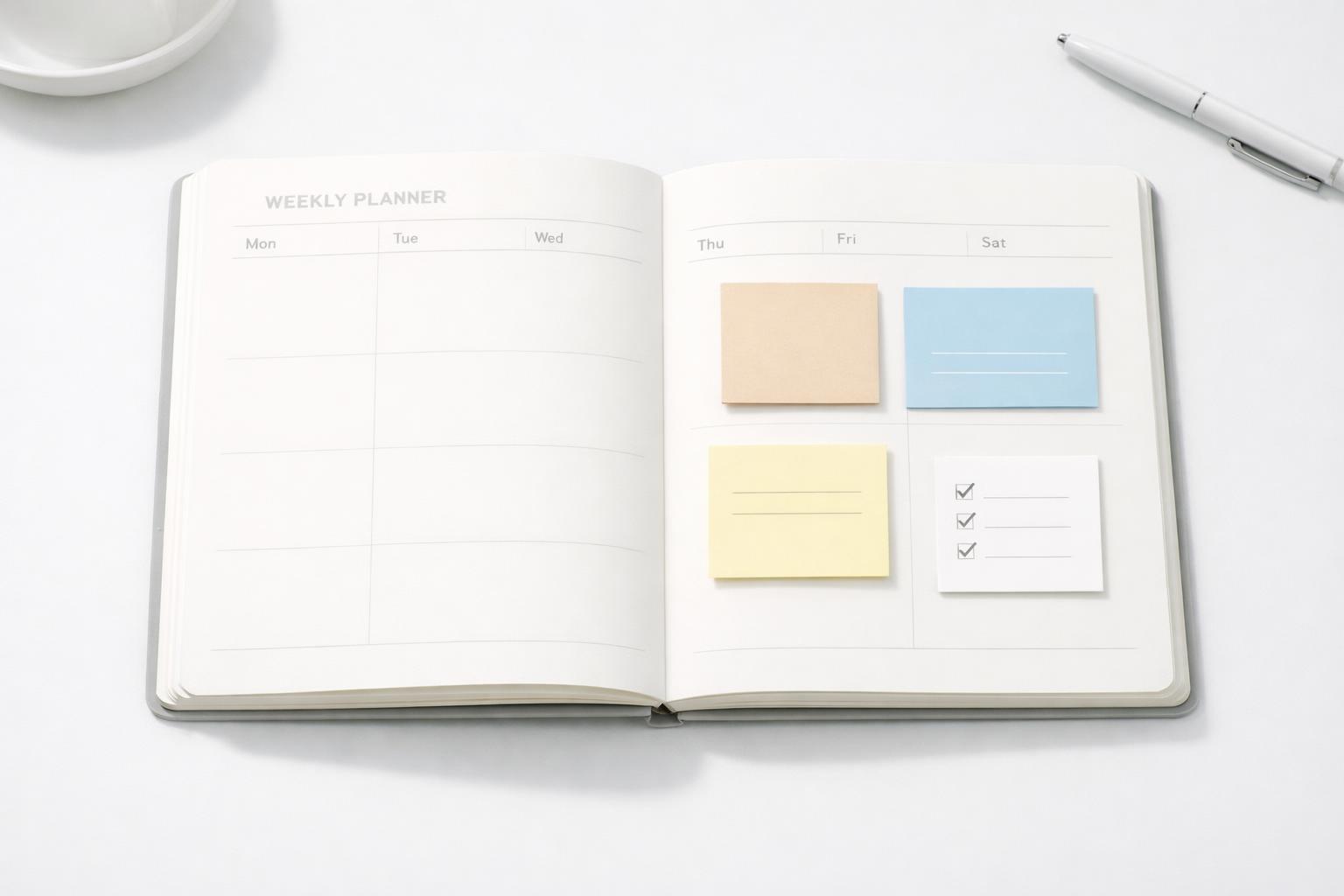
Quick answer: Planning your week ahead reduces overload because it turns a vague pile of obligations into a limited, visible set of commitments. Instead of deciding reactively all day, you make key choices once: what matters this week, what can wait, where your time realistically goes, and which reminders need to exist before you forget them. That creates clarity, lowers mental friction, and makes it easier to follow through without carrying everything in your head.
TL;DR
- Weekly planning reduces mental clutter by moving tasks, appointments, and loose concerns into one trusted view instead of leaving them scattered across memory, messages, and notes.
- It improves clarity because you choose priorities in context: deadlines, energy, life areas, and available time for the next seven days.
- It reduces overload by forcing realistic limits. A good weekly plan is not a wish list; it is a decision about what you will actively carry this week.
- A short weekly review works best when paired with daily adjustments, not treated as a rigid schedule. Weekly planning sets direction; daily planning handles reality.
Why weekly planning creates clarity in the first place
Most overload is not caused by having tasks. It is caused by uncertainty about tasks. You know there are things to do, but you do not know what is most important, what is already covered, what is at risk, or what can safely wait. Weekly planning helps because it converts that uncertainty into decisions.
A weekly review and planning session gives your priorities visibility in your task list or calendar, which helps you get out of reactive mode and align daily work with larger goals (A field experiment on the effects of weekly planning behaviour...). That matters because a lot of day-to-day stress comes from constantly renegotiating priorities in the moment. If every morning starts with “What should I do first?” you pay a decision cost before real work even begins.
There is also research support for the value of weekly planning behavior. A field experiment on weekly planning found positive effects related to work engagement, unfinished tasks, rumination, and cognitive flexibility (A field experiment on the effects of weekly planning behaviour...). You do not need to overstate that result to make it useful. The practical takeaway is simple: a structured planning habit can improve how people feel about their workload, not just how much they complete.
Clarity also improves when you plan across life areas, not just work. A week rarely falls apart because of work alone. Health appointments, family obligations, errands, finances, personal admin, and recovery all compete for the same limited attention. If your system only tracks “tasks,” it can hide the real shape of your week. Seeing responsibilities by area helps you make tradeoffs earlier, before everything feels urgent (Council Post: Why You Should Always Plan Your Week Ahead).
How weekly planning reduces mental overload
Mental overload often looks like too much work, but it is usually a mix of three problems: too many open loops, too many hidden commitments, and too many decisions deferred until later. Weekly planning addresses all three.
First, it closes open loops. When you gather tasks from email, notes, chat apps, your calendar, and your own memory into one place, you stop trying to remember everything manually. That alone can reduce the low-grade anxiety of “don’t forget this.” The point is not to instantly finish all those tasks. The point is to stop mentally rehearsing them.
Second, it exposes hidden commitments. A week can look manageable until you notice two meetings, a dentist appointment, a parent-teacher call, a deadline, and a recurring workout schedule all landing in the same three days. Weekly planning makes that visible early enough to adjust. You can defer lower-value tasks, move prep work earlier, or protect time for deep work before the week becomes chaotic.
Third, it reduces repeated decision-making. Without a weekly plan, small choices pile up: Which project first? Is this important? When will I do it? Should I say yes to this? Daily planning helps, but weekly planning handles those choices at a higher level. It gives you a framework before interruptions begin.
Many productivity systems describe the weekly review as a regular chance to reflect, get current, and plan ahead so daily actions stay connected to broader goals (The Weekly Review: A Productivity Ritual to Get More Done). That broader view is exactly what lowers overload. You stop treating every incoming task as equal. Some things become scheduled. Some become next actions. Some become “not this week.” That last category is underrated. Overload shrinks when you permit yourself not to carry everything now.
What a useful weekly plan actually includes
A good weekly plan is not a perfectly color-coded timetable. It is a realistic operating plan for the next seven days. For most people, it should answer five questions.
-
What matters most this week? Pick a small number of outcomes, not 23 priorities. These might be “submit proposal,” “book medical appointment,” “finish tax paperwork,” or “have two gym sessions.” If everything is important, nothing is clear.
-
What is already fixed? Review calendar events, deadlines, recurring responsibilities, and personal commitments. Weekly planning works because it starts from reality, not from hope.
-
What tasks support those priorities? Break important work into next actions. “Prepare presentation” is vague. “Draft outline,” “build slides,” and “rehearse for 20 minutes” are usable.
-
Where is the week overloaded? Look for days that are already too full. If Tuesday is packed, do not assign deep work that requires two uninterrupted hours unless you know where that time exists.
-
What needs reminders, follow-ups, or rescheduling? A weekly plan is stronger when it includes support actions: reminders to send invoices, check on a delayed reply, refill a prescription, or prepare for a meeting.
Example: Before and after prioritization
Here is what overload looks like before weekly planning:
- Finish proposal
- Reply to 18 emails
- Book dentist
- Prep Thursday client meeting
- Buy groceries
- Restart workout routine
- Review budget
- Fix slide deck
- Follow up on invoice
- Call parents
- Clean apartment
- Read strategy doc
- Plan team 1:1s
Nothing is wrong with this list, but it gives you no guidance. Work, personal admin, health, and relationships all compete at the same level, so everything feels equally urgent.
A clearer weekly plan might look like this:
Top outcomes for the week - Submit proposal by Thursday - Be prepared for Thursday client meeting - Handle critical personal admin: dentist + invoice follow-up - Protect two workouts
Fixed commitments - Tue 2 pm team meeting - Thu 11 am client meeting - Fri 4 pm budget review
Next actions - Mon: draft proposal outline; book dentist - Tue: build proposal slides; follow up on invoice - Wed: rehearse client meeting; buy groceries - Thu: submit proposal; attend client meeting - Fri: budget review; workout - Sat: workout; call parents
Deferred or optional - Clean apartment - Read strategy doc - Full email inbox cleanup
The difference is not doing less in life overall. It is deciding what this week is actually for.
Some planning apps and systems explicitly combine weekly task planning with prioritization, daily task setting, and focused work methods like Pomodoro (Deep Habits: Plan Your Week in Advance - Cal Newport). That combination makes sense because planning alone is not enough. The plan needs execution support.
If you use one system across work and personal life, this process becomes much easier. Instead of maintaining separate mental lists for projects, household admin, health, finances, and relationships, you can see the full week in one place. That is especially valuable for busy people whose stress comes from context switching rather than from any single category of work.
A simple weekly planning method that does not become another chore
The best weekly planning routine is short enough to repeat. If it feels like a ceremony, you will skip it when life gets busy, which is exactly when you need it most. A practical routine usually takes 20 to 30 minutes.
Here is a simple version:
-
Empty your head Capture everything you are holding mentally: tasks, errands, ideas, follow-ups, deadlines, things you are worried about. Do not organize yet. Just get it out.
-
Review your calendar Check the past week for anything unfinished and the coming week for commitments, meetings, travel, and deadlines. This creates a realistic time frame for planning.
-
Review your task list by project or life area Look at work, health, home, finances, relationships, study, and personal goals. This prevents one loud area from drowning out the others.
-
Choose your weekly priorities Pick three to five meaningful outcomes. More than that is usually optimism pretending to be discipline.
-
Assign next actions and rough timing Decide what the next step is for each priority and where it can fit. You do not need to schedule every minute. Just identify likely windows.
-
Add reminders and remove excess Set follow-up reminders, defer what does not fit, and delete tasks that no longer matter. A weekly plan should make your list smaller and sharper.
This style of weekly review is consistent with common productivity guidance: reflect on the previous week, identify what worked and what did not, and use that information to plan the next week more intentionally.
If you are a student or someone with recurring study blocks, weekly planning can also help distribute effort across subjects or projects rather than relying on last-minute cramming. The same principle applies to professional work: spreading preparation through the week is less stressful than compressing it into one panicked afternoon.
How to avoid the mistakes that make weekly planning feel useless
Weekly planning can fail, but usually for predictable reasons.
The first mistake is making a fantasy plan. If you schedule 40 hours of focused task work into a week already filled with meetings, commuting, appointments, and family obligations, the plan will collapse by Tuesday. A weekly plan should reflect available capacity, not ideal ambition.
The second mistake is planning only work. This creates false clarity. You may think the week is under control because your project list looks neat, but if you ignored exercise, meals, pickup times, bills, and personal admin, the pressure has not gone away. It is just waiting off-screen.
The third mistake is over-scheduling. Some people respond to overload by assigning every task to an exact hour. That can backfire. When one meeting runs long, the entire plan breaks. It is often better to anchor fixed commitments, then assign only a few high-value work blocks and keep the rest flexible.
The fourth mistake is never revisiting the plan. Weekly planning is not meant to lock the week in place. It gives you a map, not a contract. Use it to make faster daily adjustments. If new information shows up, update the plan instead of abandoning it.
The fifth mistake is treating planning as separate from reflection. If you never ask what caused stress last week, you will keep rebuilding the same overloaded week. Reflection matters. Several weekly review frameworks emphasize reviewing what was completed, what slipped, and what should change next.
This is also where journaling can help. A short weekly note about energy, distractions, unfinished tasks, and patterns can reveal why you feel overloaded. Maybe the issue is not “too much to do” but too many fragmented contexts, too many uncaptured obligations, or too little protected focus time.
Making weekly planning easier with one trusted system
The main reason people stop weekly planning is not lack of belief. It is friction. Their inputs are scattered, their task list is stale, and the review takes too long. The answer is not more discipline. It is a simpler system.
A useful weekly planning setup should let you:
- Capture tasks quickly when they appear
- Organize them by project or life area
- See deadlines and calendar commitments together
- Mark priorities for the week
- Add reminders and recurring tasks
- Review progress without opening five different apps
That is where an integrated life-management system is better than a basic to-do list. When tasks live alongside reminders, projects, focus sessions, and reflection, weekly planning stops being a separate productivity exercise and becomes a maintenance habit.
For Apple users, this is especially important because a lot of weekly planning happens in motion: adding a thought on iPhone, checking your calendar on Mac, reviewing tasks before a meeting, or capturing something by voice while commuting. A native system reduces friction compared with juggling disconnected tools.
Malife is built around that broader view. Instead of organizing life as one long generic task list, it helps you manage work, health, finances, relationships, and personal responsibilities in one place. You can capture tasks, organize them by life area, use reminders and Kanban-style workflows, and reflect through journaling when a week feels heavier than it should. If your current setup makes weekly planning feel like administrative overhead, a more holistic system can make the habit stick.
Bottom line
Weekly planning improves clarity because it forces decisions before the noise of the week takes over. It reduces overload because you stop carrying every obligation in your head and start working from a realistic, visible plan. The habit does not need to be elaborate. A 20-minute review that captures open loops, checks your calendar, limits priorities, and adds a few reminders is enough to make the week feel lighter.
If your current system makes that hard, simplify the tool, not just the intention.
To make the habit stick, plan your week ahead in a system that keeps tasks, reminders, and context together so the review feels lighter than the week itself.
Related articles
- Why one system for everything helps busy professionals centralize your tasks: Explain the productivity benefit of consolidating scattered tasks into one system →
- 8 task app with context examples for 2026 →
- Getting started with a clear planning system for busy professionals →
- Getting started with a weekly task schedule for busy professionals: Beginner-friendly setup for recurring tasks and weekly planning →