
Why voice capture turns notes into tasks for busy professionals
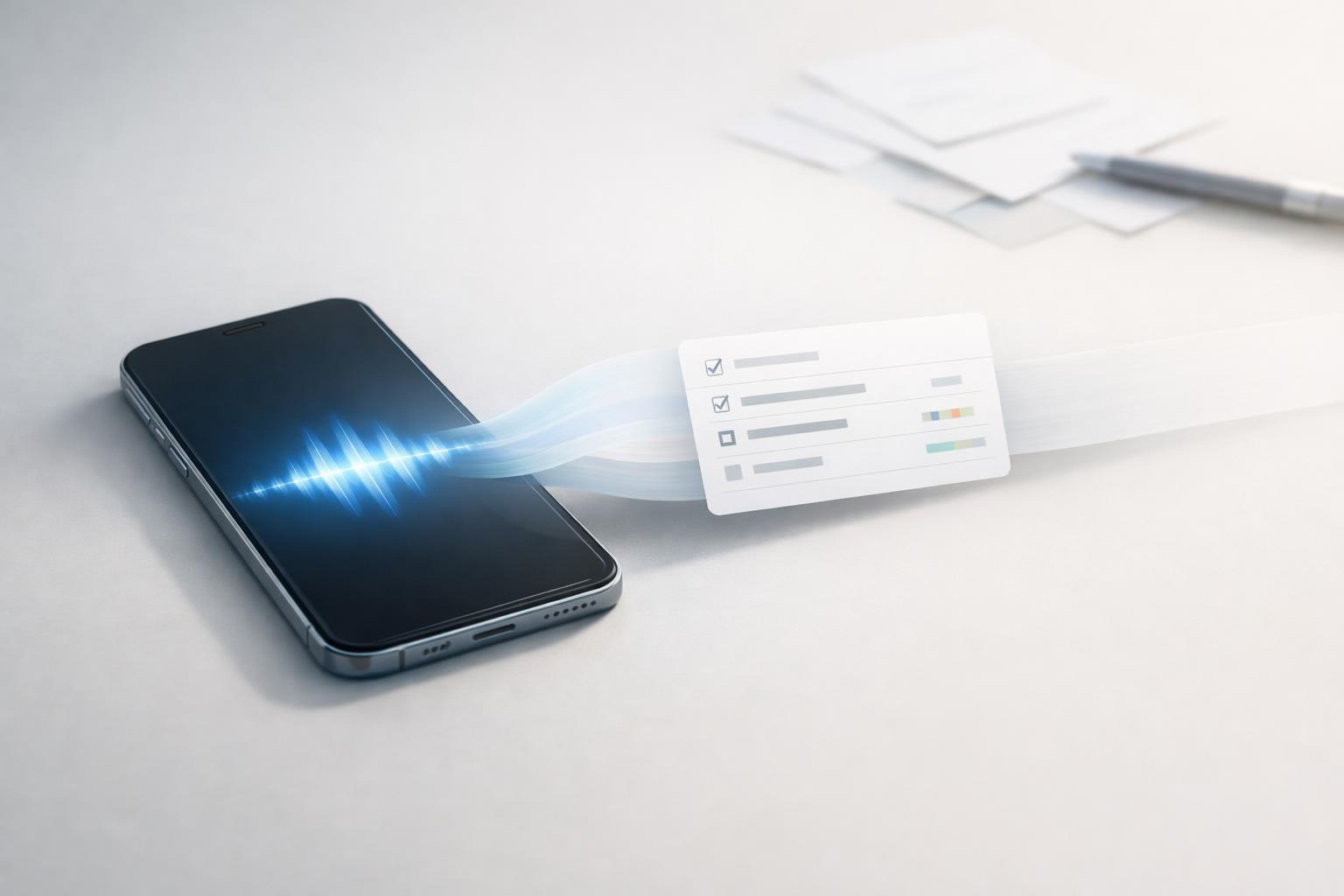
Voice capture is most useful when it helps you turn notes into tasks with context, not just a transcript or audio file.
Quick answer: Voice capture helps busy professionals turn fleeting thoughts into usable tasks before they disappear. The real advantage is not just speed. It is reducing the gap between “I need to remember this” and “this is now scheduled, categorized, and actionable.” When voice input is converted into structured tasks instead of stored as raw notes, you spend less time reprocessing your brain dump later and less mental energy trying to remember what mattered.
TL;DR
- Voice capture is most useful when it creates a task with context, not just a transcript or audio file.
- Busy professionals benefit because spoken capture works during transitions: walking, commuting, leaving meetings, or switching between roles.
- The value comes from reducing task-switching friction and memory load, both of which can hurt focus and follow-through.
- A good system should turn speech into the right action: task, reminder, project note, or journal entry, with timing and category attached where possible.
Why not just keep a voice note?
A plain voice note solves only the first half of the problem: capture. It does not solve organization, prioritization, or follow-through.
That is why many professionals end up with dozens of disconnected notes, inboxes, and recordings. The thought is preserved, but it is not operational. Later, you still need to listen again, decide what matters, rewrite it as a task, add a due date, and put it in the right project. That second pass is where many captured ideas quietly die.
Task systems work better when they hold structured action items rather than vague memory prompts. Large platforms have moved in this direction for years. Google Assistant can create and manage tasks by voice (Set & manage Google Tasks with Google Assistant - Android - Google Assistant Help). Apple Reminders supports reminders with subtasks, attachments, and alerts based on time and location (Use Reminders on your iPhone, iPad, or iPod touch - Apple Support). Microsoft also lets users turn notes in OneNote into Outlook tasks with reminders (Create Outlook tasks in OneNote | Microsoft Support). Even Google Keep reminders are being migrated into Google Tasks, which is a sign that reminder-like notes increasingly belong in task systems rather than isolated note silos (Learn about Google Keep reminders in Google Tasks - Google Tasks Help).
For a busy professional, that distinction matters. A note says, “Remember to send contract.” A task says, “Send contract to Maya tomorrow at 10 a.m. Under client admin.” One is stored information. The other is a commitment your system can help you complete.
Why voice capture is especially useful when your day is fragmented
Most people do not forget responsibilities because they are careless. They forget because ideas arrive at the wrong time.
You remember a follow-up while driving. You think of a personal errand after a work call. A project risk pops into your head while walking into the gym. These are high-friction moments for typing. If the capture method is too slow, awkward, or buried inside an app, you postpone it. Postponed capture is usually lost capture.
Voice is powerful because it works during transitions and low-key movement. A hands-free voice interface can improve accessibility and support data entry when keyboard use is inconvenient (Voice-based user interface for hands-free data entry and automation at workplaces - PMC). That sounds obvious, but it matters more than it seems. The best task systems fit the moments when your attention is already under pressure.
There is also a focus benefit. Switching between tasks carries cognitive costs, including the mental work of changing goals and rules . If you have to unlock your phone, open the right app, type a note, decide where it belongs, and then return to what you were doing, the capture process itself becomes another interruption. Voice shortens that loop.
This is why voice capture often works better for professionals with mixed responsibilities than for people with highly repetitive routines (Scaling Context-Aware Task Assistants that Learn from Demonstration and Adapt through Mixed-Initiative Dialogue | Proceedings of the 38th Annual ACM Symposium on User Interface Software and Technology). Founders, managers, freelancers, and students move between domains all day: work, admin, home, health, errands, relationships. Speech lets them capture across all of those areas without demanding a full planning session each time.
The key is that the system should absorb the messiness of real life. You speak naturally. The app should do the sorting.
What turns spoken notes into actual tasks
Not all voice capture is equal. Many tools can transcribe speech. Fewer can turn that speech into something truly actionable.
The useful jump happens when the system can identify the core intent of what you said. In practice, that usually means detecting some combination of:
-
The action “Email,” “book,” “call,” “review,” “pick up.”
-
The object “Quarterly report,” “dentist appointment,” “groceries,” “lease renewal.”
-
The timing “Tomorrow morning,” “Friday,” “every month,” “after the meeting.”
-
The context Work, client, family, health, finance, school, home.
-
The urgency or next step Is this something to do now, defer, schedule, or just keep as reference?
For example, “Remind me to send the revised budget to Elena after lunch” should ideally become a task with a due time window and a work-related category, not a generic note titled “revised budget Elena after lunch.”
This matters because a raw transcript still leaves interpretation work for later. Interpretation is expensive. It requires you to revisit your own words and rebuild the meaning. By contrast, a parsed task reduces rework.
Research on context-aware task assistants points in the same direction: voice systems become more useful when they can handle mixed-initiative dialogue and adapt based on context rather than just record a command. In plain English, a smarter system can ask for missing details or infer where the task belongs.
For busy professionals, the payoff is simple: less inbox rot. Instead of building a pile of things to process later, you create ready-to-use commitments the first time.
What a good voice-to-task workflow looks like in real life
The best workflow is not “capture everything by voice.” It is “use voice when speed and timing matter, then review in a lightweight way.”
A practical setup usually looks like this:
Capture fast in the moment
Use voice when typing is awkward or when the thought is likely to vanish. Good examples:
- Leaving a meeting: “Follow up with legal on clause 4 by Thursday.”
- Walking between appointments: “Book annual checkup next week.”
- Driving or commuting: “Add ‘submit expense report’ to admin.”
- During home tasks: “Remind me to reorder dog food on Friday.”
This mirrors how mainstream assistants already support task and reminder creation by voice.
Convert to the right type of item
Not every spoken input should become the same thing. A strong system distinguishes among:
- Task: something you need to do
- Reminder: something time-sensitive
- Project note: useful information, but not yet actionable
- Journal entry: reflection, concern, idea, or pattern
That distinction is underrated. If every spoken thought becomes a task, your list gets bloated. If everything becomes a note, nothing gets done.
Sort by life area, not just date
Busy professionals rarely need one giant undifferentiated list. They need to know whether an item belongs to work, health, home, finances, or relationships. This matters because context affects when and how you act.
A life-area structure is often more useful than a single inbox because it reflects how responsibilities actually compete for attention. You can see that your week is not just “busy,” but specifically overloaded in client work and under-supported in personal admin.
Review briefly, not endlessly
Voice capture works only if review stays light. Ideally, you do a short pass once or twice a day to clarify anything ambiguous, assign dates where needed, and decide what deserves focus next. The review should be measured in minutes, not another full planning block.
That is the difference between a trusted system and a recording graveyard.
Quick answer: A simple iPhone and Mac setup that actually works
If you want voice capture to stick, keep the setup boring and repeatable. On iPhone, make sure your task app is easy to open from the Home Screen, Lock Screen, Siri, or a widget if supported. On Mac, keep the app pinned in the Dock so you can capture immediately after calls. The goal is to remove taps, not add them.
Use a simple speaking pattern:
verb + object + time + context
Examples:
- “Email Nora the revised deck tomorrow at 9 a.m. In Work.”
- “Remind me Friday to pay the electric bill in Finance.”
- “Book dentist appointment next week in Health.”
- “Add a note to Client Alpha: legal wants clause 4 revised.”
A good parsed task should look more like:
| Spoken input | Good result |
|---|---|
| “Follow up with Sam about renewal next Tuesday” | Task: Follow up with Sam about renewal; Due: next Tuesday; Area: Work |
| “Pick up prescription after work” | Task: Pick up prescription; Time: after work; Area: Health |
| “Need ideas for Q4 offsite” | Note or project note, not a task |
When choosing a voice-to-task app, look for four basics: fast capture, reliable parsing, easy editing, and clear privacy controls for recordings/transcripts. Voice is worth using when you are moving, switching contexts, or likely to forget. It is usually not worth using when you are already at your desk, entering sensitive details aloud, or doing complex planning that needs a keyboard and screen.
Where voice capture breaks down, and how to avoid the common mistakes
Voice capture is useful, but it is not magic. It fails in predictable ways.
The first problem is over-capture. When people discover frictionless input, they often capture too much. Every idea becomes an item. That creates noise instead of clarity. A spoken thought is not automatically a commitment.
The second problem is ambiguity. If you say, “Need to handle Sam thing next week,” the system can store it, but it cannot invent clarity. You still need a minimum level of specificity. Short commands are fine, but they should identify a real next action.
The third problem is misplaced trust in transcription alone. Speech-to-text can be accurate and still unhelpful. A perfect transcript of a vague thought is still vague.
The fourth problem is no review rhythm. If captured items are never revisited, voice simply shifts clutter from your head into your app.
A better approach is to use three filters:
- Actionable? If yes, make it a task.
- Time-bound? If yes, add a reminder or due date.
- Reflective or informational? If yes, keep it as a note or journal entry instead.
This matters because professionals do not only manage tasks. They manage commitments, ideas, and concerns. A good system respects those differences.
There is also an attention angle. Focus is already hard in environments full of interruptions. If your capture method creates more cleanup than it saves, it stops being productive. The point is to reduce friction without increasing backlog.
In other words, voice capture is best when it is selective, structured, and connected to a review habit.
Why this matters more than ever for professionals managing a whole life, not just work
Traditional productivity tools often assume a narrow use case: work tasks only, or project tasks only. But most people are not trying to manage one role. They are trying to manage a life.
That is why voice capture becomes more valuable when your system includes multiple life areas. The same person may need to remember a client deliverable, a medication refill, a school form, and a dinner reservation within the same hour. These are not “miscellaneous.” They are competing obligations with different contexts and stakes.
Voice helps because the capture moment does not care which life area the thought came from. You speak it once. The system should place it where it belongs.
This also reduces the common split between “professional productivity” and “personal admin.” In reality, they affect each other constantly. A forgotten personal obligation can derail a workday just as easily as a missed work follow-up can invade personal time.
That is why many people outgrow simple to-do lists. They do not just need a place to enter tasks. They need a system that can capture quickly, organize holistically, and help them act with less mental clutter.
For Apple users especially, the appeal of a native iPhone and Mac workflow is straightforward: capture on the device already in hand, review later on a larger screen, and keep responsibilities visible across the day. Apple’s own reminders ecosystem supports cross-device sync through iCloud. The broader lesson is the same regardless of app: capture should happen instantly, and planning should happen where you can think clearly.
Bottom line
Voice capture turns notes into tasks when it does more than record words. It needs to convert a passing thought into an actionable item with enough structure to be useful later. For busy professionals, that matters because the biggest productivity problem is often not lack of effort. It is losing track of responsibilities across a fragmented day.
If your current system leaves you with scattered notes and too much reprocessing, voice-to-task capture is worth adopting. The goal is simple: capture once, organize immediately, and review lightly.
Download the app.
In practice, turn notes into tasks is to standardise one workflow, define approval rules, and keep an audit trail from prompt to sign-off.