
Common weekly task schedule pitfalls for busy professionals
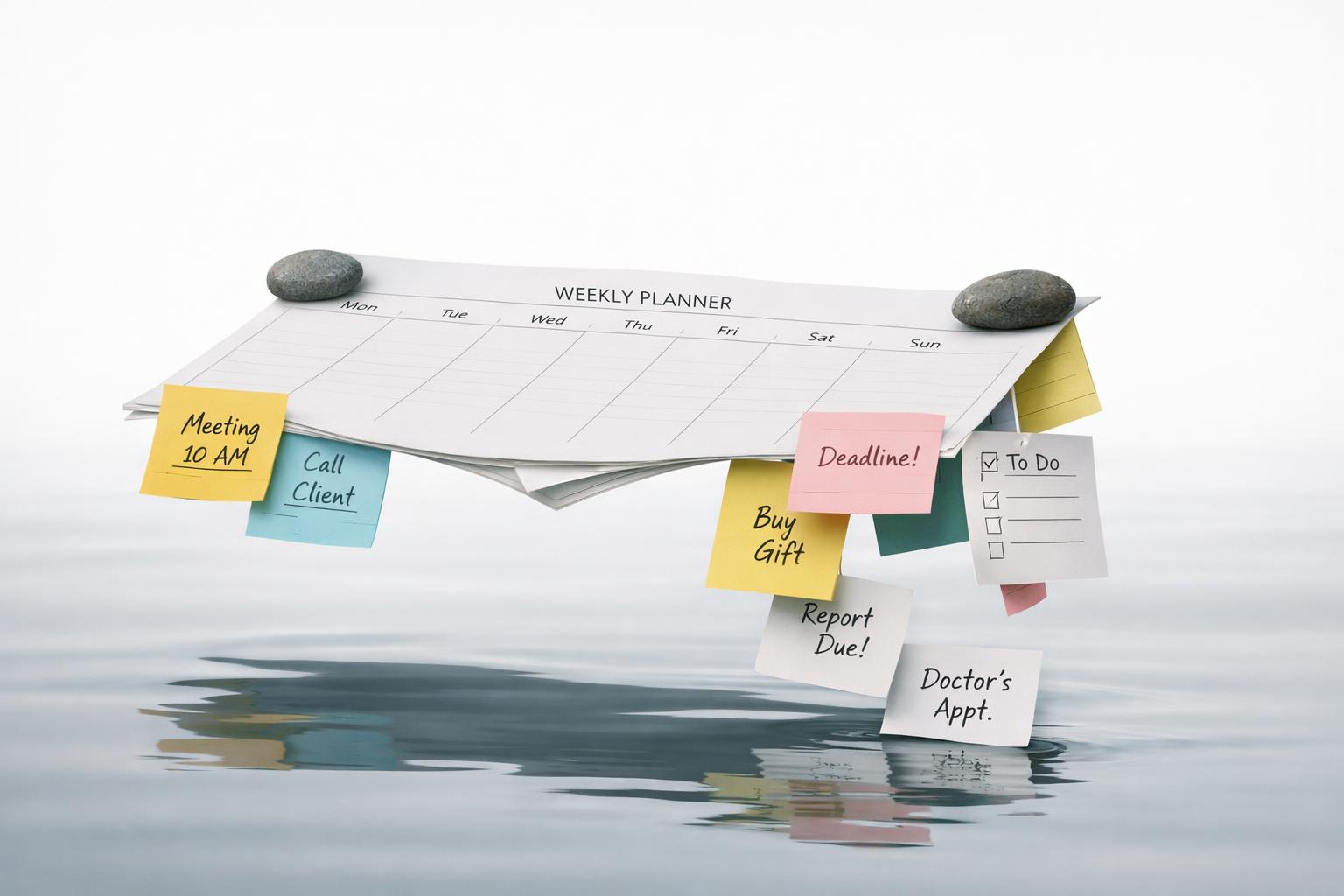
Quick answer: Most weekly schedules fail for busy professionals for the same few reasons: they confuse a task list with a realistic plan, overload certain days, ignore personal life admin, use too many dates and reminders, and leave no space for interruptions. A good weekly task schedule is not a perfect calendar. It is a flexible system that separates what must happen this week from what would be nice to finish, protects focus time, and connects work tasks with the rest of life so nothing important keeps living in your head.
TL;DR
- The biggest pitfall is planning by optimism: putting a full week of ambition into a calendar that only has limited usable time.
- Due dates, reminders, and recurring tasks help, but too many of them create noise and make truly important items easier to miss.
- Context switching has a real productivity cost, so a weekly plan should reduce unnecessary task hopping.
- The best weekly schedules include buffer time, personal responsibilities, and a short review process instead of relying on memory.
You planned the week, but not your actual capacity
This is the most common failure point. People schedule based on everything they want to get done, not the time and energy they actually have. On paper, the week looks organized. In reality, Monday gets blown up by meetings, Tuesday by urgent requests, and the rest of the week becomes catch-up.
The practical mistake is assuming all work hours are available for meaningful progress. They are not. Meetings, email, approvals, commuting, household logistics, and context switching all eat capacity. The American Psychological Association’s overview of multitasking notes that switching between tasks involves “goal shifting” and “rule activation,” which creates switching costs (Multitasking: Switching costs). That matters because a weekly schedule with too many fragmented tasks quietly reduces the time left for deep work.
A better approach is to plan in layers:
- List the 3 to 5 outcomes that would make the week successful.
- Estimate the real work blocks needed for each.
- Reserve fewer blocks than you think you can handle.
- Keep open space for the unplanned.
If you are calendar-heavy, you can put tasks directly into time slots, which Google Tasks supports through Calendar integration (Manage & assign tasks in other apps - Google Workspace Learning Center). That can help reveal overcommitment fast. But time-blocking only works if you leave white space. A fully packed weekly grid is usually a warning sign, not proof of discipline.
For busy professionals, “underplanning” the week often produces better follow-through than overplanning it.
You treat every task like it deserves a due date or reminder
Modern task apps make it easy to add dates, reminders, notes, subtasks, files, and recurrence rules. Microsoft To Do lets users add due dates and reminders to tasks, including “today,” “tomorrow,” and custom dates (Add due dates and reminders in Microsoft To Do | Microsoft Support). Apple Reminders supports subtasks, attachments, and alerts based on time and location (Use Reminders on your iPhone, iPad, or iPod touch - Apple Support). Outlook on the web also lets users add steps, reminders, due dates, files, and notes to tasks (Use Microsoft To Do for tasks and reminders in Outlook on the web - Microsoft Support).
Those features are useful. The pitfall is using them on everything.
When every task has a due date, nothing really stands out. When every item triggers a reminder, you train yourself to swipe notifications away. When every repeating responsibility gets scheduled with equal urgency, your system starts to feel like a machine that nags you instead of helping you decide.
A more durable weekly schedule uses dates and reminders selectively:
- Due dates for true deadlines or commitments with consequences.
- Reminders for tasks that are easy to forget but important to trigger at the right moment.
- Recurring tasks for maintenance work that genuinely repeats.
- No date for backlog items that are not yet committed for this week.
This distinction matters because a weekly plan should help you choose, not just collect. If your task app has a planned or upcoming view, it can become cluttered fast when too many items are artificially dated. Microsoft specifically surfaces scheduled tasks in a Planned list. That is helpful only if the list reflects reality.
If your weekly schedule feels stressful before the week even starts, excess dates and reminders are often the reason.
You schedule work, but not the rest of your life
Busy professionals often keep a work planning system and a separate mental list for everything else: bills, workouts, family follow-ups, appointments, travel prep, forms, refills, car maintenance, gifts, admin, and personal goals. That split is one reason weekly schedules break. Your work plan may be clean, but your actual life is still crowded.
This matters because personal obligations compete for the same limited attention as work. A weekly schedule that ignores health, finances, relationships, and logistics is incomplete by design. The week will still contain those responsibilities; they will just arrive as interruptions.
A better weekly system includes life areas, not only projects. That does not mean turning your plan into a giant color-coded life dashboard. It means asking a few simple questions during your weekly review:
- What must happen at work this week?
- What must happen at home or in personal admin?
- Is there anything time-sensitive in health, money, or relationships?
- What am I likely to forget unless I capture it now?
This is where integrated reminders matter. Apple Reminders can sync across Apple devices through iCloud when enabled. That kind of cross-device visibility helps, but visibility alone is not enough. You still need one place where your week is shaped across contexts.
For many people, the fix is not “use more tools.” It is “stop making your brain do cross-system reconciliation.” If your weekly task schedule lives in one app, your calendar in another, and your personal follow-ups in your head, the plan will feel fragile all week.
The more responsibilities you carry, the more important it becomes to manage your week as a whole life system rather than a work-only sprint.
You underestimate capture problems and overestimate memory
A weekly schedule is only as good as what makes it into the system. One major pitfall is assuming you will remember tasks later: the email to answer, the idea from a meeting, the errand during your commute, the follow-up that comes to mind while walking the dog.
That assumption breaks down quickly for busy professionals because tasks appear in motion, not just during planning time. Google Workspace notes that users can drag an email into Tasks so it becomes a task in a list, then add details and recurring or one-time reminders. This matters because the best systems lower the friction between incoming responsibility and captured action.
Voice capture can help too, especially when your hands are busy or when an idea appears between meetings. But it is not magic. Google’s Gemini task capture examples show that users can ask for reminders and tasks in natural language, while also warning that Gemini can hallucinate or provide outdated information (Capture your tasks & reminders with Gemini Apps - Android - Gemini Apps Help). The lesson is practical: voice is great for fast capture, but important tasks still need a quick review so dates, names, and intent are correct.
The pitfall here is twofold:
- Capturing too little, so things leak out of your week;
- Capturing too much, with no cleanup, so your list becomes a junk drawer.
The fix is a short daily reset and a weekly review. During the day, capture quickly with as little friction as possible. Later, convert rough inputs into clean tasks: one action, one owner, one next step, one timing decision.
A weekly schedule should not depend on memory. It should depend on reliable capture plus regular clarification.
You build a schedule that looks disciplined but creates constant switching
Some weekly schedules fail because they are too granular. You break the week into dozens of tiny tasks, scatter them across days, and end up touching many things without meaningfully finishing any of them. It feels productive because you stay busy. It often is not.
Task switching has a cost (Multi-Agent Voice Assistants: An Investigation of User Experience). That cost gets worse when your week mixes shallow admin, creative work, reactive communication, and personal errands in a tightly interleaved way. The result is attention residue, slower restart time, and a constant sense of partial progress.
This is one reason many professionals do better with grouped work blocks than with a long, flat task list. Harvard Business Review has discussed alternatives to standard to-do methods, including scheduling tasks into the day rather than simply listing them. Whether or not you fully time-block, the broader principle is sound: your weekly schedule should make focus easier, not harder.
A useful weekly structure often looks like this:
- Anchor blocks for the week’s most important progress work
- Admin blocks for email, approvals, and small tasks
- Maintenance blocks for recurring responsibilities
- Buffer blocks for spillover and surprise work
This is also where recurring-task apps and weekly-goal tracking can help frame maintenance work without making it dominate the week. The key is not the app category. It is reducing unnecessary choice in the moment.
If your weekly schedule forces you to decide what to do every 20 minutes, it is not reducing cognitive load. It is adding to it.
A practical weekly schedule that avoids these pitfalls
Here is a simple model that works better for busy professionals than an overloaded, date-heavy plan.
Step 1: Define the week in outcomes, not just tasks. Pick a small number of meaningful results. “Finish client proposal” is better than “work on proposal” five times.
Step 2: Separate commitments from possibilities. Create two groups: - Must happen this week; - Could happen if time allows.
This alone reduces guilt and fake urgency.
Step 3: Add only the right timing. Use due dates for real deadlines, reminders for true trigger moments, and leave the rest undated until committed. Most major task systems support flexible due dates and reminders.
Step 4: Plan across life areas. Review work, personal admin, health, finances, and relationship follow-ups together. A weekly schedule that ignores personal obligations is incomplete.
Step 5: Protect focus with fewer, larger blocks. Batch similar tasks. Put your most cognitively demanding work where your energy is strongest. Leave recovery time after meetings-heavy periods.
Step 6: Add visible buffer. Assume at least one day will not go to plan. If the week has no Slack, the schedule is brittle. In practice, many busy professionals do better when they leave roughly 20% of their working time unscheduled for spillover, approvals, and interruptions. If your job is highly reactive, the buffer may need to be larger.
Step 7: Review daily, reset weekly. Each day, ask: What changed? What still matters? At week’s end, close loops, move unfinished tasks intentionally, and notice patterns instead of just carrying everything forward.
One realistic weekly schedule example
A client-facing marketing manager might choose these weekly outcomes: submit the Q3 campaign brief, finish 1:1s with four direct reports, send the monthly budget update, and book a dentist appointment. Their task buckets are: deep work, meetings, admin, personal admin, and buffer. A realistic week could include two 90-minute deep-work blocks on Monday and Wednesday, a 60-minute admin block each day, one 2-hour Friday buffer block, and 30 minutes for personal admin on Tuesday or Thursday. That keeps the week outcome-based instead of turning every small task into a dated emergency.
If Wednesday gets disrupted by an urgent boss request or client issue, the recovery move is not “work later and save everything.” It is: 1) protect true deadlines, 2) move one noncritical outcome to the “could happen” list, 3) use the Friday buffer for spillover, and 4) compress low-value admin instead of sacrificing all focus blocks. A founder or freelancer may need larger daily buffers because interruptions are less predictable, while an individual contributor with fewer meetings may be able to protect longer anchor blocks. The rule stays the same: weekly outcomes should be few enough that a disrupted day does not break the whole plan.
For Apple users, this system works best when tasks, reminders, calendar visibility, and quick capture are connected instead of spread across disconnected tools. That is the difference between maintaining a list and running a life management system.
Bottom line
A weekly task schedule fails when it is too optimistic, too fragmented, too date-heavy, or too disconnected from real life. The fix is not a more complicated productivity system. It is a more honest one: fewer commitments, clearer priorities, selective reminders, protected focus time, and one place to manage both work and personal responsibilities.
If your current setup gives you a lot of notifications but not much clarity, rebuild the week around capacity and context. If you want one Apple-native place to organize tasks, reminders, projects, focus, and life areas together, download the app.
Related articles
- Getting started with a weekly task schedule for busy professionals: Beginner-friendly setup for recurring tasks and weekly planning →
- 10 weekly planning tools for busy professionals to organize work, health, and life areas in 2026 →
- How plan your week ahead improves clarity and reduces overload →
- Getting started with time-aware task planning for beginners →