
The definitive guide to create actionable tasks for busy professionals
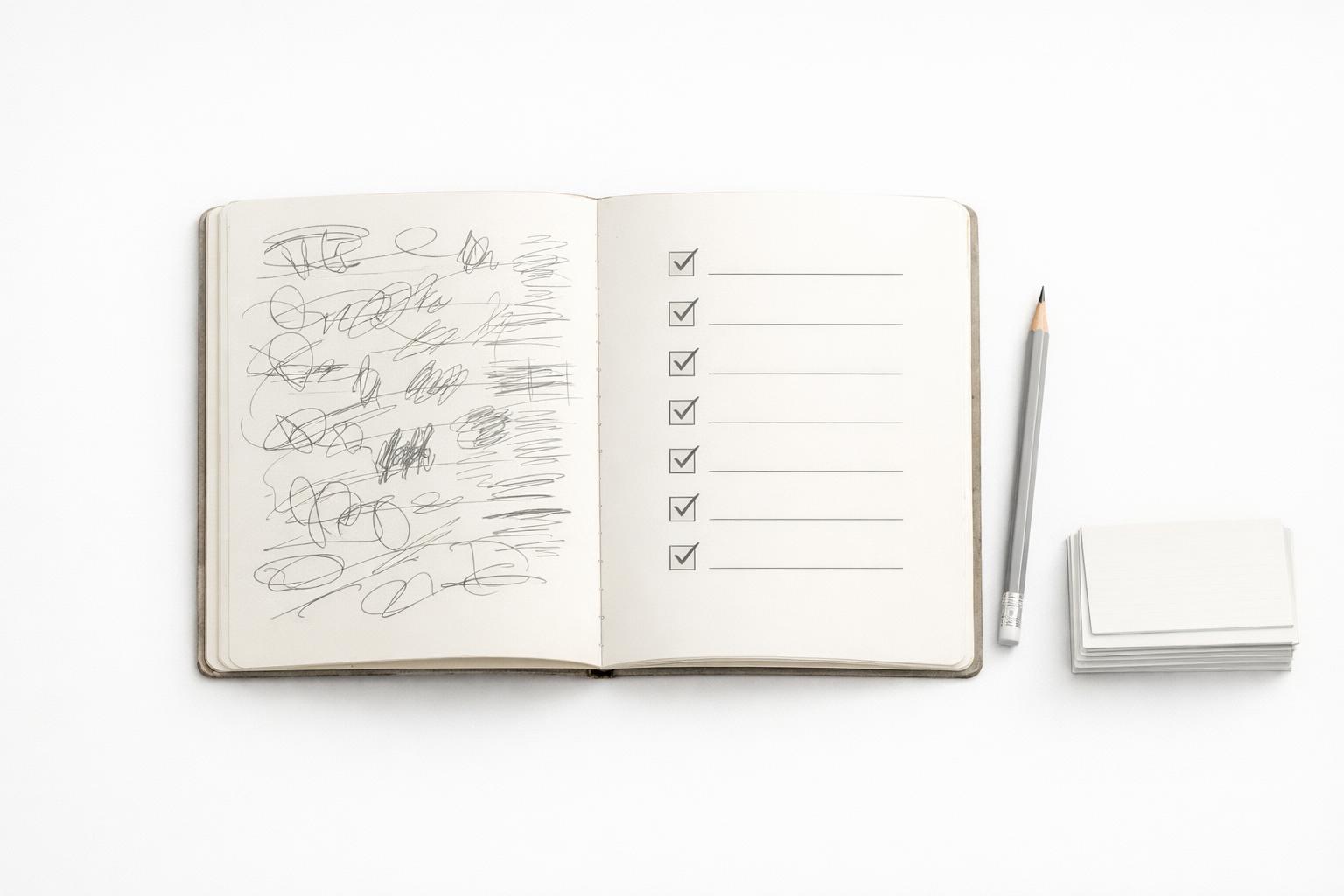
To create actionable tasks, the key is to turn vague intentions into concrete next steps that are easy to understand and even easier to start.
Quick answer: Actionable tasks are specific, visible next steps you can do without further thinking. For busy professionals, that means each task should answer five things at a glance: what to do, where it happens, how big it is, when it matters, and what the very next move is. If a task still feels fuzzy, it is not ready. The goal is not to capture everything perfectly. It is to reduce hesitation, lower switching costs, and make starting easy when your day gets crowded.
TL;DR
- Write tasks as concrete next actions, not projects, goals, or topics.
- Add just enough context: due date, reminder, location/tool, and estimated effort when useful.
- Break anything that feels heavy into smaller steps; large vague tasks are harder to start.
- Use voice capture for speed, but review and clean tasks before trusting your system.
- Organize tasks by life area or project so work, health, finances, and personal responsibilities compete less chaotically.
Why most task lists fail busy professionals
Most task lists fail for a simple reason: they contain intentions, not actions. “Budget,” “Q3 planning,” “doctor,” and “website” are not tasks. They are categories of work that still require interpretation. When you look at them later, your brain has to decide what they mean, where to begin, and whether now is the right time. That hidden thinking creates friction (Automate daily routines & tasks with Google Assistant - Android - Google Assistant Help).
For busy professionals, friction is expensive. A useful task system should reduce the number of decisions required in the moment, especially when you are tired, interrupted, or moving between work and personal responsibilities. Switching between tasks has cognitive costs because your brain has to shift goals and activate the rules for the new activity. If your list is vague, every item increases that switching burden.
The second failure is mixing levels. Goals, projects, reference notes, reminders, errands, and next actions often live in one long list. That creates false urgency and makes review harder. “Launch client proposal” belongs at the project level. “Draft pricing section for Acme proposal” belongs at the task level. When those levels blur, you either procrastinate or overplan.
The third failure is lack of context. A task like “Email Sam” is better than “Sam,” but still incomplete if you do not know what the email is about, whether it is urgent, or whether you need information first. Good tasks preserve enough context that your future self can act immediately.
A working rule: if you need to pause and ask “What exactly do I mean by this?” the task is not actionable yet.
What makes a task truly actionable
An actionable task is the smallest meaningful step you can perform next without clarification. It does not need to be microscopic, but it should be executable.
The easiest test is this sentence: “I can do this now.” If you cannot, ask why. Usually the answer falls into one of five problems:
- It is a project, not a task.
- It is missing a verb.
- It is missing context.
- It depends on another step.
- It is too large for the time or energy you have.
A solid actionable task usually includes:
- A clear verb: “Draft,” “Call,” “Review,” “Book,” “Submit.”
- A specific object: “Draft onboarding email,” not “Draft email.”
- Relevant context: person, tool, place, or document.
- Timing if needed: due date for deadlines, reminder for time-sensitive follow-up.
- Appropriate size: something you can realistically complete in one sitting or intentionally pause.
This is where many reminder and task systems are useful. Outlook’s To Do, for example, supports due dates, reminders, notes, and smaller steps inside larger tasks. Those fields matter because not every task needs a deadline, but many need supporting detail.
Here is the difference in practice:
- Vague: “Taxes”
- Better: “Download 1099 forms from bank portal”
- Better with context: “Download 1099 forms from bank portal before Friday accountant call”
Another example:
- Vague: “Health”
- Better: “Book annual physical with Dr. Chen”
- Better with trigger: “Call Dr. Chen’s office at 8:30 AM Monday to book annual physical”
The right amount of detail is enough to remove ambiguity, not so much that writing the task becomes a project itself.
How to turn vague work into actionable next steps
Most people do not need a more advanced productivity philosophy. They need a repeatable conversion process from vague input to clear next action.
Use this five-step method whenever something lands in your head, inbox, or calendar.
1. Identify the outcome
Ask: what does “done” look like?
If you wrote “team offsite,” the outcome might be “venue booked and agenda sent.” If you wrote “retirement,” the outcome might be “increase monthly contribution by 2%.”
This separates projects from tasks immediately.
2. Find the next visible action
Ask: what is the first thing I can physically or digitally do?
Not “plan offsite.” Instead: - “List 3 possible venues in Notion” - “Email Ops for budget ceiling” - “Check conference room availability for Oct. 14”
The best next action is concrete and observable.
3. Break down anything heavy
If a task creates resistance, it is probably too big. Breaking larger work into smaller steps improves focus and productivity because it lowers activation energy and clarifies progress.
A practical size guideline: - Small tasks: 2–10 minutes - Standard tasks: 10–45 minutes - Deep work tasks: 45–90 minutes
You do not need exact estimates for everything, but size awareness helps you choose better during a packed day.
4. Add timing only when timing is real
Do not put due dates on everything. A due date should mean the task genuinely must be completed by then. Use reminders for prompts and follow-ups instead. This distinction keeps your list honest.
Examples: - Due date: “Submit expense report by Thursday 5 PM” - Reminder: “Remind me Tuesday 3 PM to follow up on invoice”
Digital assistants can help here. Google Assistant supports reminders like “Remind me to drink water every morning,” and Google task integrations can set, edit, and delete tasks by voice (Automate daily routines & tasks with Google Assistant - Android - Google Assistant Help).
5. Place the task in the right bucket
Tasks work better when they live in context: - Life area: work, health, finances, relationships, home - Project: client launch, hiring, tax filing - State: next, waiting, scheduled, someday
This matters because “Call insurance company” competes differently with “Prepare board deck” than with “Buy groceries.” A holistic system reflects your actual life, not just your job.
Lifehacker’s practical advice on vague goals points in the same direction: define milestones and convert them into actionable to-dos. That is useful because long-term goals become manageable only after they are translated into shorter visible steps.
How to build a task system that survives a busy week
Creating actionable tasks is only half the job. The other half is storing and reviewing them in a way that still works when life gets messy.
A durable task system for busy professionals needs four layers.
Capture fast
You need a low-friction way to dump inputs the moment they appear. That can be typing, quick add, or voice. Voice is especially useful when you are walking, driving, switching rooms, or in between meetings. Voice assistants now support tasks, reminders, timers, and routines across common consumer ecosystems. Research into LLM-powered smartphone assistants also suggests natural voice commands can be translated into actionable operations more flexibly than older command patterns.
But capture is not completion. Raw voice input often needs cleanup: dates, names, and ambiguity should be reviewed before the task enters your trusted list.
Clarify daily
At least once a day, process what you captured: - Delete junk - Turn notes into tasks - Split projects from actions - Add context, reminders, and due dates where needed
This keeps your system from becoming a digital junk drawer.
Review by life area and priority
Most people review only work tasks and ignore the rest until something breaks. That is how personal admin turns into stress. Review all major life areas: work, home, health, finances, relationships. A holistic review prevents silent obligations from piling up.
A simple weekly review can include: 1. What must happen this week? 2. What is waiting on someone else? 3. What requires a reminder? 4. Which tasks can be batched? 5. Which projects need a next action added?
Execute with focus, not heroics
Do not work from one endless list. Choose tasks based on time, energy, and context. If you have 15 minutes before a meeting, do a call or follow-up, not deep strategy work. If you have 90 quiet minutes, pick a meaningful single task and protect it (Manage tasks with To Do in Outlook | Microsoft Support).
This matters because interruptions and distraction reduce focus, and attention is easier to maintain when work is intentionally selected rather than reactively switched.
A Kanban-style view can help here: Next, In Progress, Waiting, Done. It limits the number of active tasks and makes stalled work visible without burying it.
A copyable workflow for busy professionals
If you want this guide to work in real life, use one simple operating rule: keep only 1–3 priority tasks active per day and 3–7 meaningful outcomes active per week. Everything else can stay captured, scheduled, or waiting. This reduces false urgency and makes prioritization easier when everything feels important.
Daily workflow 1. Capture: dump everything fast during the day. 2. Clarify: rewrite each item into a next action. 3. Prioritize: pick today’s top 1–3 tasks by deadline, consequence, and leverage. If two things feel equally urgent, do the one with bigger downside if missed or the one that unblocks others first. 4. Schedule: calendar-block deep work; leave smaller tasks for open pockets. 5. Execute: move only one task into In Progress at a time. 6. Review: end the day by updating waiting-fors, rescheduling loose ends, and writing tomorrow’s first task.
How to handle dependencies - If you cannot act until something else happens, mark it Waiting. - If a project has multiple steps, keep one visible next action and store the rest as subtasks or notes. - If a task is blocked by another task you own, do the blocker first.
Sample week/day - Weekly outcomes: send proposal, book dentist, submit expense report, plan Saturday family trip. - Monday top 3: draft pricing section, email client for missing data, upload receipts. - Tuesday: waiting on client reply, so switch deep-work block to proposal revision and set a Wednesday follow-up reminder. - Friday review: close done items, move stalled tasks to next week, and add the next action for every open project.
Practical examples of turning messy inputs into useful tasks
This is where the idea becomes usable. Below are common “busy professional” inputs and how to rewrite them.
| Messy input | Better actionable task |
|---|---|
| “Marketing” | Draft 3 headline options for September landing page |
| “Mom” | Call Mom Sunday at 4 PM about travel dates |
| “Budget” | Review July software subscriptions and flag cancellations |
| “Doctor” | Book dental cleaning through clinic app before Friday |
| “Hiring” | Write first draft of backend engineer job description |
| “Taxes” | Upload Q2 receipts to accountant folder |
| “Website” | Fix broken pricing page CTA on mobile |
| “Workout” | Pack gym clothes tonight and start 30-minute workout at 7 AM |
| “Follow up” | Email Jordan for contract signature if no reply by 2 PM Thursday |
Notice the pattern: each task includes an action, object, and often a trigger or context.
You can make this even more practical by using templates for recurring types of work:
- Follow-up: “Follow up with person about topic on date”
- Appointment: “Book appointment with provider by date”
- Admin: “Submit form/report before deadline”
- Deep work: “Draft/review/build specific output for project”
For recurring personal routines, automation can help. Google Assistant documentation shows users can create routines triggered by phrases or conditions, and those routines can bundle multiple actions. That is useful for repeated planning prompts like morning reviews or end-of-day shutdowns, though routine automation should support your task system, not replace clear task writing.
A final rule: if the task starts with “work on,” rewrite it. “Work on presentation” is usually code for “I have not decided the next step.” Replace it with “Draft slide 1–5 for investor presentation” or “Collect customer retention data for slide 7.”
Bottom line
If you want more follow-through, do not start by searching for a perfect productivity method. Start by improving the quality of your tasks. A good task removes ambiguity, shows the next visible action, and lives in the right context. For busy professionals, that is what makes a system trustworthy under pressure.
If your current list is full of projects, topics, and mental placeholders, fix those first. Then use a tool that lets you capture quickly, organize across life areas, and review consistently.
If you want one place to manage work and personal responsibilities with tasks, reminders, focus tools, and AI-assisted capture on iPhone and Mac, download the app.
If your current list is full of projects, topics, and mental placeholders, fix those first so you can create actionable tasks, then use a tool that lets you capture quickly, organize across life areas, and review consistently.
Related articles
- How to break procrastination into smaller steps for busy professionals using one life app: A buyer-focused how-to on turning procrastination into manageable actions inside a single life management system. →
- The definitive guide to a task app with context for busy professionals: Ultimate-guide positioning for a context-aware alternative to a simple to-do list. →
- Getting started with a daily capture habit for busy professionals: A beginner guide to building a reliable capture routine that reduces mental overload and improves follow-through. →
- 10-point task app with context checklist for busy professionals: Evaluate whether a context-aware task app is better than a simple to-do list →