
How a task board app improves focus and follow-through for busy professionals: Show how a task board supports execution and consistency
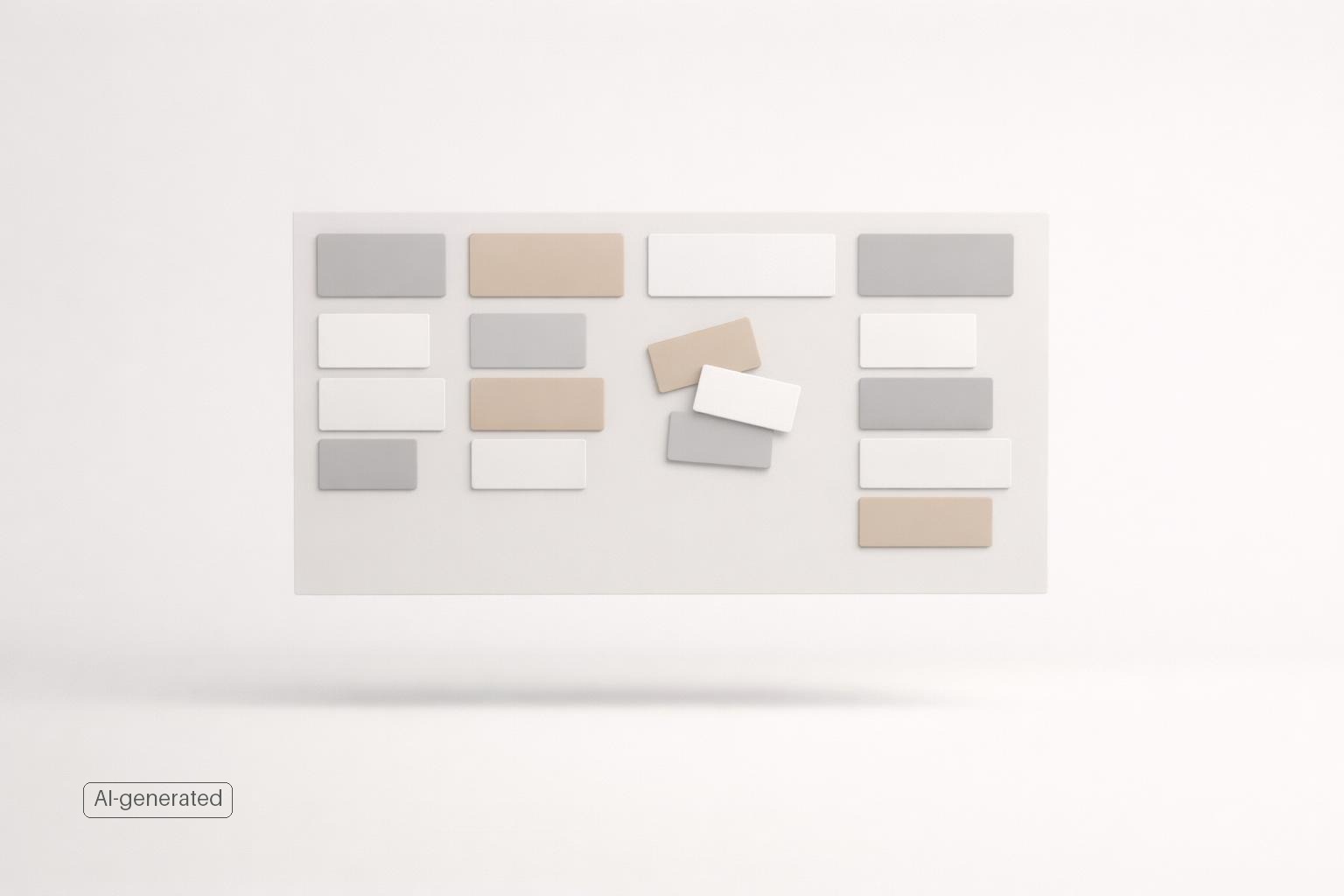
Quick answer: A task board app improves focus and follow-through by turning vague responsibility into visible next actions, limiting what you work on at one time, and making progress easy to see. For busy professionals, that matters because most follow-through problems are not about laziness; they come from overload, constant switching, and unclear priorities (Why New Personal Productivity Efforts Don’t Stick). A good board gives each task a place, each project a current status, and each day a smaller set of commitments you can actually finish. Used well, it becomes an execution system, not just a storage system.
TL;DR
- Task boards improve focus by showing only the work that matters now instead of one long undifferentiated list.
- They improve follow-through by giving tasks clear stages such as backlog, next, in progress, waiting, and done.
- The biggest benefit is not the board itself; it is the behavior the board supports: review, choose, limit, finish, repeat.
- Busy professionals get the most value when the board is simple, used across life areas, and paired with reminders, quick capture, and regular check-ins.
Why task boards help when to-do lists stop working
A plain to-do list is good at collecting tasks. It is often bad at helping you decide what to do next.
That difference is where task boards become useful. A board separates work into meaningful stages so you can see not just what exists, but what is actionable right now. Instead of staring at 47 items in one list, you see a small number of tasks in “Next” or “In progress.” That reduces ambiguity, which is one of the biggest hidden causes of procrastination.
This is also why boards help with consistency. A productivity system is not just an app; it is a set of behaviors repeated in a reliable order. If your board nudges you to capture tasks, sort them, choose a few, and complete them before pulling in more, you are more likely to keep moving even on messy weeks.
There is a cognitive reason this matters. Task switching has a cost (Until You Have Productivity Skills, Productivity Tools Are Useless). Psychologists describe switching as requiring “goal shifting” and “rule activation,” which means your brain spends effort reorienting every time you jump between tasks (Multitasking: Switching costs). A board cannot eliminate interruptions, but it can lower avoidable switching by making your current priority obvious.
Boards are also easier to learn than many people expect. Kanban-style workflows are widely used because they are visually simple and easy to understand ((PDF) On the benefits and challenges of using kanban in software engineering: a structured synthesis study). That simplicity is part of the appeal for busy professionals who do not want to maintain a complex project management system for personal execution.
How a task board improves focus day to day
The practical value of a task board comes from four small shifts in how you work.
First, it makes work visible. Invisible work creates stress because you are trying to remember commitments across email, notes, messages, and your own head. A board turns those obligations into objects you can review.
Second, it separates planning from doing. On a normal list, planning and execution blur together. You keep rescanning everything, reprioritizing in the moment, and losing momentum. On a board, you decide in advance what belongs in backlog, what is truly next.
Third, it encourages limits. This is one of the most important benefits. When you move three tasks into “In progress,” you can see immediately when you have overloaded yourself. That visual friction matters. It is much harder to pretend you are focused when your board shows seven half-started tasks.
Fourth, it provides closure. “Done” is not just cosmetic. It gives you a visible record of finished work, which helps motivation and makes follow-through easier to trust (How motivation for work improves follow-through on important tasks). You stop relying on memory to answer the question, “Am I making progress?”
A simple personal board often works better than an elaborate one. For example:
- Backlog
- Next
- In progress
- Waiting
- Done
That structure is enough for most professionals. “Backlog” stores ideas and obligations. “Next” is your realistic queue. “In progress” stays intentionally small. “Waiting” prevents stalled tasks from disappearing. “Done” gives you proof of completion.
This kind of flow is one reason boards have become common beyond software teams and project environments. Many consumer task apps now offer visual board workflows because people find them easier to act on than dense lists.
How task boards improve follow-through, not just organization
Organization is easy to overvalue. Plenty of people are highly organized and still fail to follow through.
What changes with a task board is that it can connect intention to action. That happens in a few concrete ways.
It forces the “what now?” decision
Most dropped commitments die in ambiguity. “Work on proposal” is not an executable task. On a board, that item tends to get clarified before it moves forward: “Draft opening section,” “Send budget questions,” or “Review client notes.” The board exposes vagueness because unclear tasks do not move.
It gives unfinished work a stable home
Follow-through often breaks because partially completed work gets buried. If something is blocked, delegated, or waiting on a reply, a board gives it a visible status instead of letting it vanish into a list. That is especially useful for professionals juggling clients, managers, family logistics, admin, and long-term goals at the same time.
It makes review easier
A board naturally supports short review rituals. You can scan your “Waiting” column for follow-ups, clear stale items from “In progress,” and refill “Next” without rethinking your whole life system each time. That lighter review load is one reason systems stick better.
It supports habit loops
If you use the same order repeatedly, the board starts reducing decision fatigue:
- Capture
- Sort
- Choose
- Focus
- Finish
- Review
That is the real mechanism behind consistency. Tools alone do not create productivity. Skills and habits matter first, with tools strengthening them. A task board helps because it gives those habits a durable structure.
What a busy professional’s task board should include
The best personal task board is not the most sophisticated one. It is the one you can trust quickly on a Tuesday afternoon when everything is competing for attention.
For most busy professionals, five elements matter.
1. Clear columns with plain meaning
Avoid clever statuses. Use names you understand instantly. If you need to stop and interpret your workflow, the board is too complicated.
2. Tasks linked to real life areas
A major weakness of many task systems is that they flatten everything into one stream. But work, health, finances, home admin, and relationships are not interchangeable. A board works better when tasks keep their context, so you can see whether one area is starving the others.
3. Fast capture
If adding tasks is slow, the system leaks. Voice capture can help here, especially when you are moving between meetings or commuting. But any AI-assisted capture still needs a quick review because voice systems can misunderstand or mis-structure tasks. Google’s own task help documentation warns that AI can hallucinate and that users should double-check tasks.
4. Reminders for time-sensitive follow-through
Not every task needs a deadline, but some absolutely need a prompt. A board is best for status and flow; reminders are best for “don’t forget this at 3 PM” or “follow up Friday.”
5. A way to focus on one current task
Boards are planning tools, but they become execution tools when paired with a focus mode or timer. When you can open one card and work from there, you reduce the temptation to keep browsing your own workload instead of doing it.
This is where a life-management app can be more useful than a basic task app. If your board sits alongside reminders, calendar visibility, journaling, and focus tools, it becomes easier to connect planning with the rest of your actual life instead of managing responsibilities in separate silos.
How to use a task board without creating another system to maintain
A board can absolutely become busywork if you overbuild it. The fix is restraint.
Start with one board for your full life, not separate systems for every role unless you truly need them. Use tags, life areas, or projects for context, but keep execution in one trusted place. The goal is fewer places to check.
Then follow a simple operating rhythm:
Daily, 5–10 minutes - Capture new tasks - Clear anything finished - Choose 1–3 items for “In progress” - Check “Waiting” for urgent follow-ups
Weekly, 20–30 minutes - Empty loose notes into the board - Delete stale tasks - Break vague projects into next actions - Rebalance across life areas - Reset “In progress” if it has become crowded
Two guardrails help most:
Keep “In progress” painfully small. If everything is active, nothing is. In practice, most people do well with a work-in-progress limit of 1 active deep-work task and at most 2–3 total items in “In progress,” including quick admin. Limiting work in progress is a core Kanban idea and one reason visual boards are useful for flow.
Do not use the board as an archive of wishes. If a task has sat untouched for months, either move it to a someday list or delete it. A bloated board stops improving focus because it turns back into a guilt display.
A realistic before-and-after example
Imagine a product manager named Maya. On Monday morning, her regular list says: “prepare QBR,” “reply to recruiter,” “book dentist,” “fix onboarding issue,” “follow up with design,” and “submit expense report.” It is all technically captured, but nothing tells her what to do first, what is blocked, or what she can realistically finish before lunch. She checks Slack, starts the QBR, jumps to the onboarding issue, then forgets the design follow-up until Friday.
With a board, Maya sorts the same workload into Next, In progress, and Waiting. She puts only two items into In progress: “Draft QBR outline” and “Submit expense report.” “Follow up with design” moves to Waiting after she sends the message. “Book dentist” stays in Next for her afternoon admin block. By 5 PM, she can see what finished, what is waiting on someone else, and what should be pulled next tomorrow. That is the follow-through advantage over a regular list: less rescanning, fewer half-started tasks, and a clearer handoff between today’s effort and tomorrow’s priorities. If your day is mostly fixed appointments, a calendar should still decide when work happens; the board works best as the layer that decides what is ready, active, blocked, or done.
If you are on Apple devices, a native iPhone and Mac setup also matters more than many people admit. The less friction there is to opening, capturing, and moving tasks, the more likely the board becomes part of your real routine instead of an app you “should” use.
For people who want one place to manage tasks across work and personal life, malife fits this approach well. It combines life-area planning, task boards, reminders, focus support, calendar visibility, and AI-powered capture in a native Apple experience. That means your board does not have to live separately from the rest of your follow-through system.
FAQ
Is a task board better than a regular to-do list? Usually for execution, yes. A list is better for raw capture; a board is better for seeing status, limiting active work, and deciding what to do next.
How many columns should a personal task board have? Usually four to six. More than that often adds friction without adding clarity.
Should every task have a due date on the board? No. Reserve due dates for truly time-bound commitments. If everything is due, nothing stands out.
What if my work changes too fast for a board? That is often when a board helps most. If priorities shift constantly, visible status and a small “In progress” lane keep changes from turning into chaos.
Can AI task capture replace manual review? No. It can speed up capture, especially by voice, but you should still verify what was created. Even major platforms warn that AI systems can make mistakes.
Bottom line
A task board app improves focus and follow-through because it reduces ambiguity, narrows attention, and gives unfinished work a reliable structure. For busy professionals, that is often the missing piece between “I know what matters” and “I consistently do it.”
If your current system is a crowded list, scattered notes, and too much mental tracking, a board is worth trying. Keep it simple, keep active work limited, and review it regularly. If you want one system that connects task boards with reminders, focus, life areas, and AI-powered capture on iPhone and Mac, download the app and see whether malife fits how you actually work.
Related articles
- Personal performance: The complete guide to better focus and follow-through →
- How turning speech into tasks improves follow-through for busy professionals →
- Best practices for an all in one life management app for busy professionals →
- How to plan next actions for busy professionals without overwhelm: A practical method for deciding what to do next with less mental load →