
How a timer for deep work affects task follow-through for busy professionals: Cause-and-effect framing for how focus timing improves execution consistency.
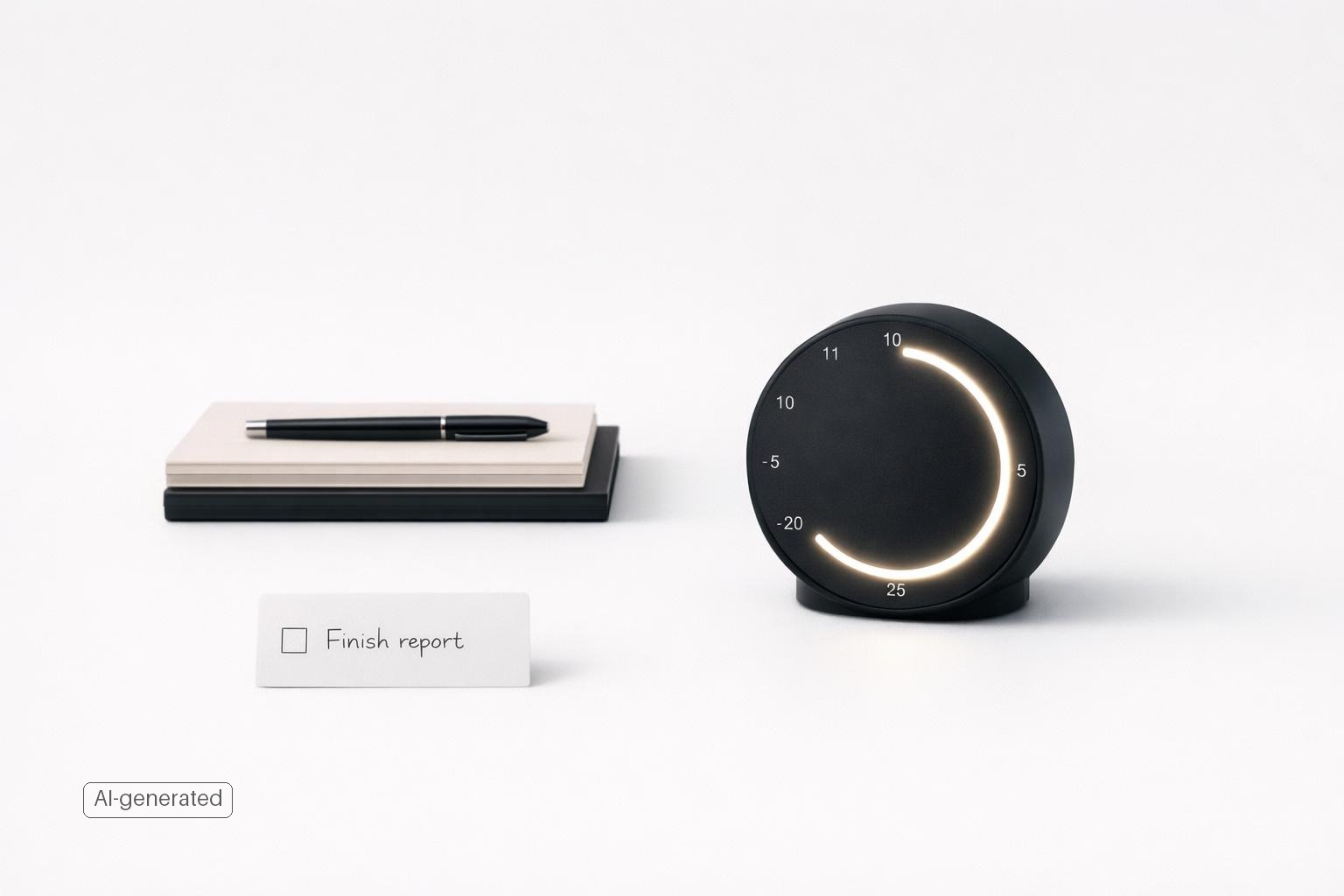
A timer for deep work turns vague intention into a protected block of attention, making the next task easier to start and easier to finish.
Quick answer: A deep work timer improves task follow-through because it turns vague intention into a bounded work commitment. Instead of asking, “Will I finish this whole task?” you ask, “Will I protect the next 25, 45, or 60 minutes for this one thing?” That reduces starting friction, limits task switching, creates a clear stopping point, and gives busy professionals repeatable evidence that they can make progress even on crowded days.
TL;DR
- A timer improves execution mostly by making the next action smaller and more concrete, not by making you work harder.
- The biggest cause-and-effect shift is reduced switching: one timer session means one task, which lowers the mental cost of bouncing around.
- Timed focus works best when attached to a defined outcome.
- Busy professionals usually get better follow-through from realistic, repeatable focus blocks than from ambitious all-day plans.
- If you already keep tasks, reminders, and life areas in one place, a timer becomes more effective because you spend less time deciding what to do next.
Why does a timer change follow-through at all?
Most follow-through problems do not start with laziness. They start with ambiguity, overload, and fragmentation. A professional may have 20 open loops, 8 messages to answer, and 3 high-stakes priorities with no clear place to begin. In that state, even important work feels hard to start.
A deep work timer changes the decision structure. It asks for a smaller commitment: focus on one defined task until the timer ends.
There is also a cognitive reason this helps. When people switch between tasks, they pay a mental cost to reorient, often described as switching costs (Multitasking: Switching costs). Busy professionals feel this as lost momentum: you open the spreadsheet, then Slack, then email, then your notes, and 40 minutes disappear.
This is why timeboxing and similar methods keep appearing in productivity advice: you decide in advance what you will work on and for how long, then focus on that one thing. The timer is the enforcement mechanism. It turns focus from a mood into a container.
The effect on follow-through is practical: fewer false starts, less context switching, and more completed work intervals. Over time, more tasks actually move.
What causes focus timing to improve execution consistency?
Execution consistency is not the same as occasional productivity. It means you can make progress repeatedly, even on ordinary days. A deep work timer helps because it creates a chain of reliable cause and effect.
First, it converts planning into a visible unit of action. “Work on marketing” is not actionable. “45 minutes to outline the launch email” is. Research and productivity frameworks around time blocking consistently point to the value of specific, concrete plans for improving follow-through (Time Blocking - Your Complete Guide to More Focused Work).
Second, it lowers emotional resistance. Large tasks carry uncertainty: how long will this take, where do I start, what if I get stuck? A timer softens all three concerns. You do not need the whole map, only the next block.
Third, it introduces a finish line. Many professionals resist starting because work expands indefinitely. Timed focus makes effort finite: “I only need to stay with this until the timer ends.”
Fourth, it builds evidence. Every completed focus block is proof that you can execute despite interruptions, low energy, or limited time. Consistency grows when your system lets you collect small wins.
Finally, it separates progress from urgency. Without a timer, your day defaults to whatever pings loudest. With a timer, you allocate attention before reactive work takes over.
This is why people who use a timer well often feel calmer. They are not relying on memory or mood. They are relying on a repeatable structure.
What kind of timer setup actually works for busy professionals?
The best timer setup is usually the one you will use on a Wednesday when you are tired, behind, and distracted.
For most busy professionals, three session lengths are enough:
- 25 minutes for starting, admin, or mentally heavy tasks you are resisting
- 45 minutes for substantial knowledge work
- 60 minutes for deeper work when you already have momentum
The popular Pomodoro pattern of 25 minutes on and 5 minutes off is widely recognized as a timer-based focus method (Why our attention spans are shrinking, with Gloria Mark, PhD). But the exact number matters less than the rule: one timer, one task, no switching unless something is truly urgent.
A useful setup has four parts:
- One clear target: not “project work,” but “revise slides 1–10.”
- A visible timer: phone, watch, desktop, or app.
- A capture method for distractions: write thoughts down instead of acting on them.
- A next-step decision at the end: continue, stop, or schedule the next block.
Quick answer: How to choose 25, 45, or 60 minutes and know if it is working
Use task type and interruption risk to choose the session length, then judge success by follow-through after two weeks rather than by one unusually good day.
| Session length | Best for | Avoid when | Reasonable result to expect |
|---|---|---|---|
| 25 min | Starting avoided tasks, inbox triage, follow-ups, meeting gaps | You need long setup time | More starts, less procrastination, easier daily consistency |
| 45 min | Writing, analysis, planning, slide work | Your day is broken into 15-minute fragments | Better task advancement per session without feeling overly long |
| 60 min | Deep drafting, problem-solving, complex review | You are interruption-prone or low-energy | Fewer but heavier work blocks if you can reliably protect them |
A simple rule: if you often get interrupted, default to 25; if you can usually protect one meaningful block, use 45; if you already have momentum and control over your calendar, test 60.
Voice tools can also reduce friction at the edges. Apple and Google both support voice-based timers and reminders, which makes it easier to start a session or capture a follow-up without breaking focus (Explore what you can do with Google smart speakers and displays - Google Home and Nest Help).
What usually does not work: constantly changing session lengths, tracking too many metrics, or using the timer as a guilt device. The point is to make execution easier.
When does a deep work timer fail to improve follow-through?
A timer is useful, but it is not a cure-all. If someone says “timers never work for me,” they are often describing a setup problem rather than a flaw in the idea.
The most common failure is attaching the timer to work that is still undefined. If the task says “strategy,” “budget,” or “fix website,” the timer will not rescue you. You still have to decide what “done for this session” means.
The second failure is choosing unrealistic durations. A 90-minute block sounds impressive; it is often too long for a fragmented day. If meetings, messages, and family responsibilities regularly interrupt you, shorter protected blocks may create more consistency.
The third failure is treating interruptions as proof the system is broken. Busy professionals rarely get perfect conditions. The goal is more protected attention than you would get by default.
The fourth failure is using a timer without a trusted task system. If your work is scattered across notes, email, chat, and memory, starting the timer just reveals the chaos.
The fifth failure is overcomplicating voice capture or reminders. Voice assistants are convenient, but users can get frustrated when commands are too complex. For focus timing, keep commands simple: start timer, remind me later, add task.
In short, the timer fails when it is asked to compensate for unclear tasks, weak planning, or unrealistic expectations.
How do you connect timed focus to a real task system and daily workload?
If you want better follow-through, the timer should sit inside a larger workflow: capture, choose, focus, review.
Start with capture. Every commitment, idea, follow-up, and personal responsibility needs a home outside your head. Otherwise, your focus session will be hijacked by fear of forgetting something.
Next, choose intentionally. Before you start a timer, pick the one task that most deserves protected attention. This is easier when tasks are grouped by project or life area, because context helps you weigh what matters now versus what merely feels loud.
Then, focus with a bounded session. Open what you need, start the timer, and commit to no switching. If something unrelated comes up, capture it.
After the session, review in under two minutes: - Did I finish the planned outcome? - If not, what is the next visible step? - Does this need another timer block, a reminder, or a different project plan?
This review turns isolated effort into follow-through. Instead of ending with “I worked on it,” you end with a decision.
For many people, this is where a tool like malife fits naturally. If your tasks, reminders, life areas, and reflection live together, it becomes easier to decide what deserves a focus block and easier to notice patterns in where your follow-through breaks down.
How should you start if your schedule is crowded and inconsistent?
Do not begin by redesigning your whole week. Begin by protecting one session per day for a task that is easy to postpone but important to move.
A practical starter approach looks like this:
- Pick one recurring focus window you can defend most days.
- Choose a task that has a specific outcome and moderate difficulty.
- Set a 25- or 45-minute timer.
- Keep a scratchpad for distractions.
- At the end, define the next step before you move on.
If mornings are chaotic, do not force morning deep work. If your best uninterrupted window is 2:00 p.m., use 2:00 p.m. If your day is highly reactive, schedule two shorter sessions instead of one ambitious block.
It also helps to pair timed focus with calendar visibility. Timeboxing works partly because it merges intention with actual time allocation. When a focus session lives only on a to-do list, it is easy to postpone. When it has a place in the day, it becomes more concrete.
A final tip: measure consistency first, output second. Your initial goal is not brilliant work in every session. Your goal is to become someone who reliably starts and protects focused work.
FAQ
Is a deep work timer just another name for Pomodoro?
Not exactly. Pomodoro is one specific timer method, commonly 25 minutes of work followed by a 5-minute break. A deep work timer is broader: any deliberate focus block tied to one task and protected from switching.
How long should a focus session be?
Use the shortest length that you can do consistently. For many professionals, 25 minutes is best for starting, while 45–60 minutes works better once momentum is established.
Should I use music, white noise, or silence?
Use whatever reduces distraction without becoming its own distraction. If you keep fiddling with playlists, silence may be better. The timer matters more than the soundtrack.
What if I get interrupted halfway through?
Pause if the interruption is real, then either resume or log the session and schedule the next block. Do not treat one broken session as failure. Follow-through improves through repetition, not perfection.
Can a timer help with personal tasks too, not just work?
Yes. Timed focus is useful for admin, finances, health planning, and relationship maintenance because those tasks often get postponed for the same reason work does: they feel vague, annoying, or mentally heavy.
Bottom line
A deep work timer improves task follow-through by creating a smaller, clearer, and more repeatable unit of execution. Its real benefit is not intensity. It is consistency. You reduce switching, lower the barrier to starting, and make important work easier to revisit across busy days.
If your follow-through is weak, do not ask whether you need more motivation. Ask whether your tasks are specific enough and whether they get protected time. Then test one timer session a day for two weeks.
A timer for deep work improves follow-through by making each session smaller, clearer, and easier to repeat.
Related articles
- 7 focused work routine mistakes for busy professionals that kill deep work →
- Pomodoro with tasks checklist →
- How a task board app improves focus and follow-through for busy professionals: Show how a task board supports execution and consistency →
- How to plan around a work meeting without losing focus →