
Best practices for a personal productivity app alternative in 2026
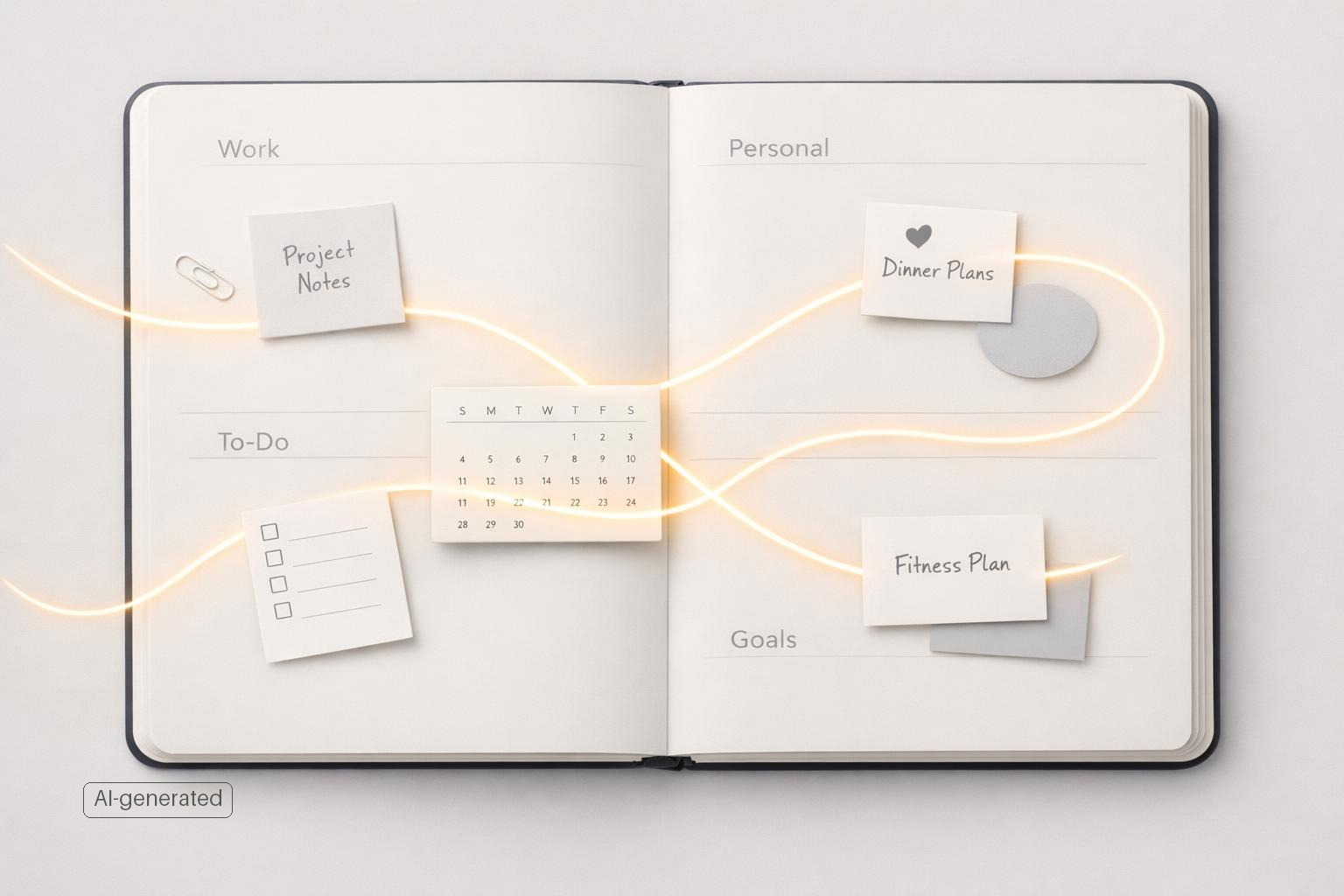
Quick answer: The best alternative to a standard personal productivity app in 2026 is not “another to-do list.” It’s a simpler life-management system built around capture, context, and follow-through: one place to collect tasks quickly, organize them by life area and project, connect them to reminders and calendar reality, and review them often enough that the system stays trustworthy. If you’re choosing or designing your setup, prioritize fast input, low friction, voice capture that actually structures tasks, clear boundaries between projects and routines, and a small number of tools that work well together instead of a sprawling stack.
TL;DR
- Pick a system that organizes responsibilities by life area, not just by one endless task list.
- Optimize for capture speed first: if adding a task is slow, your system will fail under real life.
- Use AI carefully for structuring and summarizing, but keep human review for deadlines, meaning, and priorities.
- Favor the fewest tools necessary, with reminders, calendar visibility, and review habits all tied together.
Why most productivity app setups break
Most people do not need more features. They need less fragmentation.
A standard productivity app often fails for a predictable reason: it stores tasks, but not the context that makes tasks actionable. “Email Sam,” “renew license,” and “book dentist” all live in the same list, even though they belong to different parts of life, require different energy, and matter on different timelines. Once everything lands in one flat view, people stop trusting the list.
A better alternative in 2026 is a personal system that reflects how life is actually organized: work, health, home, finances, relationships, and admin. That shift matters because your priorities compete across those areas, not inside a single project. When an app understands those categories, planning becomes less about reacting and more about balancing.
There is also a tool problem. Many users patch together notes, reminders, calendar, habit trackers, and chatbots, then wonder why nothing feels stable. Even strong general guidance on digital productivity emphasizes using the smallest number of tools necessary to work efficiently. Apple’s own productivity workflow points users toward built-in coordination between Calendar, Reminders, Notes, and Shortcuts rather than an overly complex stack (Be productive with Calendar, Notes, Reminders, and Shortcuts - Apple Support).
In practice, the strongest alternative is usually not a “replacement app” in isolation. It is a workflow with these characteristics:
- One inbox for everything
- A clear structure for projects and life areas
- Reliable reminders
- Calendar awareness
- A weekly review
- Optional AI support for cleanup, planning, and reflection
That is what makes a system sustainable instead of merely attractive.
What features actually matter in 2026
If you are evaluating a personal productivity app alternative now, ignore feature bloat and test for friction.
The first non-negotiable is fast capture. You need to add tasks in seconds from mobile and desktop, ideally through typing, sharing, and voice. Voice matters more than it used to because spoken capture is often the fastest way to reduce mental load when you are walking, driving, or switching contexts (It's Good to Talk: A Comparison of Using Voice Versus Screen-Based Interactions for Agent-Assisted Tasks | ACM Transactions on Computer-Human Interaction). Research on LLM-powered mobile assistants points to improvements in interpreting user intent and executing smartphone tasks more effectively than older assistant approaches. At the same time, voice is not automatically better for every interaction, so it should complement screen-based input, not replace it.
Second, the app should turn raw input into usable structure. “Remind me to call the bank next Tuesday about the wire issue” should become a task with a date, not a messy note. Google’s Gemini documentation shows that consumer AI assistants now connect to task and reminder apps for adding, editing, and displaying tasks (Capture your tasks & reminders with Gemini Apps - Android phone & tablet - Gemini Apps Help). That is useful, but it also comes with a warning: AI output still needs checking. Google explicitly notes that Gemini can hallucinate or provide outdated information.
Third, the app should support multiple planning layers:
- Life areas for broad balance
- Projects for outcomes
- Tasks for execution
- Reminders for time sensitivity
- Calendar visibility for reality
This is where many alternatives still fall short. Habit trackers are useful for repetition, and specialized tools like Productive focus on that niche well (Create a Productivity Workflow That Works for You). But habits alone do not manage the full mix of one-off tasks, active projects, and personal responsibilities.
Finally, look for low-friction execution tools: Kanban views, focus timers, and clean “what should I do now?” states. A productivity system should reduce decisions, not create more of them.
Buyer’s guide: Which alternatives fit which users in 2026
The biggest 2026 shift is not just more AI. It is that buyers now expect AI to shorten capture and cleanup without forcing them into a complex workspace. Use this quick filter before you choose:
| Option | Best for | Strengths | Tradeoffs | Ideal user |
|---|---|---|---|---|
| Apple Reminders + Calendar + Notes | Lowest-cost Apple-first setup | Native, reliable, simple, works well with Shortcuts | Fragmented for projects and reflection | Apple users with straightforward task loads |
| Todoist | Fast personal task management | Excellent capture, recurring tasks, cross-platform | Less holistic life-organization by default | People who want speed and portability |
| Things 3 | Clean Apple-only task management | Polished UX, low friction, strong personal planning feel | Limited collaboration and less AI-first workflow | Apple users who want simplicity over automation |
| TickTick | Budget all-rounder | Tasks, calendar, habits, focus tools in one app | Can feel feature-dense; structure may need discipline | Users who want breadth at a lower price point |
| Notion | Custom all-in-one workspace | Flexible databases, notes, dashboards | High setup overhead; easy to overbuild | Builders who enjoy designing their own system |
| malife | Life-area-based personal life management | Tasks, reminders, focus, AI capture, journaling in one Apple-native workflow | Best fit if you want one personal system, not a team workspace | Busy Apple users managing work and personal life together |
Use this checklist when comparing tools:
- Can I capture a task in under 10 seconds on phone and desktop?
- Does it separate life areas, projects, and next actions clearly?
- Can it show calendar reality without becoming my calendar?
- Does AI help with structure, not just chat?
- Will I still use this with 200 tasks, not just 20?
- How hard is migration: can I import or manually move my top active projects in one sitting?
A practical migration path is simple: keep your old system read-only, move only active projects and recurring reminders first, run both for one week, then archive the old setup once your weekly review happens cleanly.
How to build a better alternative to a to-do list
The strongest setup in 2026 usually looks less like a giant workspace and more like a disciplined personal operating system.
Start with capture. Every input goes to one inbox, whether it arrives from voice, quick add, share sheet, or manual entry. Do not pre-sort in the moment if sorting slows you down. Capture first, clarify later.
Then organize around life areas. This is the key difference between a basic to-do app and a more durable alternative. Most adults are not just managing “tasks”; they are balancing professional work, household logistics, money, relationships, and health at once. When the system surfaces those areas clearly, it becomes easier to notice neglect before it becomes a problem.
A simple structure works best:
- Life area: Work, Health, Home, Finances, Relationships, Personal Admin
- Project: “File taxes,” “Q1 hiring plan,” “Move apartment”
- Task: The next visible action
- Reminder or due date: Only when truly time-based
- Review status: Inbox, active, waiting, someday, done
This matters because many people misuse due dates as a substitute for organization. That creates false urgency and constant notification fatigue.
Calendar awareness is the next layer. Apple documents that Calendar, Reminders, Notes, and Shortcuts work together across its ecosystem, and reminders created in Calendar sync back to Reminders. A modern alternative should respect that reality: your task system does not need to become your calendar, but it should see your calendar well enough to avoid impossible daily plans.
One more 2026 best practice: use AI for transformation, not authority. Let AI parse voice notes, summarize journal patterns, or suggest task breakdowns. But keep final control over commitments, dates, and prioritization.
How AI, voice, and automation fit without making the system worse
AI can help a productivity system. It can also make it noisier.
The best use of AI in a personal productivity app alternative is operational: turning messy input into structured tasks, extracting next actions from a brain dump, spotting patterns in your journal, and helping you reflect on what keeps slipping. These are support functions. They reduce friction without pretending to know your priorities better than you do.
Voice capture is especially valuable when your attention is limited. Emerging research and design work around voice assistants suggests people benefit when systems maintain continuity in voice interaction and support specialized task flows rather than one generic assistant persona. That matches what many users experience: voice works best for capture, quick commands, and hands-busy moments, not for complex planning.
Automation is useful too, but only when it stays predictable. Google Assistant routines show how consumer automation can trigger actions based on time, phrase, home state, or device events. For personal productivity, the equivalent is simple and practical:
- Morning review opens today’s tasks
- Repeating reminders recreate routine responsibilities
- Focus sessions start with the selected task
- End-of-day prompts help clear mental residue
Where people go wrong is automating decisions they have not made clearly. If your categories are vague and your projects are unclear, more automation will just move confusion faster.
There is also a real accessibility and cognitive-load angle here. Newer research argues conventional productivity tools often fail users dealing with variability, overload, and attention regulation, and suggests human-in-the-loop, privacy-aware systems can better support real work (Toward Neurodivergent-Aware Productivity: A Systems and AI-Based Human-in-the-Loop Framework for ADHD-Affected Professionals). Even if you do not identify as neurodivergent, the lesson is broadly useful: a good system adapts to human inconsistency instead of assuming perfect discipline.
What to choose if you want a practical Apple-first setup
If you use iPhone, iPad, and Mac, the best alternative in 2026 is usually an Apple-first system that combines native reliability with enough structure to manage your whole life.
The baseline option is to stitch together Apple’s built-in tools: Reminders for tasks, Calendar for time commitments, Notes for reference, and Shortcuts for automation. That works well for many people, especially because Apple supports cross-app productivity workflows and syncing across devices. But it has limits. The moment you want a unified place to manage projects across work and personal life, reflect on patterns, or capture spoken thoughts into structured tasks, the setup starts to feel fragmented.
That is where a dedicated alternative makes sense. The best ones do three things the basic stack usually does not do well enough:
- Organize by life area, not just list or tag
- Turn quick capture into structured action
- Support both planning and execution in one place
A flexible workspace tool can also work. HBR has noted that platforms like Coda, Notion, and Airtable let non-programmers build personalized workflows. But customization is not automatically a strength. Many individuals end up maintaining the system more than using it. Notion, for example, is widely used for mixed notes and tasks, but that flexibility can come with setup overhead depending on your style.
If your goal is personal clarity rather than endless customization, a focused app is often the better alternative. For Apple users who want one system for tasks, reminders, projects, focus, and reflection, malife fits that model: an AI-powered life-management app for iOS and Mac built around holistic life areas instead of a basic to-do list. It keeps capture, planning, and review closer together.
Bottom line
The best practices for a personal productivity app alternative in 2026 are straightforward: keep the tool count low, capture fast, organize by life area, connect tasks to calendar reality, and use AI as an assistant rather than a decision-maker. If your current setup feels scattered, the problem is probably not your effort. It is the lack of one system that can hold your actual life.
If you want that in an Apple-first app, download malife and test whether a life-area-based workflow feels easier to trust than another flat task list.