
Common apps for life management pitfalls for busy professionals
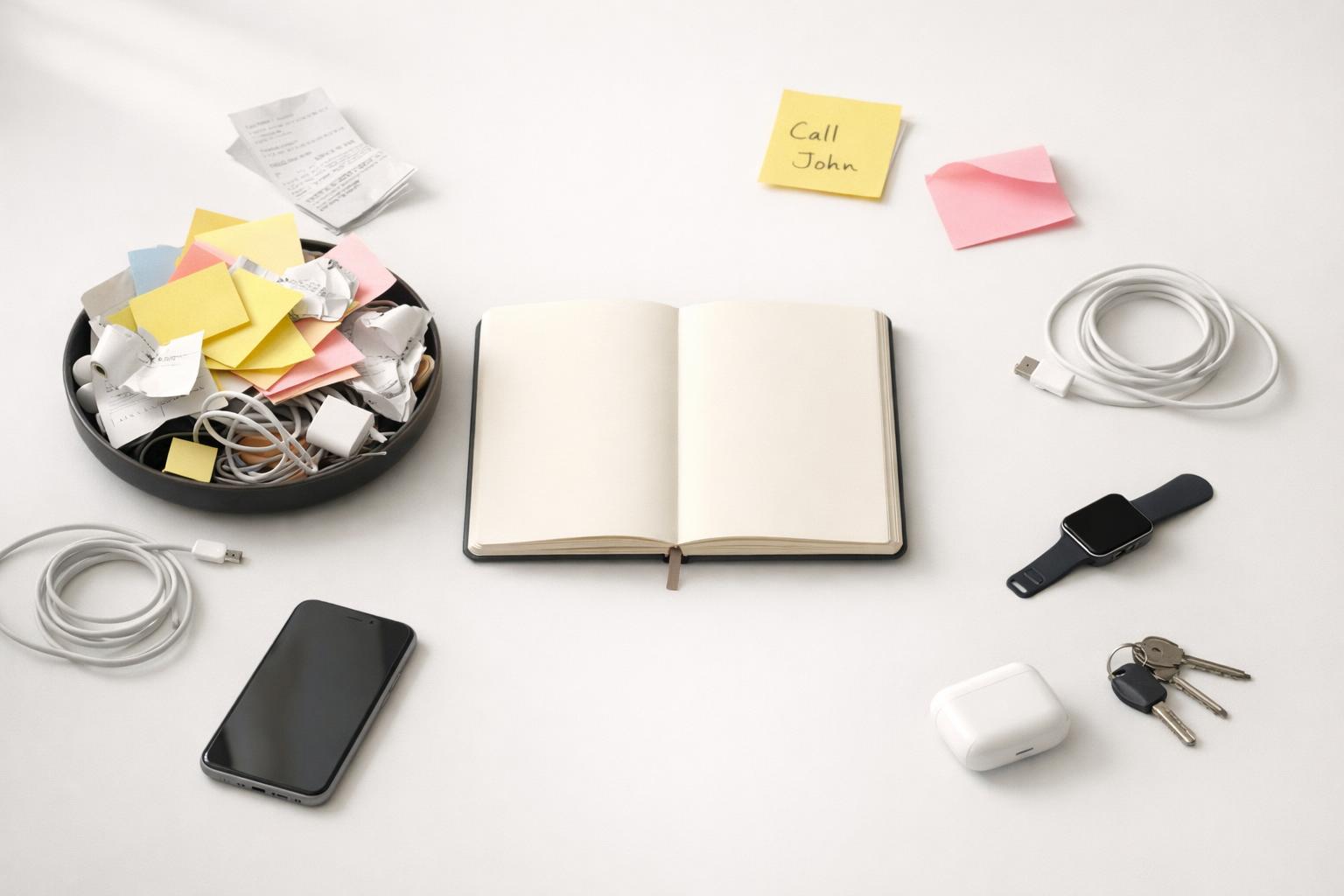
For busy professionals, apps for life management work best when they reduce friction, keep work and personal responsibilities in one place, and stay simple enough to trust every day.
Quick answer: Most life management apps fail busy professionals in predictable ways: they fragment work and personal responsibilities across too many tools, create extra admin instead of reducing it, overwhelm you with features and notifications, and force rigid planning that breaks under real life. The result is a system you stop trusting. A better setup is not the app with the longest feature list; it is the one that captures tasks quickly, shows priorities clearly, supports different life areas in one place, and stays simple enough that you will actually maintain it.
TL;DR
- The biggest pitfall is tool sprawl: tasks, notes, reminders, calendars, habits, and journaling scattered across separate apps.
- Many apps increase cognitive load with too much flexibility, too many notifications, or too much setup work.
- Busy professionals need a system that handles both work and personal life.
- The best app is usually the one that reduces capture friction, preserves context, and makes follow-through easier on your phone and computer.
Why do life management apps break down for busy professionals?
A lot of apps look impressive in a demo because they show ideal behavior: neat project boards, perfect routines, color-coded categories, and a motivated user who updates everything on time. Real life is messier. A busy professional is moving between meetings, family obligations, errands, health tasks, money decisions, and unfinished work. Any app that assumes stable time, consistent energy, and perfect discipline will eventually fail.
The first breakdown is fragmentation. Many people use one tool for work projects, another for personal reminders, a calendar app for appointments, a notes app for ideas, and messages or email as accidental task managers. That setup creates hidden work. You are not just doing tasks; you are constantly checking where the task lives.
The second breakdown is friction. If capture takes too many taps, if organizing requires too many decisions, or if weekly review feels like a maintenance project, you postpone using the app. Then the system becomes incomplete, and once it is incomplete, you stop trusting it.
The third breakdown is overload. Some workers already face too many apps at work, and adding more tools can reduce rather than improve productivity (Too many productivity tools can make you unproductive). Flexible workspaces can also backfire when every task needs a template, property, or folder before you can move on.
This is why many people keep switching apps. The problem is not always the individual app. Often, it is the mismatch between the app’s assumptions and the user’s actual life.
What are the most common pitfalls in life management apps?
The pitfalls are usually practical, not philosophical. Here are the ones that matter most.
1. Too many tools for one life
This is the classic problem. One app holds work tasks, another holds shopping lists, another tracks habits, another stores journal entries. It sounds organized, but it forces constant context switching. Some reporting on workplace productivity describes app overload as a real drag on output and focus. Even if the exact number varies, the experience is familiar: switching tools repeatedly drains attention ((Counter)Productivity: The Case Against Productivity Apps | Medium).
2. Feature overload disguised as flexibility
Highly customizable apps can be useful, but they often shift the burden of system design onto the user (Top 15 Organizer Apps Reviews and Comparisons 2026: Free and Paid). Instead of helping you act, they ask you to build dashboards, choose fields, define views, and maintain structure. For some people that is enjoyable. For a busy professional, it is often just more unpaid admin.
3. Notifications that become wallpaper
Many apps respond to missed tasks by sending more nudges: push notifications, summary emails, red badges, recurring alerts. But if everything is urgent, nothing is. One user account of productivity software described daily summaries and alerts becoming noise rather than support.
4. Rigid systems that do not reflect real life
Life management is not only deadline-based task completion. It includes low-energy days, relationship upkeep, uneven workloads, and long-tail “life admin” tasks like insurance, forms, bills, or scheduling. These tasks are often avoided because they are tedious and have hidden steps, not because they are unimportant (‘It’s tedious. It’s repetitive’: why life admin is awful, and how to do it anyway | Australian lifestyle | The Guardian). Apps built only for clean project execution often handle this badly.
5. Weak capture when you are busy
If an app is hard to open, slow to load, awkward for quick entry, or poor at mobile capture, ideas leak. That matters because busy people rarely sit down at the perfect moment to plan. They remember things while walking, driving, or switching between calls. If capture is weak, the rest of the system is weak too.
How do these pitfalls show up in day-to-day work and personal life?
The damage is cumulative. It rarely looks dramatic at first. Instead, it shows up as low-grade mental drag.
At work, you may feel “busy but not clear.” You know there are priorities, but they are spread across email, Slack, calendar invites, meeting notes, and a project tool. Then personal obligations sit somewhere else entirely: a reminder app, a note, a text from your partner, a mental list. The effort of remembering where to look becomes part of the workload.
Outside work, life admin expands in the gaps. Renewing documents, following up on bills, scheduling appointments, planning travel, checking in with family, managing health tasks—these are not major projects, but they still require coordination. The Guardian described life admin as tedious and repetitive, with people often getting stuck at different stages of completing a task. That is exactly where many apps fail: they capture the task title but do not reduce the friction of finishing it (Best Task Planner Apps 2026 – Top Picks for Productivity & Organization).
There is also the false promise of total automation. Some apps now log behavior passively, such as location-based tracking or wellbeing scoring from motion and movement data. That can be useful for reflection, but passive data is not the same as active decision-making. Knowing where you went today does not automatically help you decide what matters tomorrow.
A final day-to-day problem is emotional. When a system gets bloated, people tend to blame themselves. They assume they are inconsistent or bad at productivity. Sometimes that is unfair. If a tool creates too much upkeep, confusion, or noise, abandoning it may be a rational response.
What should busy professionals look for instead?
A better life management app does four jobs well: capture, organize, decide, and follow through. If it fails one of those jobs, the system gets shaky.
First, capture should be nearly frictionless. You need to be able to add a task, thought, reminder, or follow-up the moment it appears. For many people, voice capture is especially useful because ideas often arrive while hands are occupied. Fast capture matters more than advanced formatting.
Second, organization should match how real life works. That usually means grouping responsibilities by life areas, not only by projects or due dates. Work, health, finances, home, and relationships create different kinds of obligations. A system that keeps them all visible in one place is more realistic than one that treats personal life as miscellaneous.
Third, the app should help you decide what to do now. This sounds obvious, but many apps are good at storage and bad at prioritization. A useful system shows current commitments, upcoming deadlines, and next actions without forcing you to dig through layers of structure.
Fourth, follow-through needs support, not noise. Kanban views, focused task lists, reminder controls, and timers can help when they are tied to actual tasks instead of floating as separate productivity rituals. Journaling can also be useful when it helps you review patterns, notice overload, and adjust your planning rather than just document frustration.
If you are on Apple devices, native performance matters too. A life management tool should be easy to use on iPhone and Mac, because your planning system loses value if you avoid opening it. Apps limited to one device type can create friction for people who move between mobile capture and desktop review. Some App Store listings also show that certain tools are designed primarily for iPhone and are not verified for macOS.
The key principle is simple: choose a tool that reduces coordination work. If maintaining the system becomes a hobby, it is probably the wrong system for a busy life.
A simple comparison: What common setups get wrong and what to choose instead
Busy professionals usually do not need “the best app.” They need the least fragile setup. Use this quick scorecard when comparing categories or familiar tools:
| Common app type or setup | Typical examples | Main pitfall for busy professionals | Better choice instead |
|---|---|---|---|
| Work project manager used as your whole life system | Asana, ClickUp, Monday.com, Jira | Strong for team workflows, weak for personal capture and low-friction life admin | Keep it for work if required, but use one personal system for everything you control |
| Flexible workspace / notes-database app | Notion, Obsidian-based task setups | Too much design and maintenance before action | Choose a task-first app if you procrastinate on setup |
| Simple to-do app with separate notes, calendar, and journal | Todoist + Notes + Calendar + journal app | Fast at first, but fragmentation returns | Consolidate tasks, reminders, and reflection where possible |
| Reminder-only app | Apple Reminders and similar | Good for alerts, weak for broader planning and life-area review | Use reminders inside a fuller planning system |
| Habit or passive tracking app | habit trackers, wellbeing dashboards | Tracks behavior but does not decide priorities | Use only as a supplement, not your command center |
Two tradeoffs are worth accepting. First, consolidation may mean giving up some niche features in exchange for lower friction. Second, separate work and personal systems are sometimes better when your employer controls your work tools, your data must stay separate, or your job already forces a project platform. In that case, the goal is not one app for everything. It is one trusted personal system plus the minimum necessary bridge from work. To migrate without disruption, move only active tasks, keep the old setup read-only for 2 to 4 weeks, and review daily until the new system feels automatic.
How can you avoid common app pitfalls when choosing or setting up your system?
You do not need a perfect app. You need a system with fewer failure points. A practical way to evaluate any life management app is to ask these five questions:
-
Can I capture something in under 10 seconds? If not, you will delay entry and lose trust in the system.
-
Can it hold both work and personal responsibilities without becoming messy? If personal life gets pushed into random notes or another app, fragmentation will return.
-
Does it help me see today, this week, and my broader life areas? A good system balances immediate tasks with the bigger picture.
-
Will this reduce tool-switching, or just add one more place to check? Be skeptical of “all-in-one” claims that still require several companion tools.
-
Is the maintenance burden low enough that I will still use it when stressed? This is the test that matters most.
When setting up your system, keep it lean. Start with a few life areas, a simple inbox or capture method, active projects, and reminders for genuinely time-sensitive items. Avoid tagging everything. Avoid building complex hierarchies on day one. Avoid importing every old task you once meant to do.
It also helps to define what belongs in the app. Put commitments, follow-ups, errands, recurring responsibilities, and project next actions there. Do not try to turn the system into a warehouse for every thought you have ever had.
For many people, journaling and reflection are useful only if connected to execution. An app that combines tasks with reflection can help you notice patterns: where plans keep slipping, which life areas are neglected, and what kinds of obligations create drag. That is more valuable than productivity theater.
For Apple users who want one place for tasks, reminders, focus, and reflection across life areas, an app like malife fits this approach: native iPhone and Mac support, fast capture, life-area organization, focus tools, and AI-assisted journaling without forcing separate systems for everything. It is also free at the moment, which lowers the cost of testing whether it actually simplifies your workflow.
Bottom line
The main pitfall in common life management apps is not that they are bad software. It is that many of them create more coordination work than a busy professional can realistically sustain. If your system is fragmented, noisy, or high-maintenance, you will stop trusting it.
Choose a tool that lets you capture quickly, organize across real life areas, review clearly, and act without friction. If you want to simplify your setup on iPhone and Mac, download malife and test whether one calmer system works better than a stack of disconnected apps.
For a calmer system that reduces coordination work, apps for life management should let you capture quickly, organize by real life areas, review clearly, and act without friction.