
4 mistakes to avoid when building a clear planning system for busy professionals
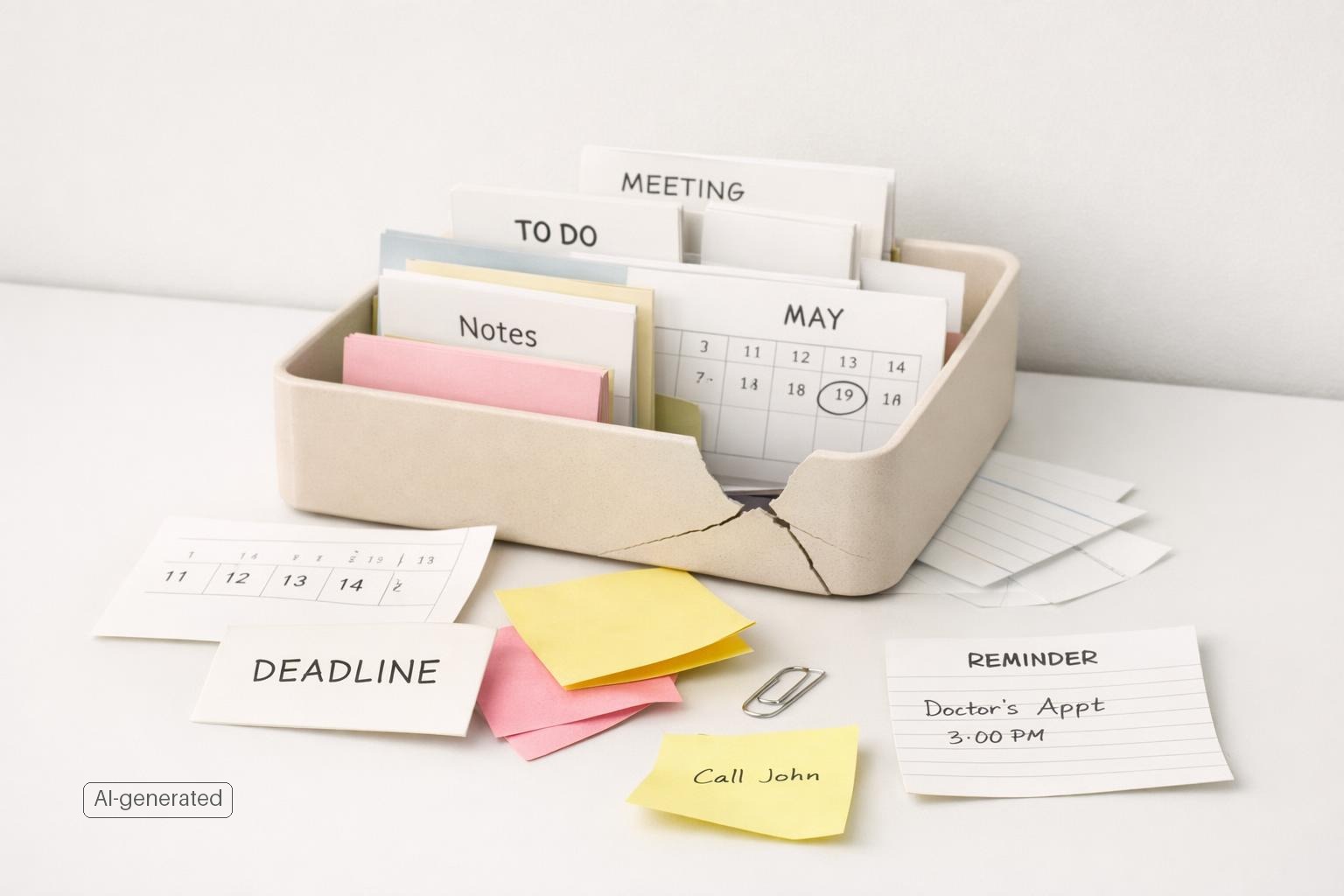
A clear planning system for busy professionals works best when it stays simple enough to survive a stressful week while still keeping work, personal, and long-term priorities visible.
Quick answer: The biggest planning mistakes are making your system too complicated, capturing tasks in too many places, treating all tasks as equally important, ignoring time, letting notifications run your day, failing to review consistently, and building a work-only system that ignores the rest of life. A clear planning system should reduce mental load, make next actions obvious, and help you move between work, personal, and long-term priorities without rebuilding your process every week.
TL;DR
- Keep one trusted system for capture and review. Fragmented tools create missed tasks and mental clutter.
- Plan with time, not just lists. If it matters, give it a place on the calendar or in a defined work block.
- Reduce noise aggressively. Notifications should support action, not constant interruption.
- Build around life areas, not just work projects, so your system reflects how real responsibilities compete.
Mistake 1: Building a system that is too complex to survive a busy week
Busy professionals often confuse a detailed system with a useful one. It feels productive to create elaborate tags, nested folders, custom statuses, color rules, and five different views.
A productivity system is not just a set of tools; it is a repeatable collection of behaviors plus the tools that support them (Why New Personal Productivity Efforts Don’t Stick). If your process needs perfect attention to stay organized, it will break as soon as real work gets messy.
A clear planning system should answer only a few questions fast:
- What has my attention?
- What matters most today?
- What must happen this week?
- What can wait?
If your app or method cannot answer those in under a minute, simplify it.
Practical fix:
- Limit yourself to a small number of lists or views: inbox, this week, next, waiting, someday.
- Use projects only for outcomes that require multiple steps.
- Use tags sparingly, mainly for context such as calls, errands, or deep work.
- Default to one next action per task, not a full workflow map.
This is also why personal productivity efforts often fail to stick: people adopt a method that looks smart but does not fit their actual habits or constraints. A simple system you can keep using will outperform a sophisticated one you abandon.
Mistake 2: Capturing tasks in too many places
If ideas, obligations, and reminders live across email flags, Slack messages, Notes, paper, screenshots, calendar titles, and your memory, you do not have a planning system. You have a scavenger hunt.
This is one of the fastest ways to create mental overload (User Experience of Digital Voice Assistant: Conceptualization and Measurement | ACM Transactions on Computer-Human Interaction). Your brain stays partially occupied trying to remember where something is stored, whether you already wrote it down, and what still needs a decision.
A clear system needs one trusted capture point, even if you later organize tasks into projects or life areas. The capture point can be an inbox in your planning app, voice capture while walking, or a quick entry shortcut on your phone or Mac. The key is consistency.
Voice capture can help here because people often use voice assistants in hands-busy or eyes-busy situations. That makes voice useful for catching tasks before they disappear. But voice capture should feed one inbox, not create another disconnected stream.
Practical fix:
- Choose one default inbox for every new task.
- Forward or copy action items from other tools into that inbox the same day.
- Distinguish between information and action. A message is not a task until you decide what needs doing.
- Process the inbox at set times instead of leaving it as permanent storage.
For Apple users, this is where a native system matters. If capture is fast on iPhone and Mac, you are more likely to use it in the moment and less likely to leak tasks into random places.
Mistake 3: Using one giant task list with no real prioritization
A long task list feels organized, but without prioritization it becomes a visual record of guilt. Everything is listed, nothing is decided, and you end up choosing based on urgency, ease, or whoever last messaged you.
This is where many planning systems fail: they collect well but do not help you choose. For busy professionals, choice is the hard part.
Not every task deserves equal visibility. Some belong on today’s list. Some belong in this week’s plan. Some belong on a future list until they become relevant. Some should be deleted.
You do not need a complicated prioritization framework. You do need a rule. For example:
- Today: what must move today
- This week: important but not immediate
- Later: valid, but not current
- Waiting: blocked by someone else
This works better than keeping 87 “active” tasks in view. It also matches the reality that work and life compete. A personal appointment, budget deadline, and client deliverable may all be high priority in the same week.
If you like formal methods, timeboxing can be especially effective because it forces decisions about when work will happen, not just whether it matters . And if you assign deadlines, be careful: people regularly underestimate how long tasks take, a pattern often described as the planning fallacy.
Practical fix:
- Pick no more than 3 major outcomes for a day.
- Keep a separate backlog so your “current” view stays short.
- Review priorities by energy and context, not only due date.
- Add buffer time to estimates because your first guess is usually optimistic.
Mistake 4: Treating planning as list-making instead of time management
Lists tell you what matters. Time tells you whether it can actually happen.
A common mistake is creating a beautifully prioritized list with no relationship to the number of hours available. That is how people end up with ten “top priorities” on a day full of meetings. The system looks clear on paper and impossible in practice.
A useful planning system must connect tasks to time. That does not mean scheduling every minute. It means making deliberate choices about where focused work fits. For many professionals, that means timeboxing: assigning important tasks to defined blocks rather than hoping free time appears.
This matters because busyness creates false clarity. When your day fills itself, urgent requests expand to consume all available attention. Important but non-urgent work—planning, writing, exercise, finances, relationship maintenance—keeps slipping.
Practical fix:
- Build your day around 1–3 focused blocks, not a giant task list.
- Put high-effort work in your best energy window.
- Separate admin blocks from deep work blocks.
- Plan weekly before daily. Daily planning works better when the week already has shape.
- Leave white space. A plan with no margin assumes nothing will change, which is unrealistic for most professionals.
If you work across several life areas, this becomes even more important. A complete planning system should show not only tasks but also the tradeoffs between work, home, health, and personal commitments.
Quick answer: What a simple weekly planning system looks like in practice
Here is a worked example for a busy professional with a reactive job. On Friday, do a 20-minute weekly review: clear the inbox, check next week’s calendar, update projects, and choose 3-5 weekly outcomes across work and life.
Then shape the week:
- Inbox: one place for everything from email, chat, notes, and voice capture
- Current lists: Today, This Week, Waiting, Later
- Calendar: fixed meetings plus 1-2 focus blocks per day
- Buffers for reactive work: keep 1-2 open blocks for urgent requests so the plan can bend without breaking
- Life areas: work, home, health, finances, relationships
A simple Monday might look like this: 8:30 inbox processing, 9:00 focus block for proposal, 11:00 meetings, 1:30 admin and follow-ups, 3:00 reactive buffer, 4:30 choose tomorrow’s top 3. If interruptions consume the day, keep only one must-do task and move the rest back to This Week instead of pretending everything is still on track.
To measure whether the system is working, ask four questions each Friday: Did I know what to do next? Did I miss fewer commitments? Did my week reflect more than just urgent work? Did I complete most weekly outcomes without constant replanning?
Mistake 5: Letting notifications dictate your priorities
Many professionals think they have a planning problem when they really have an attention problem. Even a solid system fails if every ping can override it.
Modern tools generate notifications for assignments, due dates, comments, mentions, messages, and other activity (Stay updated with notifications in Planner | Microsoft Support). Communication platforms also let users customize when and how they are notified, including muting or prioritizing different alerts.
Apple’s Focus modes are useful here because they allow you to silence notifications that do not match your current activity or task (Use iPhone for your daily routines - Apple Support). The principle is simple: your plan should determine your attention, not the other way around.
Practical fix:
- Turn off nonessential push notifications from task and chat apps.
- Keep only reminders that require timely action.
- Use Focus modes during deep work, meetings, or personal time.
- Check communication tools at planned intervals instead of continuously.
- Route reminders by importance: calendar for fixed commitments, task reminders for real deadlines, everything else in your regular review.
This is not about becoming unreachable. It is about preventing every incoming item from presenting itself as equally urgent. A clear planning system needs protected attention to work.
Mistake 6: Skipping the weekly review because you “already know what’s going on”
This is the quiet failure point in most systems. Capture works for a while. Lists grow. Then nobody steps back to clean, update, and reconnect tasks to current priorities.
Without review, even a simple system decays. Old tasks stay visible, deadlines become fiction, project lists lose relevance, and important but non-urgent work disappears under daily churn. You may still be using the app, but the app is no longer giving you clarity.
A weekly review is the maintenance habit that keeps planning useful. It does not need to be elaborate. It just needs to reset trust.
What to review each week:
- Inbox: process everything
- Calendar: look back and ahead
- Projects: confirm next actions
- Deadlines and reminders: update or remove
- Waiting items: follow up where needed
- Life areas: check for neglect, not just urgency
That last point matters. Most people default to visible work. They do not naturally remember health admin, family planning, home tasks, or personal goals unless the system prompts them. This is one reason a holistic life-management setup is often more practical than a work-only planner.
You can also use journaling or short reflection notes during the review. Not as a productivity ritual for its own sake, but to spot patterns: What kept slipping? What took longer than expected? What keeps creating stress? Those questions improve the system faster than changing apps every month.
Mistake 7: Building a work system when you actually need a life system
Many professionals try to solve overload with a better work planner, then wonder why they still feel scattered. The reason is simple: their responsibilities are not limited to work.
A real planning system has to hold personal admin, health, family responsibilities, financial tasks, routines, errands, and long-term goals alongside client work, deadlines, and meetings. If those live elsewhere, you are still context switching between separate worlds that compete for the same time and energy.
This is why some standard to-do apps stop being enough. They track tasks, but they do not help you plan across life areas. For a busy professional, that distinction matters. You do not just need to know what to do.
Practical fix:
- Organize by life areas first, then projects within them.
- Keep one system for work and personal commitments.
- Use reminders for recurring responsibilities like bills, health tasks, and follow-ups.
- Track projects that matter outside work, not just professional deliverables.
- Review balance, not just completion.
This is where malife fits naturally. Instead of forcing your life into a generic work-style to-do list, it helps you organize tasks, projects, reminders, focus sessions, and reflection across the parts of life that actually compete for your attention.
Bottom line
A clear planning system should make decisions easier, not create more of them. If your current setup feels heavy, scattered, or easy to ignore, the fix is usually not more structure.
If you want a simpler way to manage tasks, reminders, focus, and reflection in one native Apple system, download malife.
A clear planning system for busy professionals keeps one capture point, fewer active priorities, realistic time blocks, controlled notifications, and regular review across all life areas.
Related articles
- Getting started with a clear planning system for busy professionals →
- The definitive guide to the area of your life system for busy professionals →
- Getting started with a daily capture habit for busy professionals: A beginner guide to building a reliable capture routine that reduces mental overload and improves follow-through. →
- Common centralize your tasks pitfalls →