
10 Best Cloud Task Management Apps 2026

10 Best Cloud Task Management Apps 2026
By 2026, cloud-based task management apps have become essential for productivity, offering features like real-time syncing, AI-powered prioritization, and cross-platform compatibility. Here's a quick rundown of the top 10 apps to organize your tasks and projects:
- malife: Focuses on life management using the Getting Things Done method. Offers task categorization, voice input, and persistent reminders. Free and paid plans available.
- Todoist: Trusted by over 50 million users, it features natural language input, AI tools, and a Karma system for tracking progress. Free and paid tiers start at $4/month.
- TickTick: Combines task management with a Pomodoro timer and habit tracker. Affordable at $2.99/month for Premium.
- ClickUp: Customizable for team workflows, with over 15 task views and automation templates. Paid plans start at $7/month.
- Asana: Ideal for team collaboration with tools like timeline views, task dependencies, and AI automation. Plans start at $10.99/month.
- Trello: Known for its Kanban boards, with unlimited Power-Ups and automation. Paid plans start at $5/month.
- Monday.com: Offers workflow automation and AI tools for team collaboration. Paid plans start at $9/month.
- GoodDay: Combines task management, CRM, and time tracking. Free for small teams; paid plans start at $4/month.
- Motion: AI-powered scheduling and time-blocking for improved productivity. Plans start at $19/month.
- Wrike: Designed for enterprise-level project management with advanced tools and integrations. Paid plans start at $10/month.
Quick Comparison
| App | Best For | Starting Price (USD) | Free Plan | Key Feature |
|---|---|---|---|---|
| malife | Personal life organization | Free | Yes | Life Areas and voice input |
| Todoist | Simple task management | $4/month | Yes | Natural language input |
| TickTick | Personal productivity | $2.99/month | Yes | Pomodoro timer and habit tracker |
| ClickUp | Team workflows | $7/month | Yes | 15+ task views and automation templates |
| Asana | Team collaboration | $10.99/month | Yes | Timeline views and task dependencies |
| Trello | Visual task tracking | $5/month | Yes | Kanban boards with Power-Ups |
| Monday.com | Workflow automation | $9/month | Limited | AI tools and customizable dashboards |
| GoodDay | All-in-one management | $4/month | Yes | CRM and time tracking |
| Motion | AI scheduling | $19/month | No | AI-powered time-blocking |
| Wrike | Enterprise project management | $10/month | Yes | Advanced tools and integrations |
These tools cater to both individual and team needs, offering features to simplify task management and improve productivity. Start with free plans to explore which app works best for you.
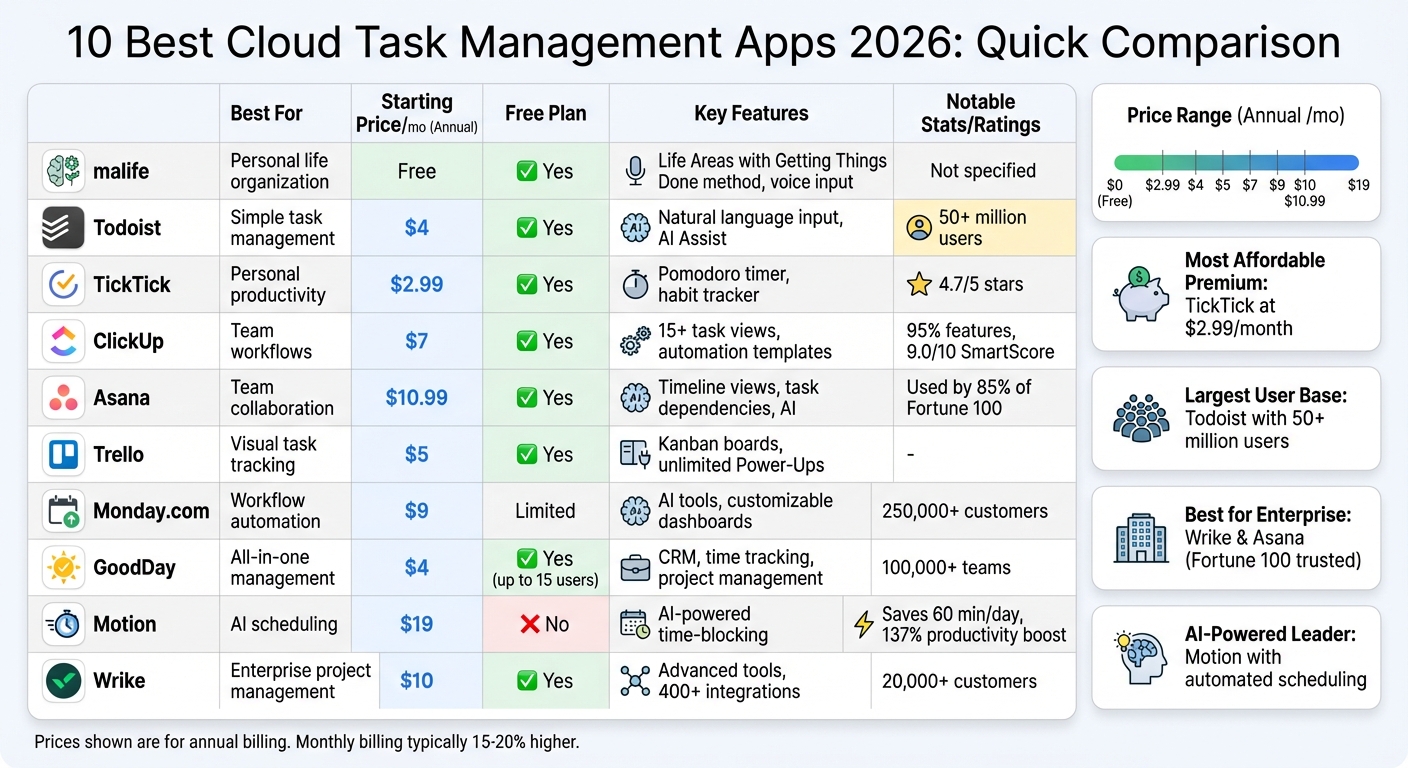
Cloud Task Management Apps Comparison: Features, Pricing & Best Use Cases 2026
1. malife
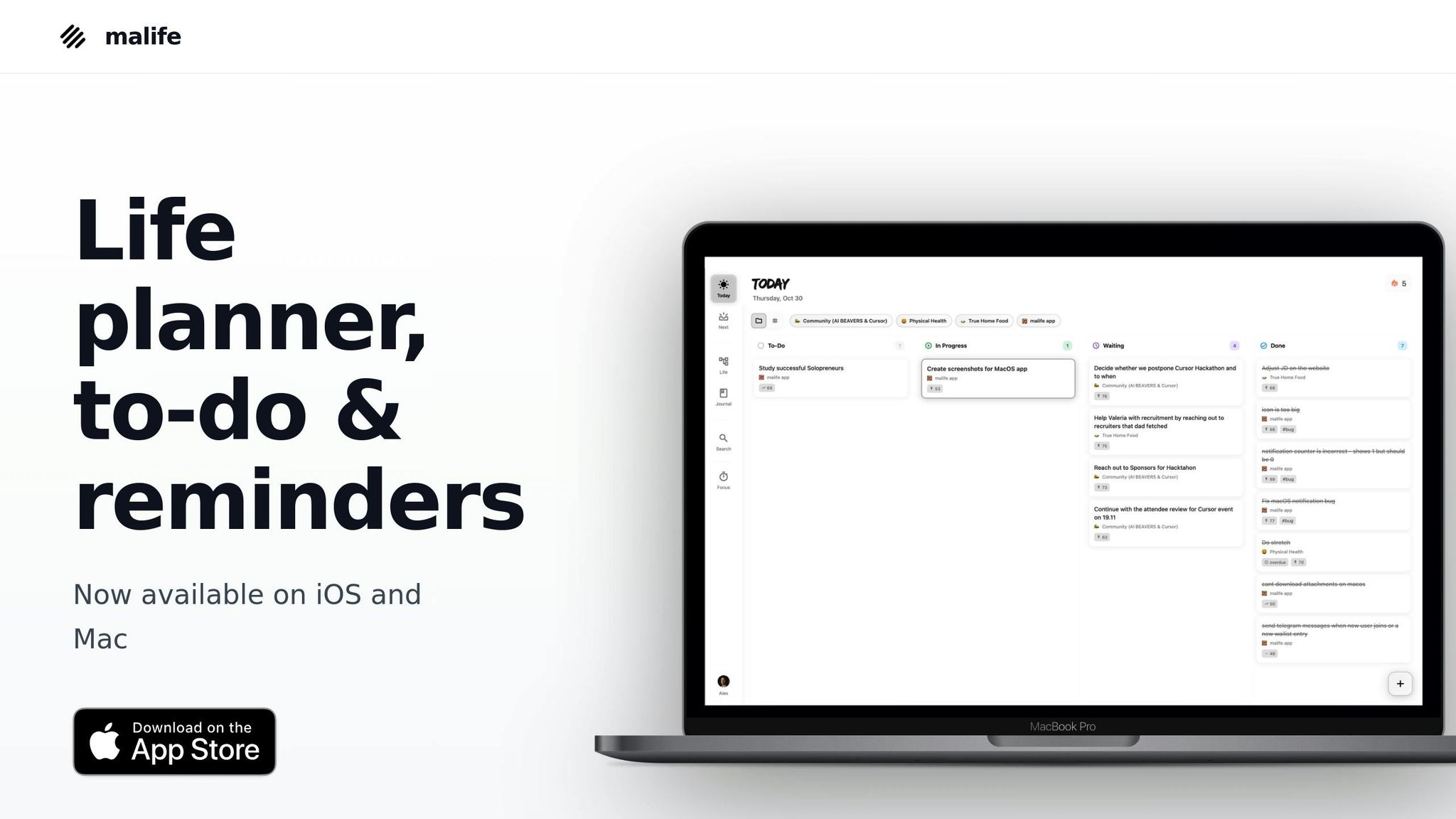
malife is a life planner built around David Allen's Getting Things Done methodology, offering a cloud-based approach to managing tasks and life areas. It categorizes tasks into Life Areas, such as work, health, and relationships, making it easier to see what truly matters. This structure integrates seamlessly with its cloud capabilities.
Cloud-first design
malife is a cloud-native app that syncs in real time across all your devices. No more manual transfers or outdated lists - everything stays updated automatically. The app uses a Kanban-style layout with Today, Next, and Later views, creating a simple and focused workflow.
Task prioritization tools
malife helps you focus on what’s important with an Impact vs. Effort matrix. You can also use voice input for quick task creation - just say something like, “Call dentist tomorrow at 2 pm,” and the app fills in the details for you. Plus, persistent reminders make it easy to adjust deadlines with options like +10 minutes, +1 hour, or +1 day, and you can customize repeat patterns or reschedule with ease.
Pricing (USD)
malife offers straightforward pricing for a complete life management solution. Features include recurring tasks, a journaling tool for capturing thoughts or wins, and a focus timer to help you stay on track during deep work sessions.
2. Todoist
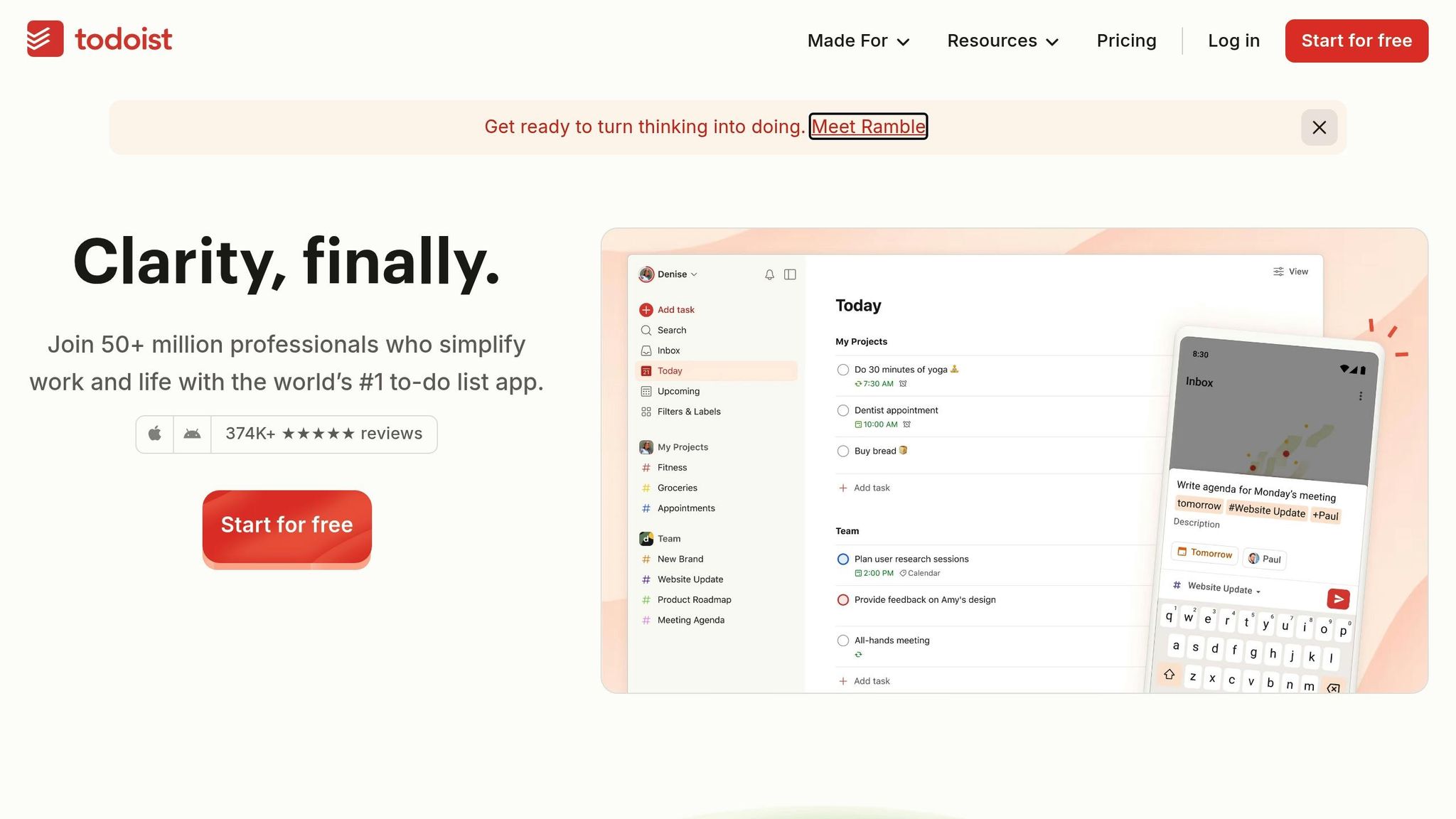
For more than 19 years, Todoist has been a go-to tool for professionals looking to stay organized. With over 50 million users worldwide and more than 2 billion tasks completed, it’s clear that this app has become a trusted productivity tools for life management.
Cloud-first design
Todoist’s real-time syncing ensures your tasks are always up-to-date across all your devices. Its SOC2 Type II certification provides top-tier security for enterprise users. One of its standout features is natural language processing. You can type something like "buy milk Monday at 4pm" or "every 3rd Tuesday", and Todoist will automatically schedule it. The app also incorporates Todoist Assist, an AI-powered tool that helps break down goals and automate workflows through features like Task Assist, Filter Assist, and Email Assist.
Cross-platform sync
Todoist is available on over 10 platforms, including Web, Windows, macOS, Android, iOS, and Wear OS. Its consistent interface makes it easy to use anywhere. Plus, it integrates with 90+ cloud tools like Google Calendar, Slack, Outlook, Zapier, and IFTTT, allowing you to streamline your workflow and manage tasks seamlessly.
Task prioritization tools
Todoist uses a simple, color-coded system (P1–P4) to help you focus on what’s most urgent. For added motivation, the Karma system tracks your progress and rewards you with points for completing tasks daily and weekly. Pro users can also take advantage of location-based reminders, which send notifications when you arrive at or leave specific places. To visualize your projects, you can choose between List, Kanban-style Board, or Calendar views.
Pricing (USD)
Todoist offers three pricing tiers:
- Beginner: Free – Includes 5 personal projects, basic task reminders, and 1 week of activity history.
- Pro: $4 per user/month (billed annually) or $5 monthly – Offers 300 personal projects, AI Task Assist, and unlimited activity history.
- Business: $6 per user/month (billed annually) or $8 monthly – Includes 500 team projects, shared workspaces, and team role management.
With more than 374,000 five-star reviews on Google Play and the App Store, Todoist has solidified its reputation as one of the top to-do list apps, earning praise from major publications.
3. TickTick
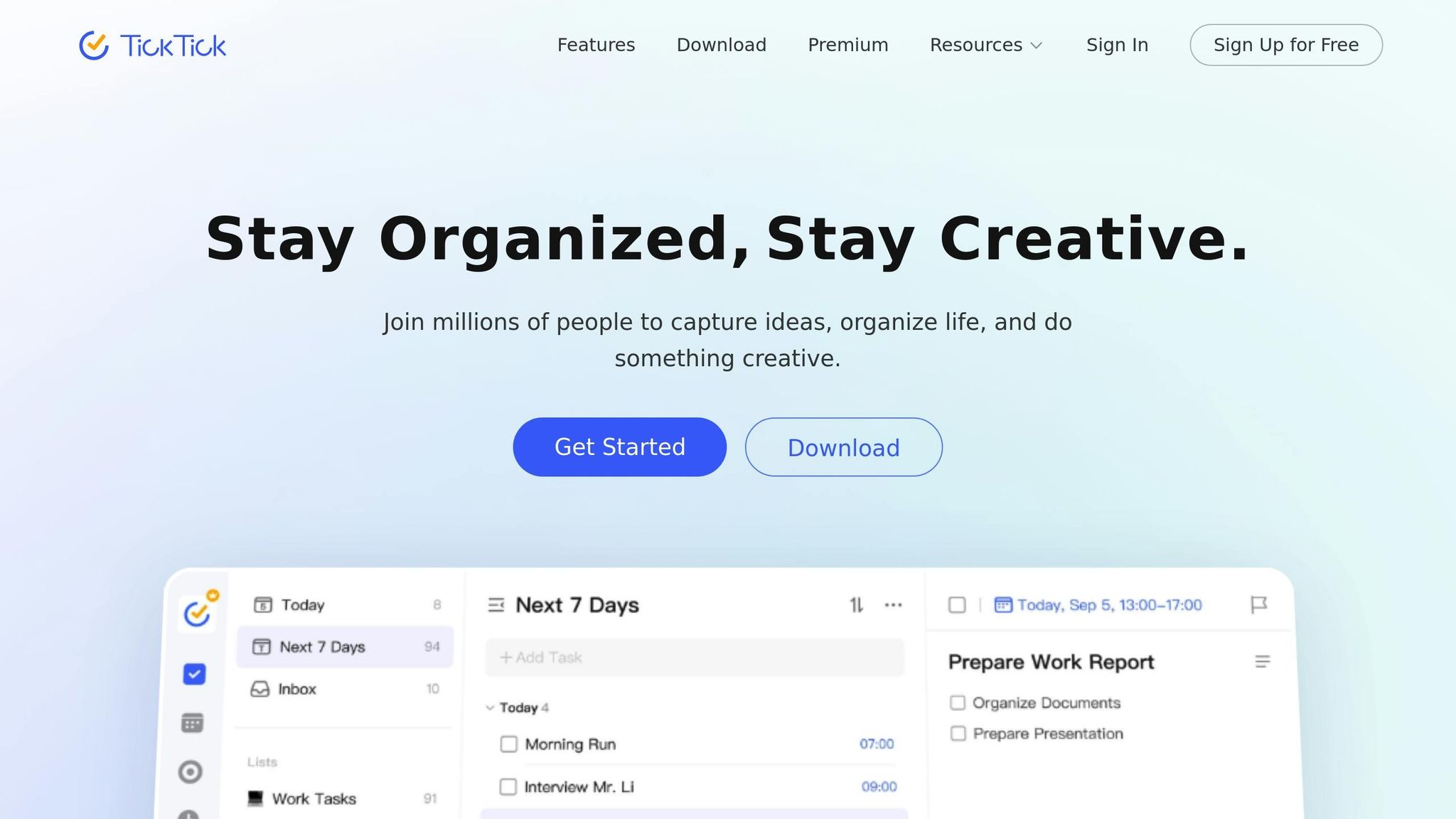
TickTick brings together productivity essentials into a single, budget-friendly platform. With a 4.7/5 star rating from verified users as of 2026, it’s no surprise that tech reviewers frequently highlight its effectiveness.
Cloud-first design
Powered by AWS, TickTick ensures encrypted cloud storage and real-time threat monitoring for secure task management. Its natural language processing simplifies task creation - just type something like "buy groceries Saturday at 3pm", and it’s instantly added to your schedule. For hands-free convenience, the platform also supports voice-to-text input. Trusted by over 1 million businesses, TickTick is a go-to solution for streamlining workflows.
This cloud-based approach ensures accessibility and security, no matter what device you’re using.
Cross-platform sync
TickTick syncs effortlessly across a wide range of devices, including Web, Windows, macOS, Android, iOS, Apple Watch, and tablets. A Mechanical Engineering student praised this feature, saying:
"The real strength of this app is its compatibility. While working at the company, I can write to-dos freely on my desktop, make quick notes on my mobile phone, and check with my iPad!"
Beyond seamless syncing, TickTick integrates with tools like Google Calendar, Slack, Gmail, and Zapier, making it easy to centralize your workflow.
But TickTick doesn’t stop at connectivity - it also provides tools to tackle tasks effectively.
Task prioritization tools
TickTick’s task management features include the Eisenhower Matrix, which helps users organize tasks by urgency and importance. Dr. Yohama Caraballo-Arias, a professor and researcher, shared:
"The Eisenhower matrix to view priorities has been a brilliant innovation. I use TickTick every day, especially the habit tracker with reminders and the focus function"
Other standout tools include a Pomodoro timer for structured work sessions, Kanban boards for visual task tracking, and over 40 themes for personalizing your workspace.
Pricing (USD)
TickTick’s Premium plan is priced at $2.99/month or $35.99/year, offering a comprehensive set of features at a competitive rate. The free version allows 9 lists with 99 tasks per list, while Premium expands this to 299 lists and 999 tasks per list, along with 5 reminders per task compared to 2 in the free tier. Students and educators can enjoy a 25% discount on Premium subscriptions. However, for professional use, the limited reminders in the free version make upgrading to Premium almost a necessity.
4. ClickUp
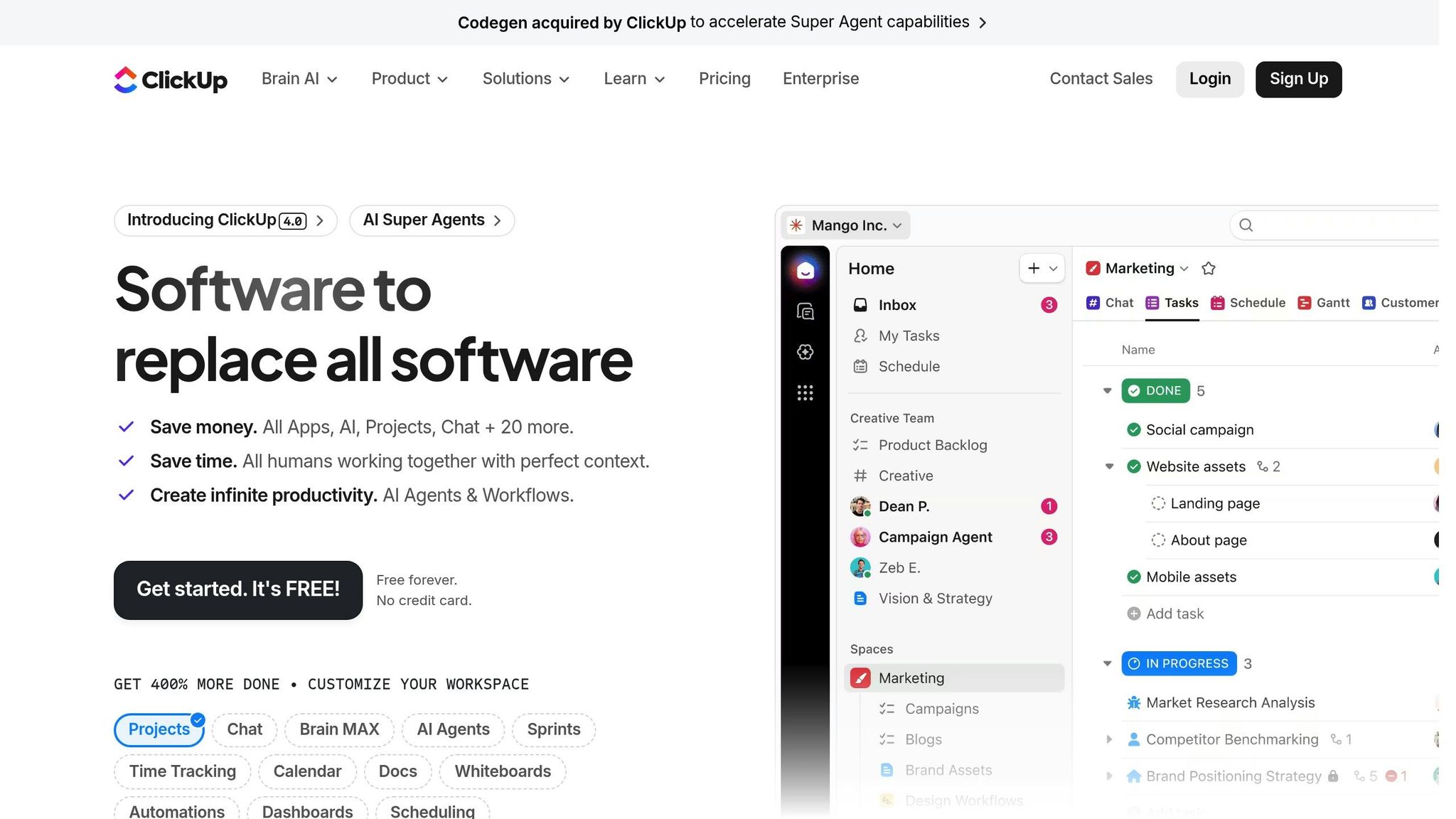
ClickUp is a cloud-based workspace that brings together tasks, documents, chat, and goal tracking in one place. By consolidating these tools, it helps teams avoid the hassle of juggling multiple platforms, making it a strong choice for streamlining workflows. It has earned a 95% rating for features from Cloudwards experts and a 9.0/10 SmartScore from industry analysts.
Cloud-first design
ClickUp is built on AWS and uses AES-256 encryption and TLS 1.2+, meeting SOC 2 and ISO 27001 standards for security. Enterprise users can also choose where their data is stored, with options in the U.S., EU, or APAC regions, ensuring compliance with regional privacy laws. The platform's Command Center (accessible via Cmd+J) allows instant workspace searches, while ClickUp Brain, available for $9/user/month, leverages your data to summarize progress and provide answers to queries.
Cross-platform sync
ClickUp offers real-time syncing across web browsers, desktop apps (Windows, macOS, Linux), and mobile devices (iOS, Android). It integrates with over 1,000 tools, including Slack, Google Drive, Figma, and GitHub. However, some users note that the mobile app can feel a bit crowded on smaller screens. As Mehak Siddiqui, a Project Management Expert at Cloudwards, puts it:
"ClickUp is one of the most ambitious project management tools out there, with impressive flexibility for all kinds of businesses."
Task prioritization tools
ClickUp uses a four-tier flagging system (Urgent, High, Normal, Low) to help teams quickly identify task importance across all views. The platform provides over 15 task views, including Kanban, Gantt, Calendar, and a unique Map view. Custom fields allow users to define and sort tasks by data points like "Impact" or "Value", making it easier to focus on tasks with a high return on investment. The Workload View helps managers balance team capacity and reassign tasks to avoid burnout. Additionally, hundreds of automation templates let you create rules that adjust task priorities as deadlines approach.
Pricing (USD)
ClickUp offers pricing plans to suit teams of all sizes:
- Free Forever: Unlimited tasks and users, but storage is capped at 60MB.
- Unlimited: Costs $7/user/month billed annually (or $10/month if billed monthly), unlocking unlimited storage and custom fields.
- Business: Priced at $12/user/month billed annually (or $19/month monthly), this plan includes advanced automations and unlimited dashboards.
- Enterprise: Custom pricing tailored for large organizations, featuring extras like white-labeling, HIPAA compliance, and dedicated success managers.
All paid plans include a 30-day money-back guarantee.
5. Asana
Asana brings tasks, projects, and goals together in one cloud-based workspace. It's rated 95% for user-friendliness and 90% for features (2026), making it a favorite for 85% of Fortune 100 companies, including big names like Spotify and Danone, who use it to streamline work across departments.
Cloud-first design
Asana's real-time updates keep all project views synchronized, whether you're using Kanban boards, lists, calendars, or timelines. It’s built on Amazon Web Services (AWS) and uses TLS and AES 256-bit encryption, ensuring compliance with SOC Type 2 and ISO/IEC standards. For enterprise users, the platform guarantees reliability with a 99.9% uptime SLA.
The 2026 update introduces Asana AI, which simplifies workflows using natural language. You can describe tasks in plain English, and the AI sets up automation rules or generates "Smart Digests" summarizing project updates and feedback. Asana also integrates with over 100 tools on basic plans and 300+ tools on enterprise plans, including Slack, Zoom, Microsoft Teams, and Google Workspace.
This setup ensures a smooth experience on any device.
Cross-platform sync
Asana works seamlessly across Windows, macOS, iOS, and Android, with apps designed for instant synchronization. The desktop apps mirror the browser experience but eliminate distractions from other tabs, while the mobile apps include biometric authentication and easy-to-use touch gestures.
Simon Levinson, Global Digital Manufacturing Process Innovation Manager at Danone, highlights Asana's efficiency:
"Asana makes everything shareable, which saves us time executing programs because it's so much easier to replicate and learn from what others have done."
Task prioritization tools
Asana's features are built to help teams stay organized and focused. Custom fields allow you to color-code tasks by priority, stage, or any other criteria. It also includes task dependencies, a Critical Path view for managing deadlines, and a "My Tasks" section for individual focus. The Workload view enables managers to balance team capacity, showing who might be overburdened or underutilized.
For teams handling cross-functional projects, the "Multi-homing" feature is a game-changer. It lets you add the same task to multiple projects, with updates syncing across all instances automatically. Additionally, Smart Status reports use AI to draft project updates, reducing the time spent on manual reporting.
Pricing (USD)
Asana offers flexible plans to suit everyone from individuals to large enterprises:
| Plan | Annual Billing | Monthly Billing | Key Features |
|---|---|---|---|
| Personal | Free | Free | Up to 10 users, 1,000 tasks, 100+ integrations |
| Starter | $10.99/user/month | $13.49/user/month | Asana AI, Timeline view, Workflow builder |
| Advanced | $24.99/user/month | $30.49/user/month | Goals, Workload management, Salesforce integration |
| Enterprise | Custom pricing | Custom pricing | SAML, 24/7 priority support, custom branding |
All plans come with unlimited storage, although individual file uploads are capped at 100MB.
6. Trello
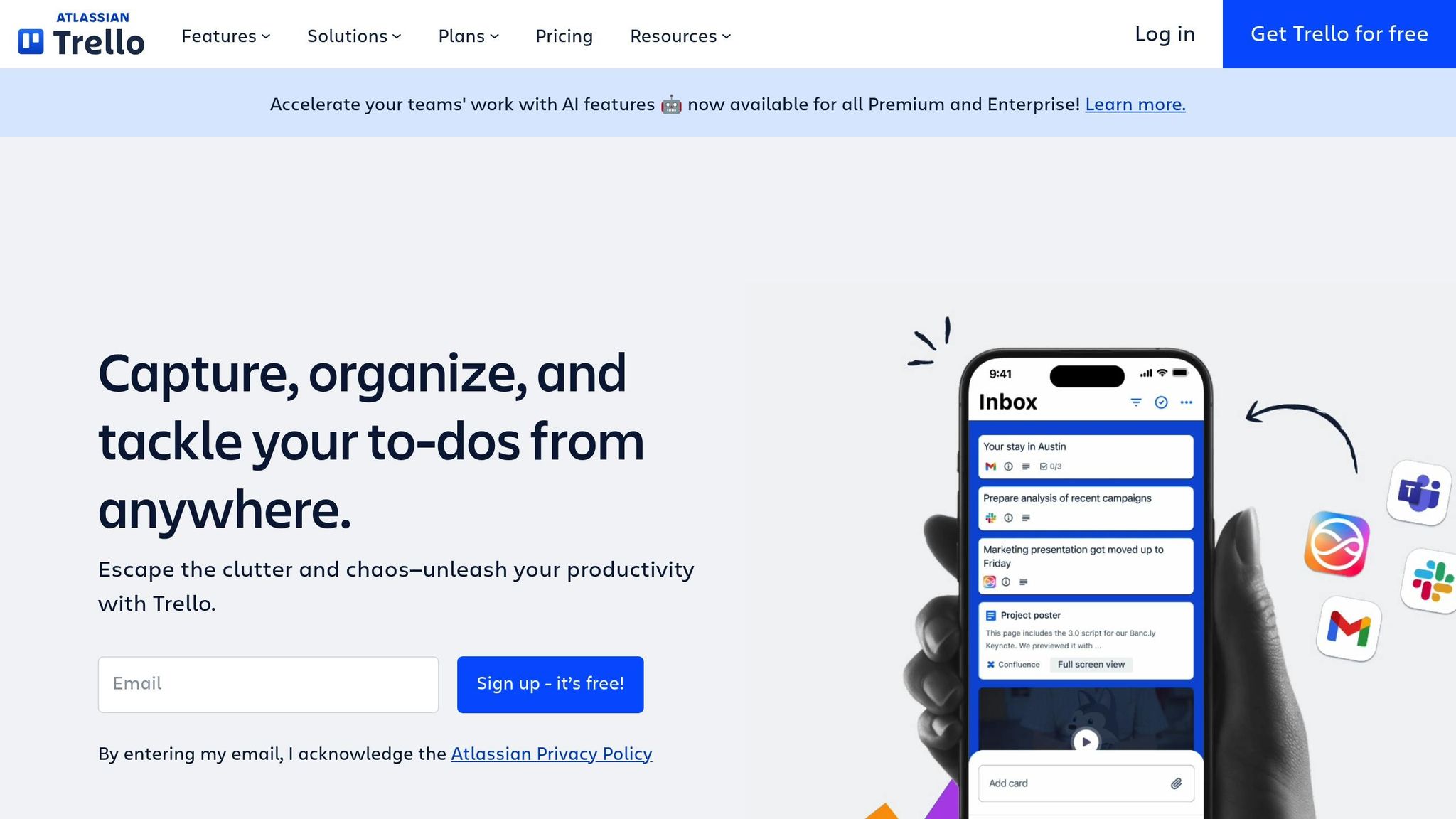
Trello stands out with its visually driven, cloud-based task management system. Often referred to as the "Kanban king", it offers an intuitive board-based structure that makes organizing tasks feel effortless. Sofia Oliber, a project management expert at Cloudwards, highlights its accessibility:
"Trello is always the first software I recommend when someone is new to managing projects; it has a flat learning curve and is intuitive for task management."
Cloud-First Functionality
Trello operates entirely in the cloud, ensuring seamless synchronization across all your devices. Any updates you make are reflected in real-time, whether you're on your phone, tablet, or desktop. Its robust security is backed by SOC2 Type 2 and ISO/IEC 27001 certifications, giving users peace of mind.
In 2026, Trello introduced Atlassian Intelligence, a feature that can summarize detailed card descriptions, identify action items, and even brainstorm ideas directly within your boards. The Butler automation tool adds even more convenience, enabling users to create custom workflows and automate repetitive tasks like moving cards or setting deadline reminders. Even on the free plan, Trello offers unlimited Power-Ups to integrate with tools like Slack, Google Drive, and Salesforce.
Trello's apps are also tailored to different platforms, ensuring a smooth experience no matter which device you're using.
Seamless Sync Across Devices
Trello provides dedicated apps for iOS, Android, macOS, and Windows, ensuring an optimized experience whether you're on mobile or desktop. Whether you're adding a task during your commute or reviewing project progress at your desk, all updates sync automatically.
Visual Task Management
Trello's Kanban-style boards make it easy to organize tasks visually. You can use color-coded labels, due dates, and list colors to prioritize work. Advanced checklists let you break down complex tasks into manageable steps, while Butler automation can handle actions like moving cards to a "Done" list once all checklist items are completed.
Pricing (USD)
Trello offers a simple pricing structure, including a robust free plan:
| Plan | Annual Billing | Monthly Billing | Key Features |
|---|---|---|---|
| Free | $0 | $0 | 10 boards per workspace, unlimited cards, unlimited Power-Ups, 250 automation runs |
| Standard | $5/user/month | $6/user/month | Unlimited boards, custom fields, 1,000 automation runs, 250MB file limit |
| Premium | $10/user/month | $12.50/user/month | AI features, Timeline/Calendar views, unlimited automation |
| Enterprise | $17.50/user/month | N/A | SSO, organization-wide permissions, 24/7 support |
All plans include unlimited storage, though file size limits vary from 10MB on the free plan to 250MB on paid tiers.
7. Monday.com
Monday.com simplifies workflows with its Work OS, a platform trusted by over 250,000 customers. It has also been recognized as a Leader in the 2025 Gartner® Magic Quadrant™ for Collaborative Work Management.
Cloud-First Design
Monday.com is built for real-time syncing across all devices. Whether you're using a web browser, desktop app (Windows or macOS), or mobile device (iOS or Android), updates are instant. The platform meets SOC 2 Type II compliance standards and includes advanced security features like Single Sign-On and an emergency lockout capability.
The 2026 release introduced AI Sidekick, a tool that generates project plans, summarizes updates, and automates task categorization. Another addition, AI Blocks, prioritizes tasks based on urgency, helping teams focus on critical work. With over 200 native integrations - such as Slack, Microsoft Teams, and Google Drive - you can connect your favorite tools without leaving the platform.
This strong cloud infrastructure ensures smooth workflows, whether you're on a desktop or mobile device.
Cross-Platform Sync
Monday.com’s cross-platform capabilities ensure consistent performance on any device. The mobile app supports key desktop views, including Kanban, timeline, calendar, and map views, making it easy to manage tasks on the go. Mobile-exclusive features like "Battery View" provide a quick overview of project progress, while customizable widgets let you keep key projects front and center on your home screen.
In 2026, Telefonica's O2 Priority team reported significant improvements thanks to this seamless syncing. Tye Rapley-Hawkins, Head of Delivery, shared:
"With monday.com, we're 30% more efficient at delivering hundreds of campaigns seen by millions of customers."
Similarly, Sarah Pharr, AVP of Marketing at Genpact, highlighted:
"Since adopting monday.com, our global marketing department has seen a 40% improvement in cross-team collaboration for successful end-to-end campaign planning and execution."
Task Prioritization Tools
The platform’s syncing capabilities also enhance task prioritization. Teams can easily manage deadlines and dependencies using color-coded status labels like "working on it", "stuck", and "done", which provide immediate clarity. With over 15 different views - including Kanban, Gantt, and Timeline - you can visualize tasks and deadlines in the way that works best for your team. Task dependencies ensure that work progresses in the correct order.
Pricing (USD)
Monday.com offers five pricing tiers, with paid plans requiring a minimum of three seats:
| Plan | Annual Billing | Monthly Billing |
|---|---|---|
| Free | $0 | $0 |
| Basic | $9/user/month | $12/user/month |
| Standard | $12/user/month | $14/user/month |
| Pro | $19/user/month | $24/user/month |
| Enterprise | Custom | Custom |
- Free: Includes up to 2 seats, 3 boards, 200+ templates, and iOS/Android apps.
- Basic: Offers unlimited items, 5GB of storage, and a 1-board dashboard.
- Standard: Adds timeline/Gantt views, 250 automation actions, and guest access.
- Pro: Includes time tracking, formula columns, and 25,000 automations.
- Enterprise: Provides 1TB of storage, 250,000 automations, and advanced security features.
Annual billing offers an 18% discount compared to monthly payments. For most teams, the Standard plan is a good starting point, as it unlocks essential project management features not available in the Basic tier.
8. GoodDay
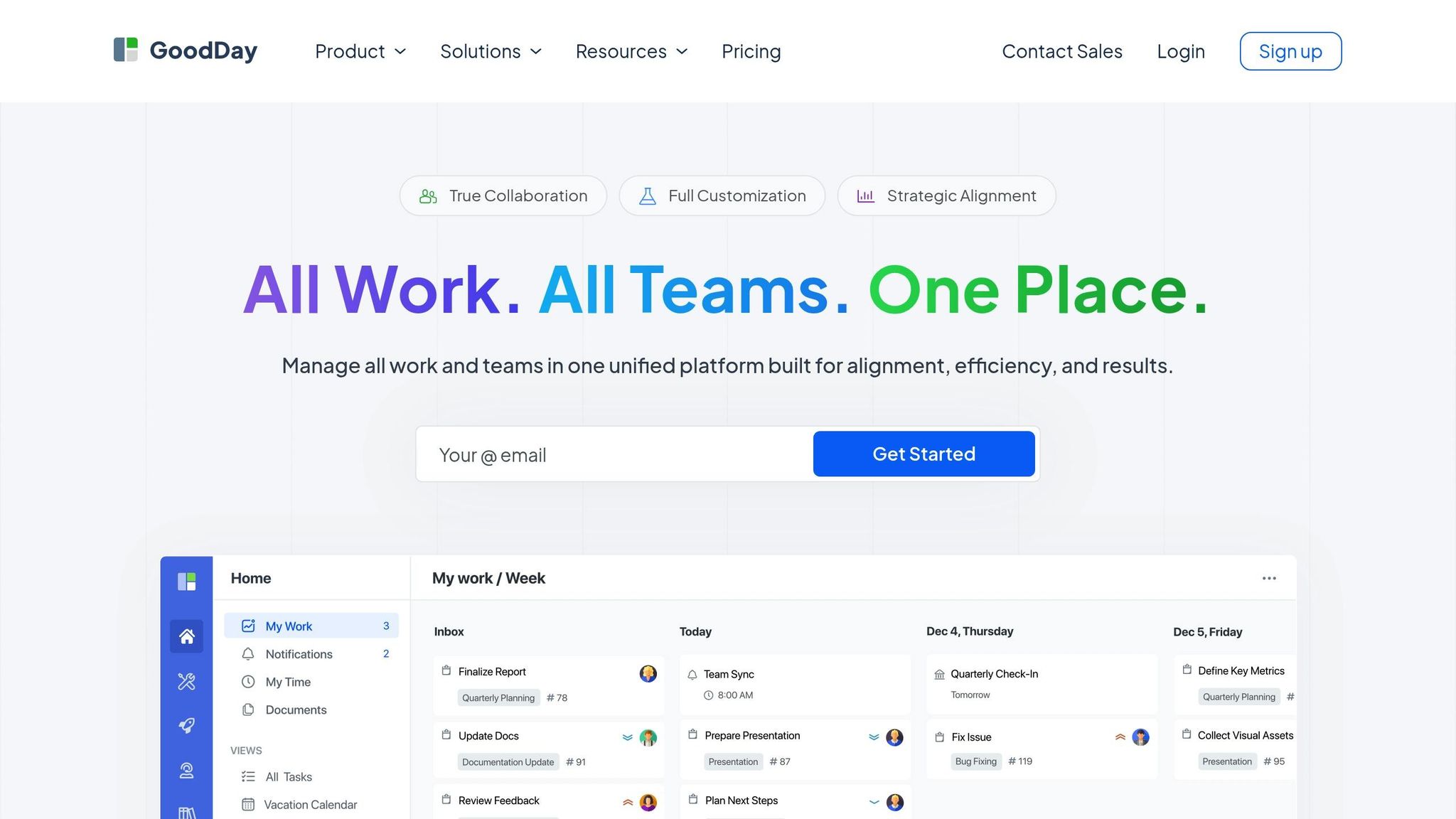
GoodDay is a standout platform in the realm of cloud-based task management, combining speed with flexibility. Trusted by over 100,000 teams globally, it has earned spots on 12 Capterra shortlists in 2026, showcasing its adaptability for task management, workflow automation, and project coordination.
Cloud-First Design
Built as a 100% Single Page Application (SPA), GoodDay ensures quick navigation and real-time updates without the need for page reloads. This design keeps workflows smooth and responsive, even for complex projects.
The platform's GoodDay AI feature introduces automatic task time estimates, or "Guesstimates", derived from work data. Additionally, its Action Required Methodology ensures seamless task delegation by automatically assigning the next responsible team member for each item.
For shared workspaces, the Big Screens module displays essential projects and tasks on office monitors or online screens, promoting team-wide transparency. GoodDay also allows users to customize task types, statuses, fields, workflows, and dashboards to suit their specific needs.
Cross-Platform Sync
GoodDay ensures consistent functionality across devices with native apps for Windows, macOS, Linux, iOS, and Android. Its SPA architecture ensures instant data synchronization across all sessions, so updates made on one device reflect immediately on others.
The platform integrates seamlessly with Google Workspace, including two-way Google Calendar sync, and offers native connections for tools like Slack, Dropbox, GitHub, and GitLab. For even greater flexibility, it supports over 1,300 apps through Zapier.
Priya K., a Senior Project Manager, highlights the platform’s sync capabilities:
"Working across time zones is always challenging, but GoodDay makes it painless. We can hand off tasks, leave detailed updates, and know the next person will pick up exactly where we left off."
This real-time syncing underpins GoodDay's robust task prioritization features.
Task Prioritization Tools
The My Work dashboard provides a personalized view of priorities, accessible from any device. Users can assign custom priority levels, such as "Blockers" and "Emergency", ensuring critical tasks receive immediate attention. A "Pastdue" view helps monitor overdue tasks, enabling teams to tackle delays before they escalate.
GoodDay supports various visualization options, including Gantt charts, Kanban boards, timelines, workload views, lists, and tables. The Task Tray feature allows users to minimize key tasks for easy access across different views, keeping workspaces organized without sacrificing functionality.
Pricing (USD)
GoodDay offers four pricing tiers, including a free plan for small teams of up to 15 users:
| Plan | Annual Billing | Monthly Billing | User Limit |
|---|---|---|---|
| Free | $0 | $0 | 1-15 |
| Professional | $4/user/month | $6/user/month | 5-250 |
| Business | $7/user/month | $10/user/month | 15-350 |
| Enterprise | Custom | Custom | 25+ |
- Free Plan: Includes unlimited projects and tasks, 1GB of storage, and basic support.
- Professional Plan: Adds features like time tracking, Gantt views, unlimited storage, and automations.
- Business Plan: Expands capabilities with CRM, a Finance module, resource management, and custom branding.
- Enterprise Plan: Offers advanced options like SAML 2.0 SSO, custom access rules, and private cloud solutions.
Annual billing provides cost savings, making it an appealing choice for smaller teams.
9. Motion
In 2026, advanced cloud tools continue to transform productivity, and Motion stands out as an AI-powered hub designed to streamline schedule planning. By automating time-blocking based on priorities and deadlines, Motion claims to save users up to 60 minutes daily on manual rescheduling while boosting productivity by as much as 137%. It's no surprise that Motion has earned an S-Tier ranking from Efficient App.
Cloud-First Design
Motion combines a calendar, task manager, and meeting scheduler into a single, unified workspace. One of its standout features is real-time re-prioritization: when unexpected changes occur - like a meeting running over or a new urgent task popping up - the AI adjusts your schedule instantly to keep you on track.
Other tools include:
- "AI Employees" for tasks like marketing, support, and executive assistance.
- AI Docs for managing knowledge.
- An AI Note Taker that extracts actionable items from meetings.
- Task "chunking", which breaks larger projects into manageable blocks (e.g., 30- or 60-minute intervals) and schedules them around your existing commitments.
This design ensures a seamless experience, whether you're at your desk or on the go.
Cross-Platform Sync
Motion works smoothly across web, desktop (Mac/Windows), and mobile (iOS/Android) platforms. It even integrates with Siri, enabling you to add tasks via voice commands while the AI schedules them automatically. Additionally, Motion connects with external calendars like Google Calendar and Outlook, providing a unified view of both work and personal schedules. For convenience, meeting scheduler links can be sent directly from the mobile app.
Task Prioritization Tools
Motion's AI takes productivity up a notch by analyzing workloads, deadlines, and task dependencies to create an optimized schedule. Its Predictive Workload Management feature identifies potential capacity issues before they become problems. Efficient App highlights Motion's effectiveness:
"It's the closest 'AI agent' tool that we've experienced that actually gives the feeling of having a true personal assistant with full context of the business."
Pricing (USD)
Motion offers flexible pricing plans for individuals and teams, with discounts for annual billing:
| Plan | Monthly Billing | Annual Billing | AI Credits/Month |
|---|---|---|---|
| Pro AI | $29/month | $19/month | 7,500 |
| Business AI | $49/month | $29/month | 15,000 |
| Pro AI (Team, 3+ seats) | $29/user/month | $19/user/month | 7,500 per user |
| Business AI (Team, 3+ seats) | $49/user/month | $29/user/month | 15,000 per user |
| Enterprise | Custom | Custom | Custom |
Team plans require a minimum of three seats, with seat bundles typically available in increments of 1, 3, 10, and 25. When compared to the cost of separate apps for project management, AI note-taking, scheduling, and daily planning - which can easily exceed $100/month - Motion's pricing is highly competitive.
10. Wrike
Wrike wraps up our list as a cloud-based platform offering extensive customization and enterprise-level solutions. With over 20,000 customers globally, Wrike has grown into a robust work management tool that goes far beyond simple task tracking. Its "Wrike Lightspeed" interface ensures quick view switching and smooth navigation.
Cloud-First Platform
Wrike is fully cloud-based, eliminating the need for local installations while enabling instant syncing for remote teams. It integrates seamlessly with over 400 tools, including Slack, Microsoft Teams, Google Drive, and Adobe Creative Cloud. Wrike also incorporates AI automation to streamline workflows - automatically scanning task titles, filling custom fields, and managing intake processes. This feature alone can save teams about an hour per week and 109 workdays annually for enterprise organizations.
Francis Lalonde, Vice President of Transportation at Walmart Canada, highlights Wrike's value:
"Everyone is in Wrike daily; we've built one story and one version of the truth. And that is a game changer for us. Now we do our project reviews in Wrike: no more need for presentations, Word documents, or any of this additional work."
Wrike users have reported an 85% to 90% drop in internal email volume, while F5 saw a 33% boost in on-time delivery after adopting the platform.
Real-Time Sync Across Devices
Wrike offers apps for web, desktop, and mobile (iOS and Android), ensuring that data stays updated in real time across all devices. The platform’s cross-tagging feature allows tasks to be shared across teams and folders without duplicating data. For teams relying on external tools, Wrike's Two-Way Sync add-on automates data sharing with 22 systems, including Jira and GitHub. Data hosting is geographically specific - European accounts are hosted in Paris, France, while others are in Santa Clara, California. The platform also meets high-security standards, with SOC2 Type II and ISO 27001:2013 certifications.
Tools for Task Prioritization
Wrike provides multiple task management views, such as interactive Gantt charts, Kanban boards, and customizable table views. Its Wrike Copilot feature uses AI to deliver project insights, while automated request forms ensure tasks are assigned to the right person immediately. Custom item types and fields allow teams to tailor workflows to their needs, and Blueprint tasks standardize repetitive processes to save time. Wrike also includes built-in proofing and approval tools, keeping feedback tied directly to documents to avoid losing comments across platforms.
These features demonstrate Wrike's focus on simplifying work for teams handling complex projects.
Pricing (USD)
Wrike offers five pricing tiers tailored for teams of various sizes, with annual subscriptions required for business plans and higher:
| Plan | Price | Users | Key Features |
|---|---|---|---|
| Free | $0/month | Unlimited | Basic task management; web, desktop, and mobile apps |
| Team | $10/user/month | 2–15 | AI Essentials; Gantt charts; custom fields |
| Business | $25/user/month | 5–200 | AI Elite; resource planning; workflow customization |
| Pinnacle | Custom Pricing | Enterprise | Advanced reporting/BI; budgeting; SSO |
| Apex | Custom Pricing | Enterprise | Unlimited whiteboards; Wrike Integrate; 30M Datahub records |
Additional add-ons include Wrike Whiteboard ($15/user/month), Wrike Integrate (custom pricing), and Wrike Two-Way Sync (custom pricing). Pricing is accurate for new purchases as of January 21, 2026.
Comparison Table
Here's a quick comparison of the 10 best cloud task management apps, organized by their primary use case, pricing, free plan availability, and standout feature. Use this table to easily identify which app fits your needs at a glance.
| App | Best Use Case | Starting Price (USD) | Free Plan | Notable Feature |
|---|---|---|---|---|
| malife | Personal life management and balance | Free | Yes | Organizes life areas with Today & Next flow |
| Todoist | Simple personal and team task management | $4/user/month | Yes | Natural language input for quick task capture |
| TickTick | Personal productivity with time management | $3/user/month | Yes | Includes a Pomodoro timer and habit tracker |
| ClickUp | Customizable work management for teams | $7/user/month | Yes | Offers 50+ widgets and AI-powered Super Agents |
| Asana | Teamwork and project coordination | $11/user/month | Yes | Features timeline views and workflow automation |
| Trello | Visual project management using boards | $5/user/month | Yes | Kanban-style boards with drag-and-drop cards |
| Monday.com | Team collaboration and workflow automation | $9/user/month | Limited Free Tier | Customizable dashboards and automation recipes |
| GoodDay | All-in-one work management with CRM | $5/user/month | Yes | Combines tasks, projects, time tracking, and CRM |
| Motion | AI-powered scheduling and calendar integration | $19/user/month | No | Automatically schedules tasks based on priorities |
| Wrike | Enterprise-level project management | $10/user/month | Yes | Advanced tools for large-scale project management |
Key Pricing Insights:
- Many apps include free-forever plans, ideal for individuals or small teams trying out the platform.
- Paid plans for professional use generally range from $3 to $11 per user per month (billed annually).
- Advanced features, like Gantt charts and workload views, are often reserved for higher-priced tiers in enterprise-focused tools like Wrike and Asana.
Conclusion
Finding the right cloud task management app can make a huge difference in your productivity. The ten apps discussed here cover everything from personal tools like malife, which organizes tasks by Life Areas using a Today & Next flow, to enterprise-level platforms built for managing complex team projects. The key is to determine whether you need a simple, personal solution or a robust system for team coordination.
For individual users, malife offers a free, straightforward way to stay organized. On the other hand, team-oriented platforms provide features like automation, shared accountability, and detailed workflow tracking - perfect for managing group projects. Some tools even strike a balance, offering customizable workspaces that cater to both personal and team needs.
Start by identifying your biggest productivity challenges - whether it’s missed deadlines, disorganized tasks, or team miscommunication. Then, take advantage of the free tiers most apps provide to test them out. Pay attention to how well each app integrates with the tools you already use, like Microsoft 365 or Google Workspace, to avoid unnecessary switching between platforms. If AI-powered automation is a priority, remember that some apps charge extra for these features, though malife includes options like voice capture and effort/impact prioritization at no cost.
FAQs
How do I choose the right app for personal vs. team use?
To find the right app, start by identifying what you need. If you're looking for personal task management, go for apps that emphasize simplicity, prioritization, and reminders. For example, malife offers tools like voice capture and a system for prioritizing tasks based on impact and effort, making it easier to manage different areas of your life.
On the other hand, if your focus is on team collaboration, choose apps designed to support shared workspaces, task assignments, and progress tracking. These are ideal for coordinating team efforts and keeping workflows on track. Your choice ultimately depends on whether you're organizing your own tasks or managing projects with others.
Which features matter most for real-time syncing and reliability?
Real-time syncing relies on two critical elements: cross-platform support and a reliable cloud infrastructure. Cross-platform support ensures your data stays in sync across all your devices, whether you're using a smartphone, tablet, or computer. Meanwhile, a strong cloud infrastructure guarantees updates happen consistently and without delays, so you can manage tasks smoothly without interruptions. Together, these features create a dependable experience for staying organized and on track.
What should I test on a free plan before paying?
Before committing to a paid task management app, it's smart to explore its free plan to see if it aligns with your workflow. Focus on testing these key features:
- Task management basics: Can you easily create tasks, set due dates, and schedule recurring tasks?
- Collaboration tools: Does it allow task sharing or assigning tasks to others seamlessly?
- Integrations: Check if it connects with tools you already use, like calendars or email.
- User experience: Is the interface intuitive and simple to navigate?
- Free plan limits: Are there restrictions on storage, the number of projects, or team members?
Taking the time to evaluate these aspects ensures the app meets your needs before you decide to upgrade.