
Top Noise-Canceling Apps in 2025
Top Noise-Canceling Apps in 2025
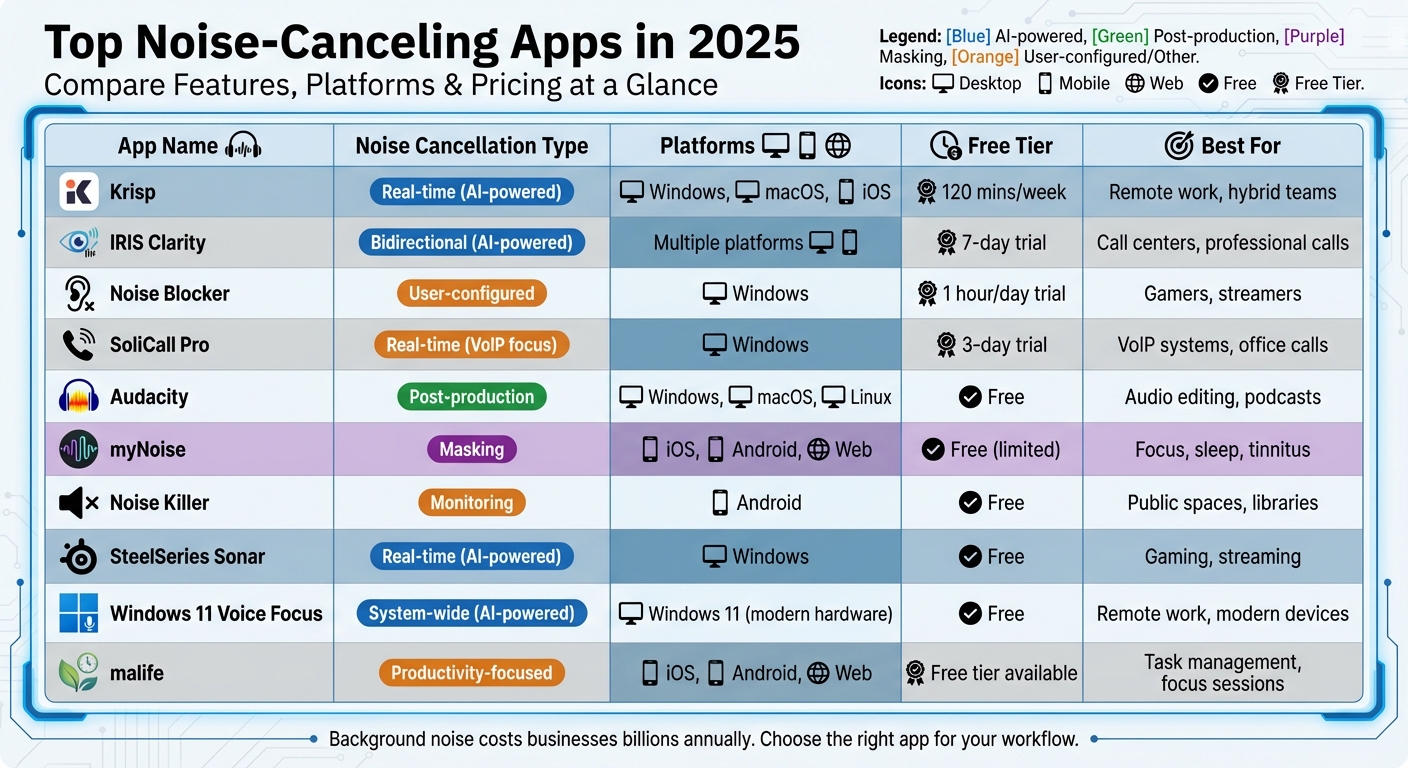
Background noise is a major productivity killer, costing businesses billions annually. In 2025, AI-powered noise-canceling apps have evolved to deliver real-time solutions, eliminating distractions like barking dogs, keyboard clatter, or even racing engines. These apps cater to various needs, from remote work and gaming to professional audio editing and task-focused environments. Here’s a quick rundown of the best tools available:
- Krisp: Filters noise in real-time for calls and meetings, works across multiple platforms, and offers a free tier with 120 minutes per week.
- IRIS Clarity: Excels in bidirectional noise cancellation, ideal for high-pressure professional settings like call centers.
- Noise Blocker: User-configurable to block specific repetitive sounds, perfect for gamers and streamers.
- SoliCall Pro: Tailored for VoIP systems, enhancing call clarity in busy office environments.
- Audacity: A free tool for post-production noise removal, great for podcasters and content creators.
- myNoise: Uses masking sounds to block distractions, helping with focus, sleep, and tinnitus management.
- Noise Killer: Monitors and manages sudden noise spikes, designed for Android users.
- SteelSeries Sonar: Free noise cancellation for gamers and streamers, with per-app audio routing.
- Windows 11 Voice Focus: Built-in, system-wide noise cancellation for modern Windows 11 devices.
- malife: Combines noise management with productivity tools like focus timers and task prioritization.
Quick Comparison
| App | Noise Cancellation Type | Platforms | Free Tier | Best For |
|---|---|---|---|---|
| Krisp | Real-time (AI-powered) | Windows, macOS, iOS, Android | 120 mins/week | Remote work, hybrid teams |
| IRIS Clarity | Bidirectional (AI-powered) | Multiple platforms | 7-day trial | Call centers, professional calls |
| Noise Blocker | User-configured | Windows | 1 hour/day trial | Gamers, streamers |
| SoliCall Pro | Real-time (VoIP focus) | Windows | 3-day trial | VoIP systems, office calls |
| Audacity | Post-production | Windows, macOS, Linux | Free | Audio editing, podcasts |
| myNoise | Masking | iOS, Android, Web | Free (limited) | Focus, sleep, tinnitus |
| Noise Killer | Monitoring | Android | Free | Public spaces, libraries |
| SteelSeries Sonar | Real-time (AI-powered) | Windows | Free | Gaming, streaming |
| Windows 11 Voice Focus | System-wide (AI-powered) | Windows 11 (modern hardware) | Free | Remote work, modern devices |
| malife | Productivity-focused | iOS, Android, Web | Free tier available | Task management, focus sessions |
Whether you need distraction-free calls, better gaming audio, or post-production tools, these apps offer solutions tailored to your needs. Explore free trials to find the one that fits your workflow.
Top 10 Noise-Canceling Apps 2025: Features, Platforms & Pricing Comparison
1. Krisp
Real-Time Noise Cancellation
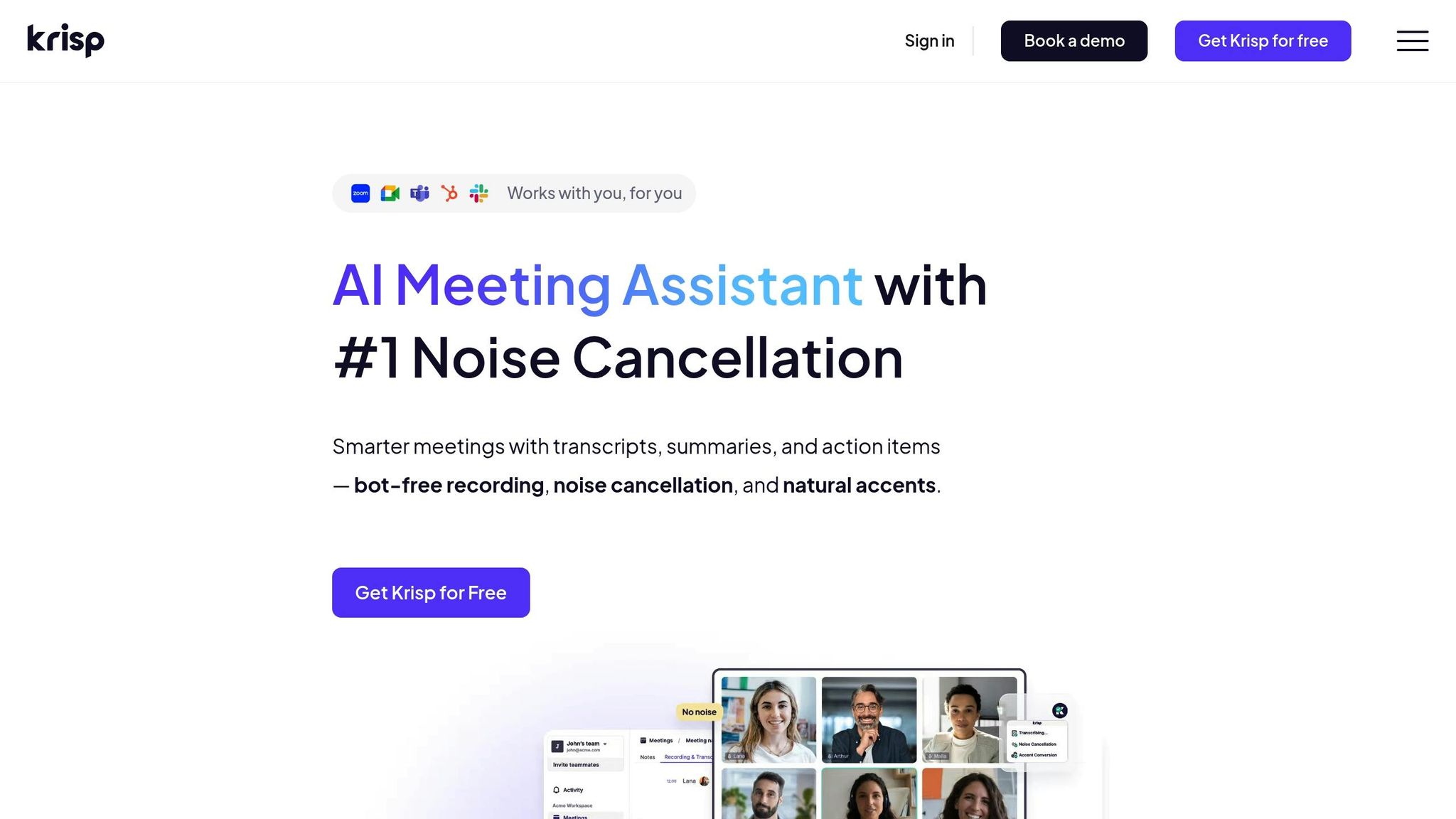
Krisp uses a deep neural network to separate your voice from background noise, filtering out distractions like barking dogs, crying babies, keyboard typing, and sirens - all in real time. Acting as a virtual audio layer, you simply select "Krisp Microphone" and "Krisp Speaker" in your meeting apps to enjoy two-way noise cancellation. This means your call partners hear nothing but your voice, as if you were speaking from a library or a studio.
It doesn’t stop there - Krisp also reduces echoes and cross-talk, ensuring only your voice comes through. Its ability to integrate smoothly across platforms makes it a favorite for professionals who use multiple devices.
Platform Compatibility
Krisp is available on Windows, macOS, and as a Chrome Extension. It works seamlessly with over 800 apps, including Zoom, Teams, Slack, Discord, and OBS Studio. For mobile users, Krisp offers iOS and Android apps with recording and transcription features, and real-time noise cancellation is expected soon. However, keep in mind that older PCs may experience higher CPU usage when running Krisp’s AI models.
Free Tier Availability
Krisp provides a 7-day free trial of its premium features. Once the trial ends, pricing starts at $5 per month. The free tier includes 120 minutes of noise cancellation per week.
Best Use Case
Krisp is perfect for remote workers, call centers, and hybrid teams who need reliable audio quality across different platforms. It’s especially helpful for those working from noisy home environments or frequently switching between various meeting apps throughout the day.
"Krisp allows me to work from home where there are dogs barking, laundry running, and people going about their daily activities - yet their noise is blocked so I can appear professional."
– Jaslyn T., Client Services Manager
With an impressive 4.8/5 rating from 543 reviews, users often highlight Krisp’s ability to create a quiet, distraction-free experience even in noisy surroundings.
2. IRIS Clarity
Real-Time Noise Cancellation
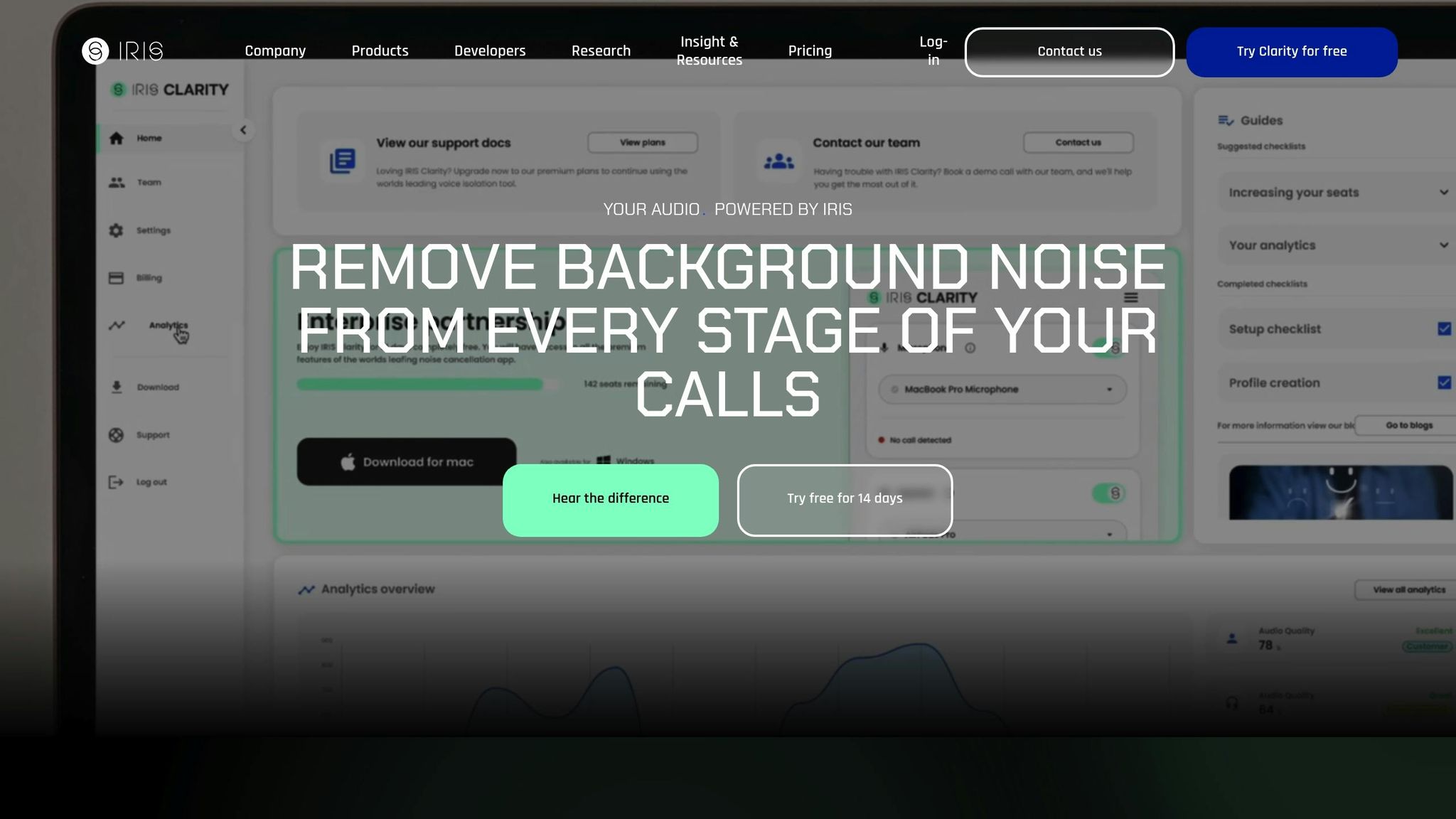
IRIS Clarity uses a powerful AI algorithm designed to differentiate between human voices and background noise. It works by isolating and amplifying your voice while filtering out distractions like keyboard clicks, air conditioning hums, or office chatter. With its bidirectional voice isolation, it cleans up audio on both sides of a call. This not only ensures crystal-clear communication but also enhances the performance of speech analytics and transcription tools, making every word count during important conversations.
Platform Compatibility
The app works smoothly with a variety of communication platforms and operates with minimal delay, making it a reliable choice for live broadcasts and time-sensitive calls. Its user-friendly interface ensures that everyone, regardless of technical expertise, can navigate it with ease.
Free Tier Availability
You can try IRIS Clarity for free with its 7-day trial. This gives you the opportunity to experience its AI-driven voice isolation features and confirm it works well with your current communication setup before deciding to subscribe. It’s a no-pressure way to see if it meets your needs.
Best Use Case
IRIS Clarity shines in environments where clear communication is non-negotiable, such as call centers or other high-pressure professional settings. A standout example of its capability came in January 2025, when IRIS Clarity partnered with IndyCar to deliver clear radio transmissions during racing broadcasts. It successfully eliminated the overwhelming noise of open-wheel racing engines - some of the loudest in sports.
3. Noise Blocker
Real-Time Noise Cancellation
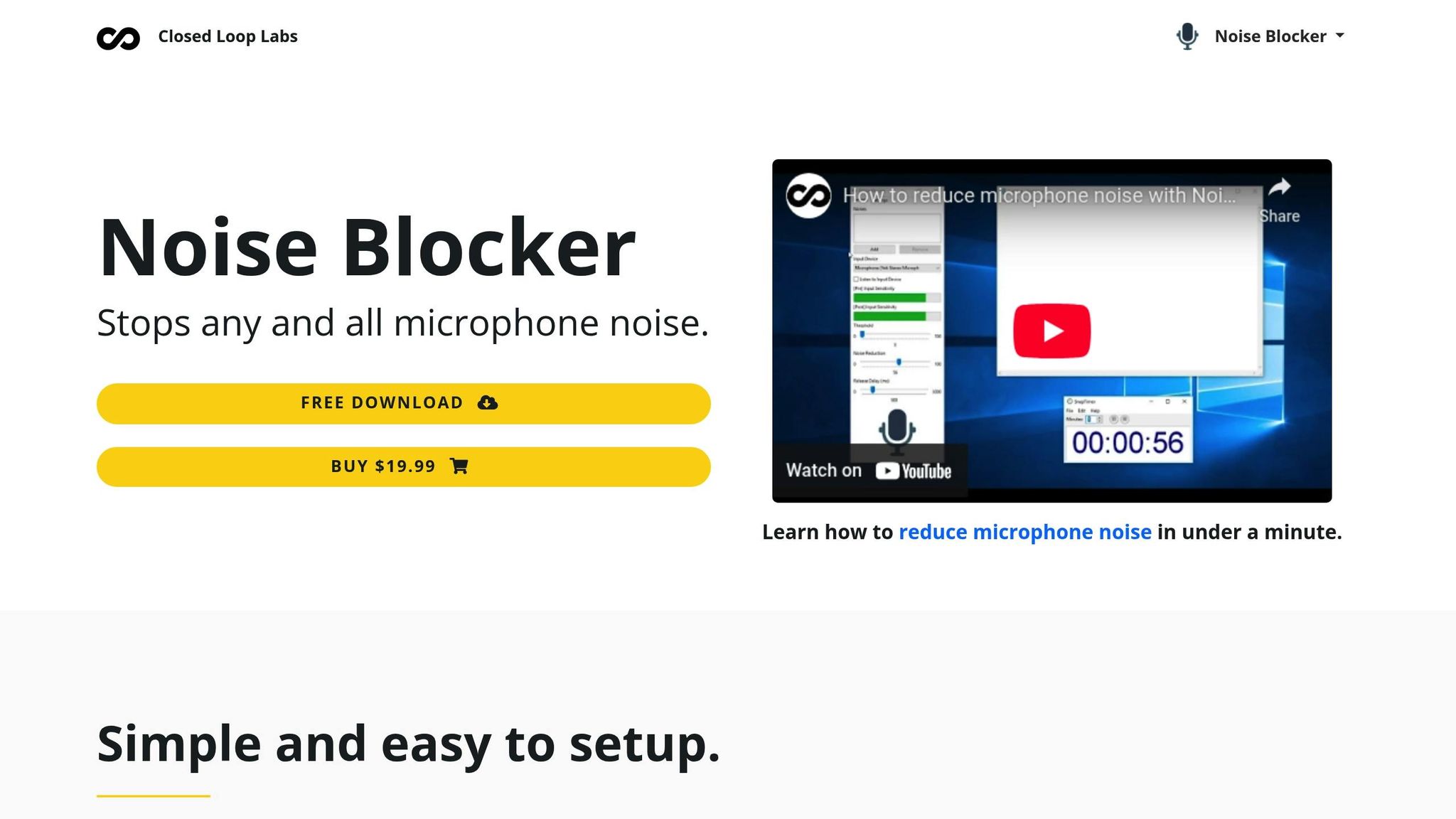
Noise Blocker takes a different approach compared to AI-driven noise cancellation tools. Instead of relying on automated algorithms, this app uses user-provided sound samples to filter out specific noises. The process is straightforward: you record the sound you want to block - like keyboard clicks or a fan - and the app mutes your microphone whenever it detects that particular noise.
This targeted method works exceptionally well for repetitive, user-generated sounds. However, it doesn't address general background noise. Stephanie Valente from Soundly explains:
"While this app is great for removing user-generated sounds - like typing - it will not remove background noises".
Platform Compatibility
Noise Blocker is built exclusively for Windows users. It’s compatible with a variety of communication platforms, including Skype, Discord, Mumble, Slack, and Google Hangouts. To make it work effectively, you'll need to record clear samples of the sounds you want to block, ensuring the app can identify and mute them during live calls or sessions.
Free Tier Availability
The app offers a free trial with full access to its features, but usage is limited to just 1 hour per day. For those who find it useful, the cost of a single-user license is $19.99 (one-time), while a shared-user license is priced at $39.99 (one-time).
Best Use Case
Noise Blocker is a great fit for gamers, streamers, and professionals dealing with repetitive, computer-generated noises like the clatter of mechanical keyboards or the hum of system fans. If other AI-based tools don’t catch a specific noise, Noise Blocker’s manual setup lets you take control. By training the app with a recording of the exact sound, you can ensure precise filtering, making it a valuable addition to more advanced noise cancellation methods for specialized needs.
4. SoliCall Pro
Real-Time Noise Cancellation
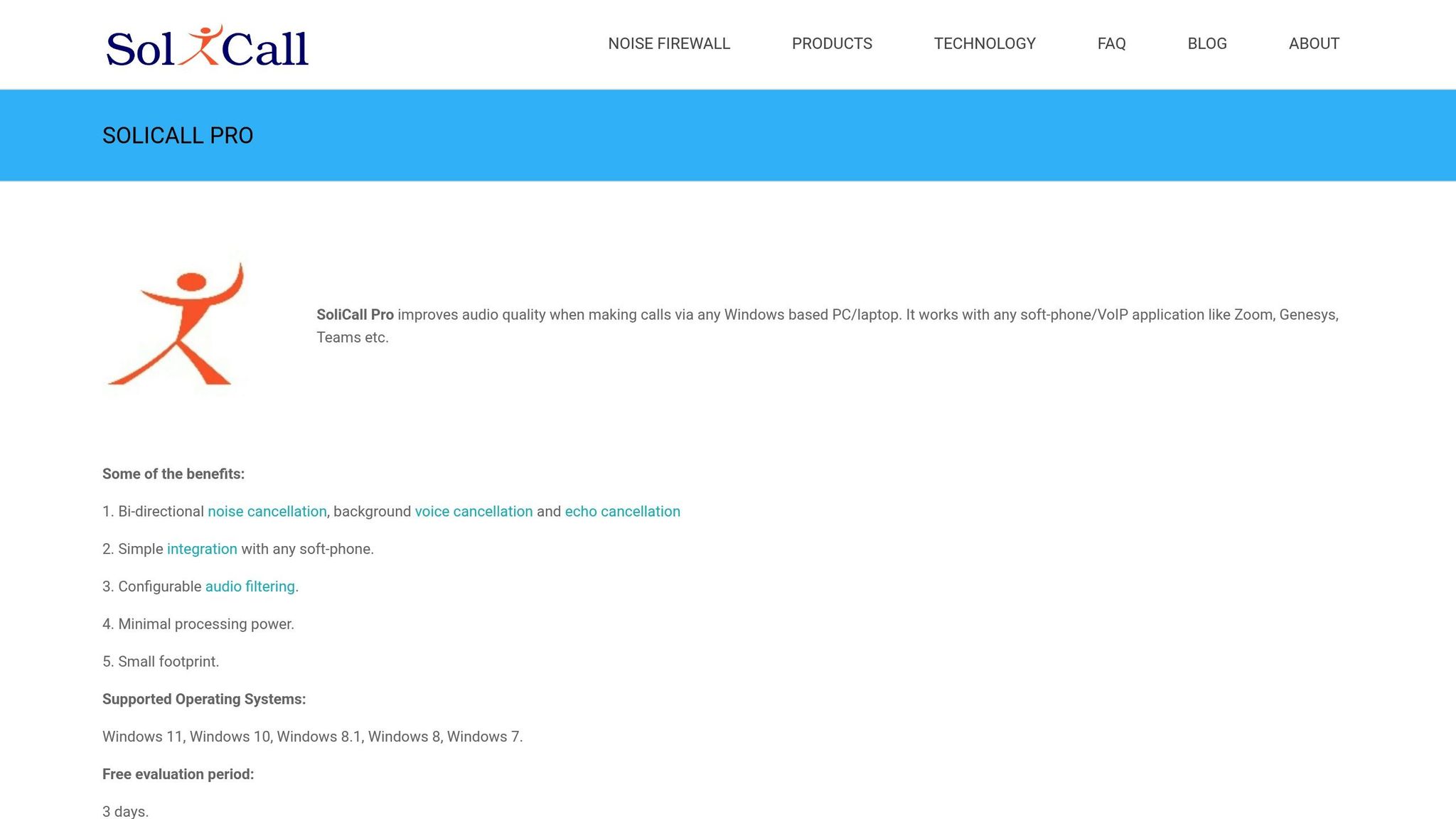
SoliCall Pro uses advanced real-time noise cancellation to ensure clear communication. By leveraging patented "reference-based" and "profile-based" technologies, it filters out unwanted background noise from both the microphone and speaker. This includes blocking nearby conversations and far-end echoes, delivering consistent audio quality during calls .
Platform Compatibility
Designed exclusively for Windows, SoliCall Pro integrates seamlessly with most softphones, SIP/VoIP applications, and cloud-based tools. It runs as a lightweight background utility, requiring minimal system resources and no specialized hardware. However, users need to complete a one-time audio routing setup to get started .
Free Tier Availability
You can test SoliCall Pro with a 3-day free trial. Afterward, the enterprise-grade version, PBXMate Classic, is available starting at $42.00 per license.
Best Use Case
SoliCall Pro is a great fit for call centers and professionals relying on VoIP systems, especially in busy office settings. Its ability to enhance audio clarity makes it particularly useful for speech analytics. However, it is strictly focused on voice calls and does not include features for video conferencing .
5. Audacity
Platform Compatibility
Audacity is built for post-production audio editing, making it different from live noise cancellation tools. This versatile, cross-platform software works on Windows, macOS, and Linux, offering flexibility for users across various operating systems. It supports a range of file formats, including MP3, MP2, AIFF, FLAC, and WAV, and its functionality can be expanded with third-party VST plugins. As an open-source tool, it’s not only free but also customizable, allowing users to tailor it to their specific needs.
Free Tier Availability
Audacity provides professional-grade audio editing tools at no cost, making it accessible to everyone.
Best Use Case
Audacity shines as a post-production tool, making it perfect for podcasters, musicians, and content creators who need to fine-tune their audio after recording. Its standout feature, the built-in Noise Reduction effect, is designed to eliminate consistent background noise, giving your recordings a polished finish.
"Audacity is a perfect solution for capturing live audio through a microphone, but its noise reduction tool is one of the standout features of this app." - Nicolae Bochis
This feature allows Audacity to analyze a sample of background noise and effectively filter it out, leaving you with cleaner, sharper audio.
6. myNoise
Platform Compatibility
myNoise works across a variety of platforms, including iOS (for both iPhone and iPad), Android, web browsers, Alexa-enabled devices, and Chromebooks. The mobile app also offers the option to download soundscapes for offline use, making it a handy tool for masking unwanted noise wherever you are. Impressively, the app has drawn over 1.6 million returning users, with average session times exceeding one hour. This wide platform availability supports flexible pricing and accessibility.
Free Tier Availability
You can download myNoise for free on both iOS and Android, with no ads or subscription fees. The free version provides access to five rotating sound generators each week, such as white noise, rain, and binaural beats. For those who want the full experience, a one-time payment of about $11.99 unlocks the entire library of over 300 soundscapes. Alternatively, individual premium soundscapes are available for $0.99 each.
Best Use Case
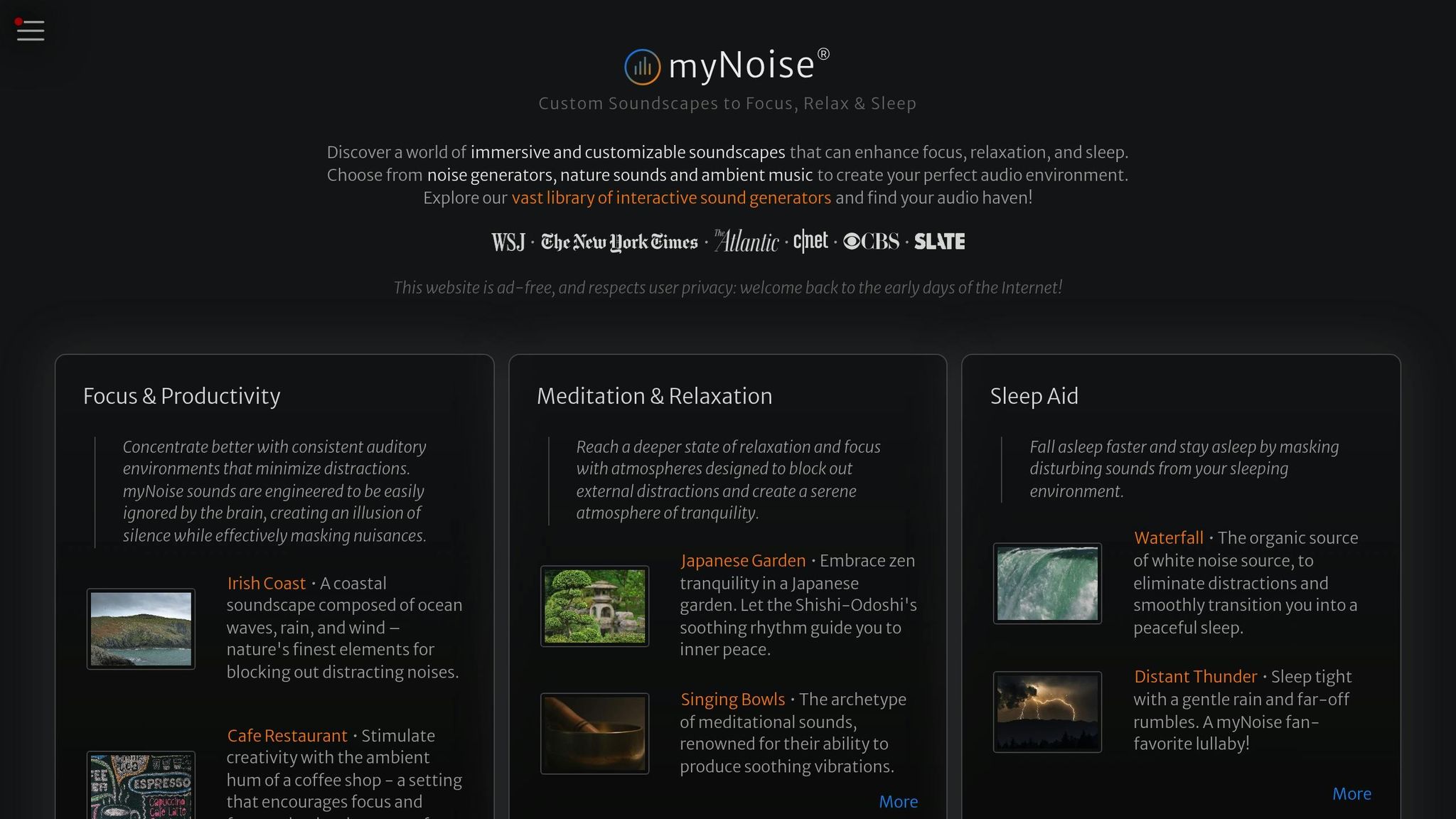
Instead of relying on active noise cancellation, myNoise employs masking noise to help block out distractions. Each soundscape comes with 10 adjustable sliders, allowing users to fine-tune volume, tone, and texture in real time.
"myNoise can be customized to the frequency of the distracting noise, thus achieving a better camouflage effect." – Tomas Laurinavicius, BestWriting
This app is particularly helpful for managing tinnitus, supporting focus for individuals with ADHD, and masking background noise in busy environments. Using mathematical models, it creates infinite, non-repeating soundscapes, which helps to avoid the monotony of recognizable patterns. The app has earned high praise, holding a 4.6/5-star rating on both the App Store and Google Play.
7. Noise Killer
Real-Time Noise Cancellation
Noise Killer takes a proactive approach to managing sound. Instead of filtering your microphone feed, it keeps an ear on your surroundings. When the noise around you gets louder than a set threshold, it steps in - alerting you and adjusting your device's volume automatically. This makes it a handy tool, especially for Android users, looking for a simple way to manage sudden noise spikes.
Platform Compatibility
This app is designed exclusively for Android devices. The best part? It’s completely free to download and use, with no sneaky fees or subscriptions required.
Best Use Case
Noise Killer shines in places where peace and quiet are non-negotiable - like libraries, classrooms, or offices. It notifies you about noise levels through text alerts, vibrations, beeps, or even fun prompts like "Quiet Please" or a "Shhh" sound. Plus, there's a shake feature that lets you tweak the volume manually, making it easy to adapt as you move between noisy and silent spaces.
8. SteelSeries Sonar
Real-Time Noise Cancellation
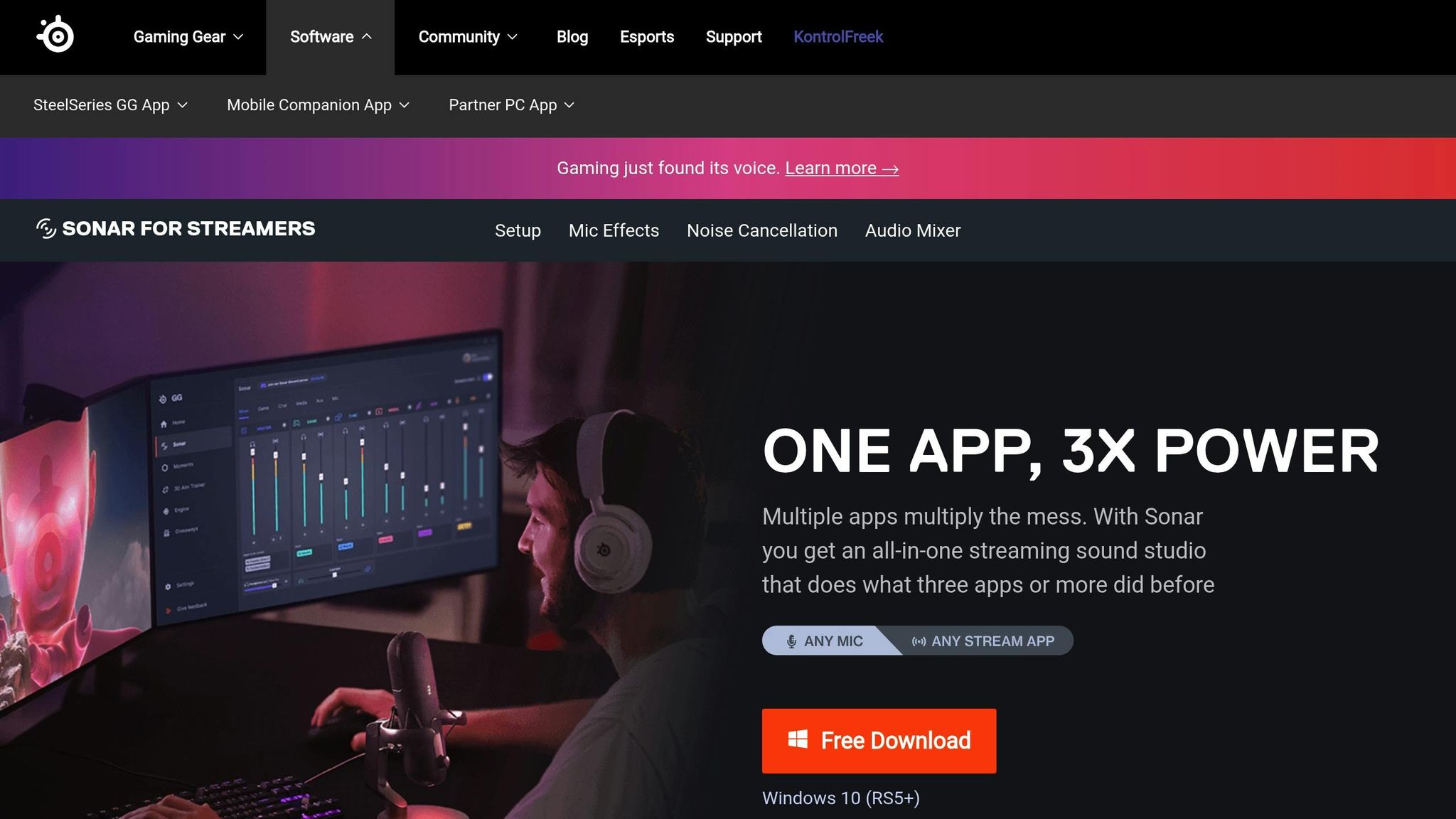
SteelSeries Sonar brings AI-powered microphone noise cancellation to the table, ensuring your voice stays crystal clear during chats and gaming sessions. It filters out distractions like keyboard clicks, fan hums, and other ambient sounds - all without requiring any special hardware. Once set up, it works seamlessly in the background, making it a true "set-and-forget" solution.
What makes Sonar stand out is its per-app audio routing feature. This allows you to control audio levels for games, chat apps, and music individually. The built-in equalizer lets you tweak sound profiles for specific applications, while the Streamer mode offers advanced routing options - perfect for content creators managing complex audio setups during live broadcasts.
Platform Compatibility
Sonar’s noise cancellation and audio management tools are designed specifically for Windows. It’s part of the SteelSeries GG software suite and doesn’t require SteelSeries headphones or any specialized hardware. Whether you’re using a standard PC or a high-end setup, you can enjoy its features without needing to upgrade your gear.
Free Tier Availability
Here’s the best part: SteelSeries Sonar is completely free. It’s included in the SteelSeries GG software package with no hidden costs, subscriptions, or premium tiers. You get full access to features like AI mic noise suppression, per-app routing, a customizable equalizer, and Streamer mode - all at zero cost. While setting up the routing features might take a little time if you’re new to virtual audio devices, the payoff is worth it.
Best Use Case
SteelSeries Sonar is a game-changer for gamers and streamers who need clear, professional-quality microphone input. If you don’t have an RTX GPU but still want top-notch noise cancellation for Discord calls or Twitch streams, this software has you covered. Its ability to separate and manage multiple audio sources - like game sounds, voice chat, and background music - makes it especially useful for streamers looking for precise control over their audio mix.
9. Windows 11 Voice Focus
Real-Time Noise Cancellation
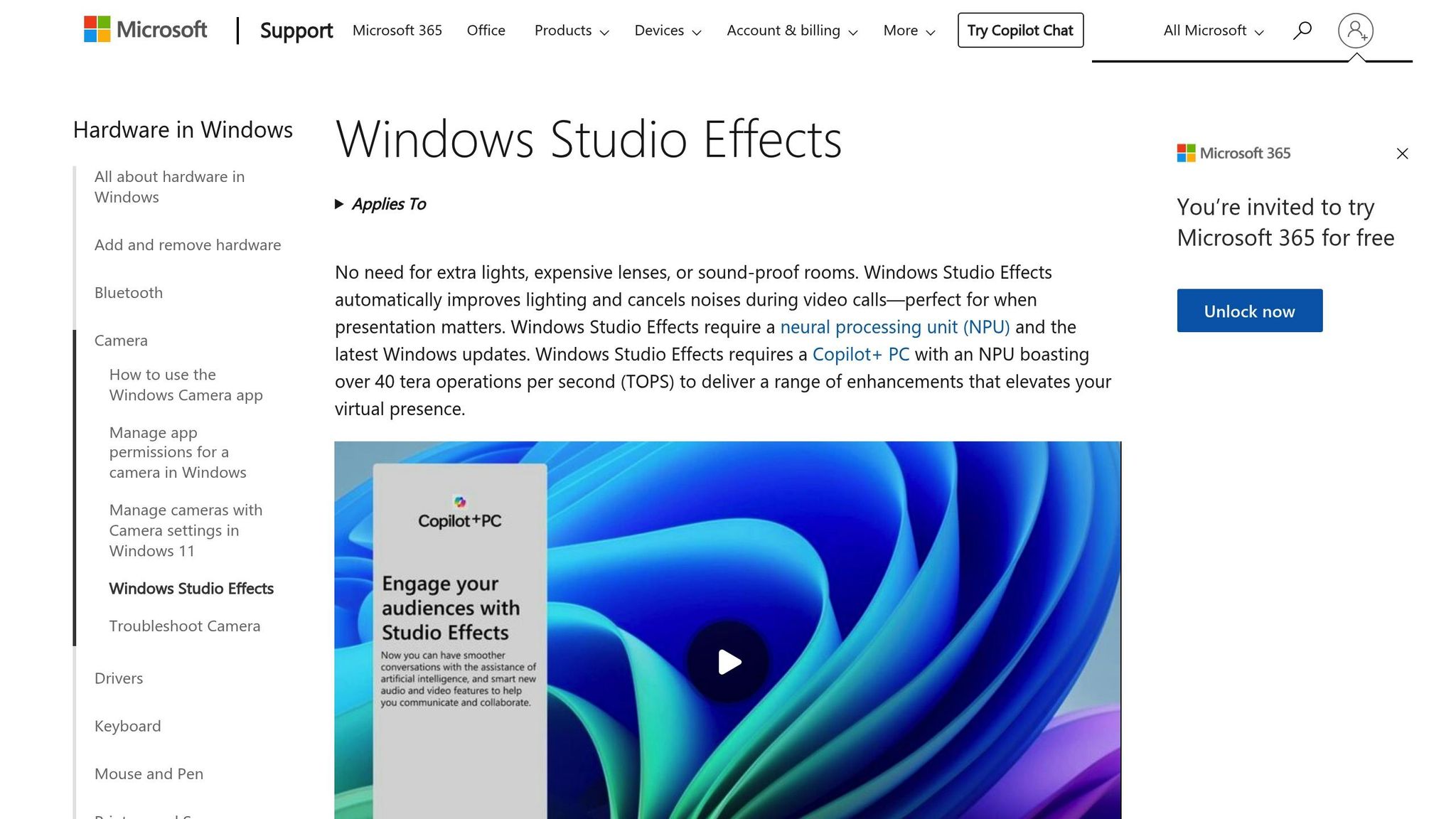
Windows 11 Voice Focus takes AI-powered noise cancellation to the next level. This system-wide feature uses AI and a dedicated Neural Processing Unit (NPU) to filter out non-vocal sounds - like typing, fan hum, or background conversations - across all your communication apps. It works by cleaning up audio directly from your microphone before it even reaches apps like Zoom, Microsoft Teams, or Google Meet, ensuring clear sound no matter the platform.
By leveraging the NPU, Voice Focus reduces strain on your computer's main CPU. This means your system stays responsive, even during resource-heavy tasks like video calls or live streaming.
Platform Compatibility
Voice Focus is exclusive to Windows 11 and requires specific hardware to function. To use it, you’ll need a Copilot+ PC or a device with an NPU, as this hardware is essential for the AI processing. If you're unsure, check if your device supports Windows Studio Effects - this feature isn’t available on older Windows 11 machines or those without the required hardware. On compatible devices, the integration is seamless, making it easy to activate and use.
Free Tier Availability
The best part? Windows 11 Voice Focus is completely free. There's no subscription, extra cost, or need for third-party software. You can turn it on by going to Settings > Bluetooth & devices > Studio Effects and enabling Voice Focus. For the best results, make sure to disable any built-in noise suppression in apps like Teams or Zoom to avoid overlapping filters, which can cause audio glitches.
Best Use Case
Voice Focus is a game-changer for remote workers and professionals using modern Windows 11 hardware. Its ability to provide consistent noise cancellation across all communication platforms makes it perfect for those constantly switching between apps throughout the day. Whether you're in a noisy environment or just want crystal-clear audio, this feature has you covered.
10. malife
Platform Compatibility
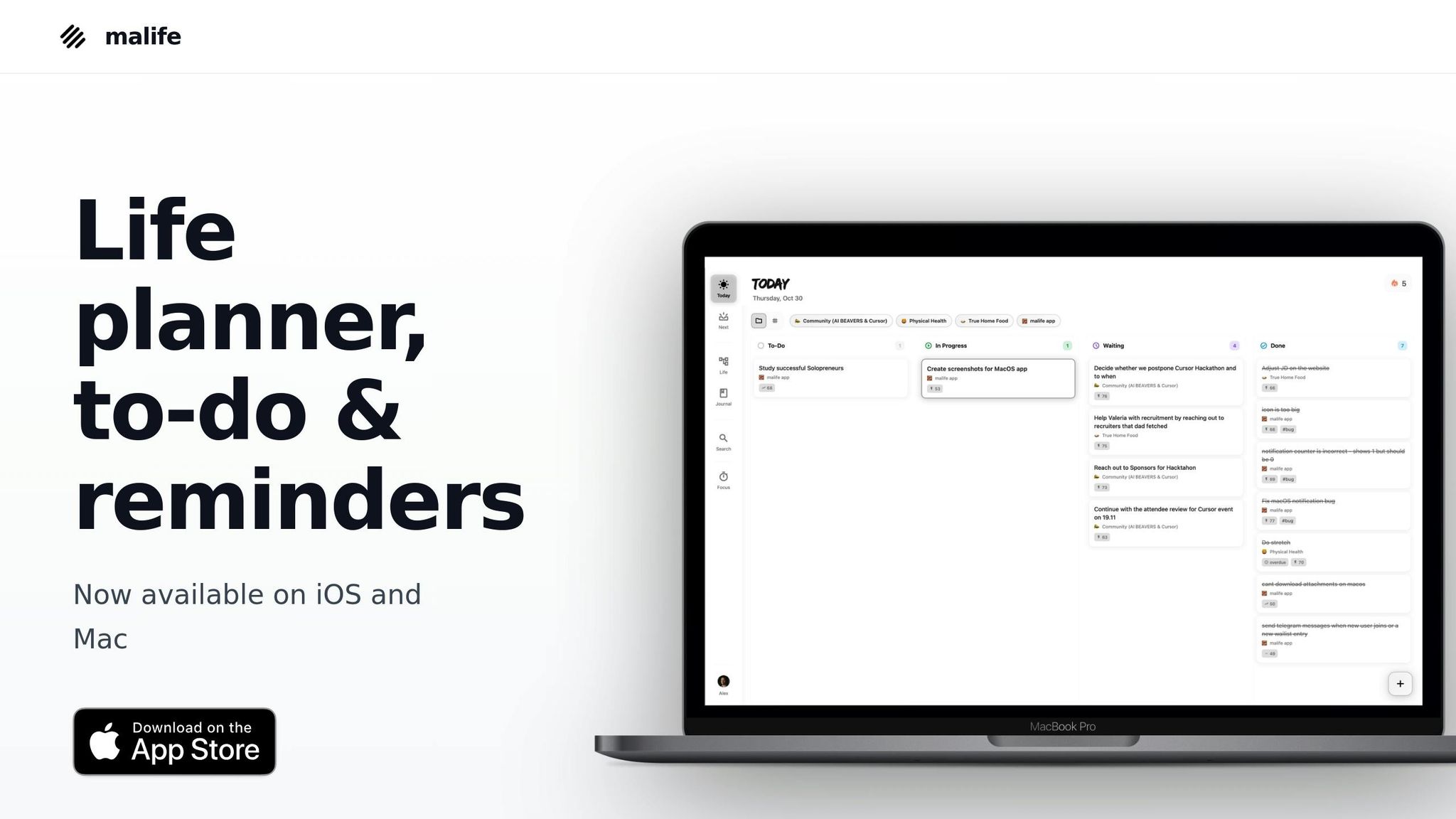
malife works seamlessly across all major devices, making it easy to integrate into your daily routine no matter what you use.
Focus Timer
While it shares some features with other noise-canceling apps, malife stands out by helping you organize your priorities. Its built-in focus timer, along with persistent reminders, lets you set quick intervals like +10 minutes, +1 hour, or +1 day to stay on track and maintain momentum.
Best Use Case
malife is ideal for those juggling work, personal goals, and family responsibilities. Its Life Areas feature provides a clear breakdown of priorities, while the Today & Next view keeps your immediate tasks front and center, eliminating the overwhelm of a cluttered to-do list. Plus, the Impact/Effort priority system ensures your energy is spent on tasks that make the biggest difference.
Feature Comparison Table
Here's a breakdown of features like real-time cancellation, platform compatibility, free tiers, and the best use cases for various apps:
| App | Real-Time Cancellation (Active vs. Post-production) | Platform Compatibility | Free Tier | Best Use Case |
|---|---|---|---|---|
| Krisp | Yes (AI-powered) | Windows, macOS, iOS, Android, Chrome | 120 mins/week | Remote meetings & podcasts |
| Noise Blocker | Yes | Windows | Trial: 1 hour/day | Muting mic hum & typing |
| SoliCall Pro | Yes | Windows | 3-day trial | Contact centers & VoIP |
| Audacity | No (Post-production) | Windows, macOS, Linux | Free | Audio editing & cleanup |
| myNoise | No (Masking only) | Web, iOS, Android, Alexa | Free soundscapes | Focus, sleep, & tinnitus |
| Noise Killer | Yes (Monitoring) | Android | Free | Managing noise in public |
| malife | No (Focus timer) | iOS, Android, Web | Free tier available | Task management & productivity |
Key Highlights:
- Krisp: Offers AI-powered real-time noise cancellation with 120 minutes of free use per week, ideal for remote meetings and podcasts.
- Audacity: Focused on post-production audio cleanup and editing, available for free across multiple platforms.
- myNoise: Provides ambient soundscapes to mask distractions, perfect for focus, sleep, or managing tinnitus.
- Noise Killer: Dynamically monitors and manages noise levels in public spaces, designed for Android users.
- SoliCall Pro: Tailored for professional VoIP setups and contact centers, available with a 3-day trial for $42.00 per license.
- malife: Stands out with its focus timer and task management features, helping boost productivity across devices.
This table simplifies the decision-making process by showcasing each app's standout features to help you find the perfect fit for your needs.
Conclusion
Choosing the right app to match your workflow can make all the difference. If remote meetings are part of your routine and background noise is a constant issue, Krisp offers a solid solution with its AI-powered real-time noise suppression and 120 free minutes per week. For those focused on post-production audio cleanup, Audacity is a go-to option, especially for podcasters and content creators. And if you're using modern Windows 11 hardware, Windows 11 Voice Focus provides system-wide noise cancellation at no cost.
For more specific needs like managing tinnitus or ADHD, myNoise is worth exploring. Its customizable frequency masking with a 10-slider equalizer ensures you can tailor soundscapes to your preferences. On average, users spend over an hour per session, highlighting its effectiveness. Testing free trials is a smart way to ensure the app aligns with your needs. If you work across multiple platforms, a system-wide solution like Krisp is especially useful. However, if you stick to a single tool, start by leveraging its built-in features to conserve system resources.
To stay organized and maintain focus, malife is a great companion to your noise-canceling setup. With its focus timer and Life Areas approach, it helps you prioritize what matters most - whether you're tackling your Today list or diving into deep work with a Pomodoro-style timer. Combining noise-canceling tools with productivity apps not only enhances communication but also keeps your tasks on track.
It's worth noting that 17% of remote workers report communication challenges due to background noise. So, choosing the right app isn't just about comfort - it has a direct impact on your professional performance and overall well-being.
FAQs
How do AI-powered noise-canceling apps reduce background noise in real time?
AI-powered noise-canceling apps use real-time audio processing to filter out background noise. High-sensitivity microphones pick up both the main audio, like speech or music, and the surrounding ambient sounds. The app's AI then steps in, analyzing the audio to distinguish between the noise and the sounds you actually want to hear.
Once the unwanted noise is identified, the app creates an anti-noise signal to cancel it out, delivering clear audio to your ears. This entire process happens in just milliseconds, making it perfect for calls, recordings, or streaming without interruptions. These apps are smart enough to adapt to your environment - whether you're in a bustling café or a quiet office - ensuring consistent, clear sound with almost no delay.
What’s the difference between real-time and post-production noise cancellation?
Real-time noise cancellation eliminates background noise as it happens, making it ideal for live settings like phone calls, video meetings, or broadcasts. It’s all about quick results, ensuring clear audio with minimal delay.
Post-production noise cancellation, however, comes into play after the recording is done. Using audio editing software, you can remove unwanted sounds with greater precision, allowing for more control over the final output.
To sum it up, real-time noise cancellation emphasizes speed and smooth performance, while post-production focuses on detailed refinement and accuracy.
How do I choose the best noise-canceling app for my needs?
To choose the best noise-canceling app, start by figuring out what you need and the device you'll be using - whether that's Windows, macOS, or a browser-based platform. Some apps are tailored for improving voice clarity during remote work, while others focus on reducing background noise in general.
Look for key features like real-time noise cancellation, AI-driven voice isolation, and compatibility with tools like Zoom or Microsoft Teams. If you're working on podcasts, live streams, or need transcription tools, consider apps that offer those advanced extras. Pricing is another factor to weigh - some apps charge subscription fees (e.g., $8/month), while free or open-source options might cover the basics.
By identifying your priorities - whether it's smooth integration, affordability, or specific capabilities - you can find an app that aligns with your workflow and environment.