
Time Tracking Analytics: Key Metrics to Monitor
Time Tracking Analytics: Key Metrics to Monitor
Tracking time isn't just about logging hours - it’s about understanding how time is spent and using that data to improve productivity, efficiency, and profitability. Businesses lose an estimated $553 billion annually due to untracked and unbilled time. High-performing teams are 52% more likely to track time daily, highlighting its importance in uncovering inefficiencies and improving project planning.
This article breaks down the key metrics for effective time tracking and compares three popular tools - malife, Toggl Track, and Clockify - to help you decide which fits your needs. Here's what you'll learn:
- malife: Focuses on balancing personal and professional life using its Life Areas framework.
- Toggl Track: Emphasizes profitability and precise time logging for teams.
- Clockify: Offers unlimited free tracking with robust reporting for larger teams.
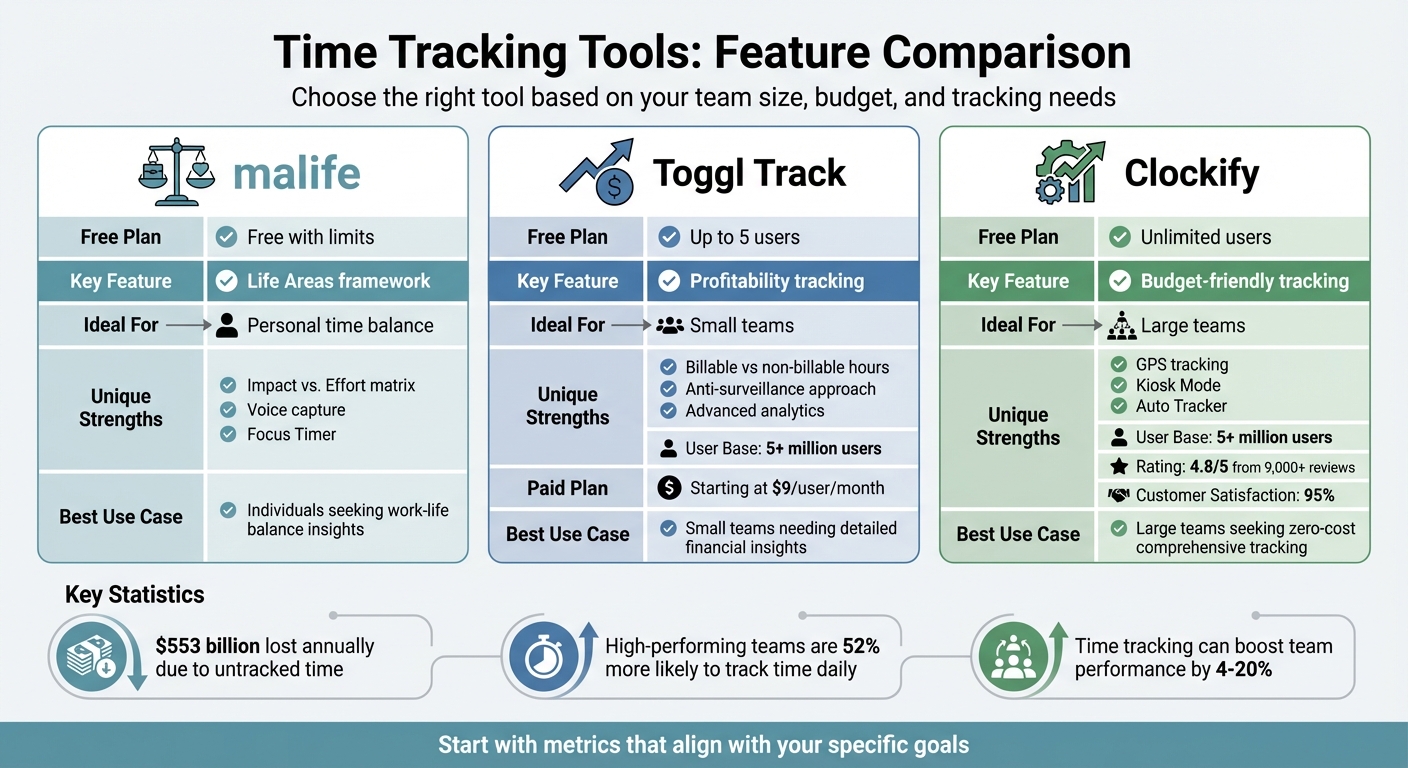
Quick Comparison:
| Tool | Free Plan | Key Feature | Ideal For |
|---|---|---|---|
| malife | Free with limits | Life Areas framework | Personal time balance |
| Toggl | Up to 5 users | Profitability tracking | Small teams |
| Clockify | Unlimited users | Budget-friendly tracking | Large teams |
Each tool provides unique ways to track and analyze time, helping you focus on what matters most. Let’s dive into their features and metrics to find the best fit for your needs.
Time Tracking Tools Comparison: malife vs Toggl Track vs Clockify
1. malife
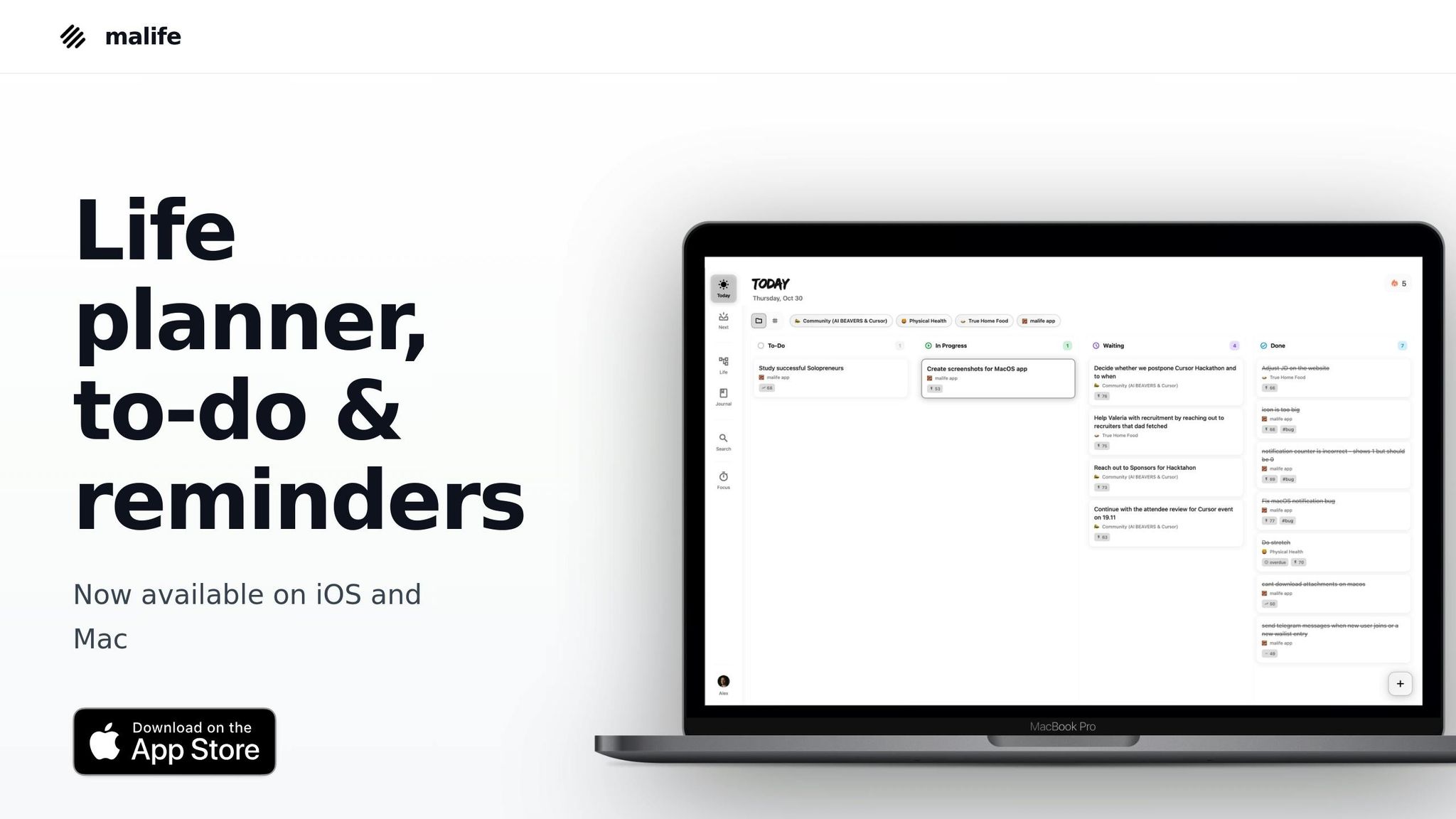
malife takes a different approach to time tracking. Instead of just logging hours, it uses a Life Areas framework to help you understand how you’re dividing your time. By categorizing tasks into areas like career, health, relationships, and personal growth, it highlights where imbalances might exist. This setup provides a more meaningful way to analyze your time usage throughout the day.
Time Allocation Metrics
The Life Areas framework doubles as a built-in tracker for time allocation. By assigning tasks and projects to specific areas, you can easily spot where you're spending too much - or too little - time. For example, if one area like "career" dominates, it’s a clear signal to reassess. You can also create tailored projects and use tags such as "Admin", "Content Creation", or "Personal" to quickly filter data and get a clearer picture of your time distribution.
Productivity Insights
malife builds on this data to deliver actionable productivity insights. Its Impact vs. Effort matrix helps you identify tasks that truly matter by showing which ones yield high results versus those that just keep you busy. The Today & Next kanban flow ensures you focus on immediate priorities, while the built-in Focus Timer tracks how long tasks actually take compared to your estimates. These features turn everyday task management into smarter, data-driven decisions.
Ease of Implementation
Getting started with malife is simple and intuitive. You can use voice capture to add tasks on the go without interrupting your flow. Customizable reminders and recurring tasks remove the hassle of manual scheduling, so you can stay on top of your to-dos without extra effort. Best of all, no complicated setup or plugins are needed - malife starts delivering insights right from your very first task.
2. Toggl Track
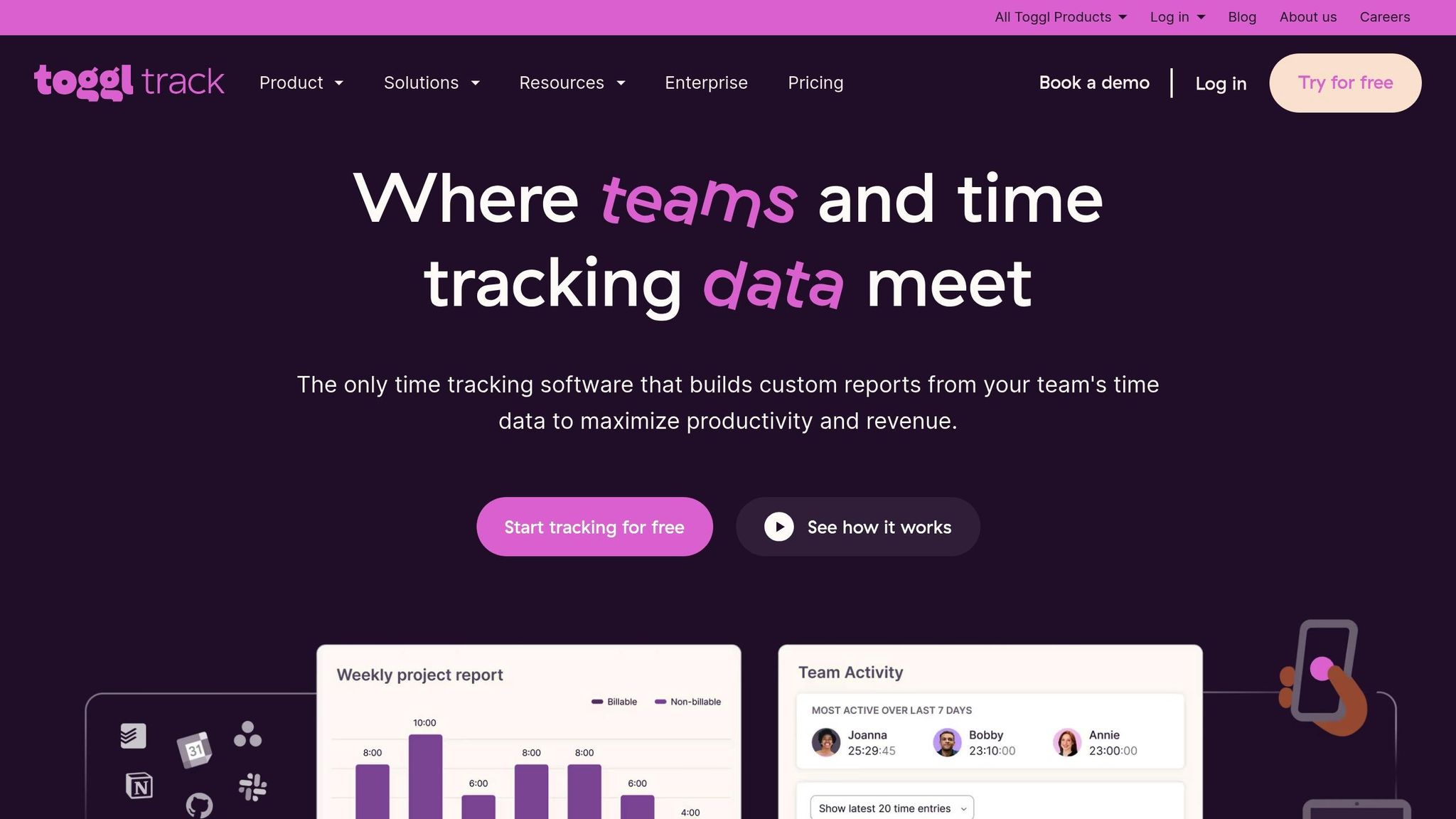
Toggl Track sticks to a straightforward approach for time tracking, focusing on detailed hour logging across projects and clients. With over 5 million users worldwide, it’s designed for teams that need precise tracking of billable work and resource allocation. The platform also differentiates between billable and non-billable hours, ensuring accurate client invoicing. Here’s a closer look at how Toggl Track helps streamline operations.
Time Allocation Metrics
Toggl Track provides a clear picture of total and billable hours across projects, calculating the percentage of time that directly generates revenue. Its adherence rate metric compares tracked time to scheduled work hours, helping teams identify whether members are logging too much or too little time. Additionally, you can break down resource usage by clients, projects, tasks, or team members. The average daily hours metric tracks consistent work patterns, offering insights into team productivity.
Productivity Insights
With Toggl Track, you can monitor utilization rates - the percentage of scheduled hours spent on billable work. Rates between 71% and 79% are flagged as "below target", while anything under 70% is marked "well below target". The platform also compares estimated hours versus actual logged time, helping to identify delays or inefficiencies. Anomaly detection flags unusual entries, such as those under one minute or over eight hours, ensuring billing data remains accurate.
Ease of Implementation
Getting started with Toggl Track is simple. It offers one-click timers across web, desktop, and mobile apps, along with integrations for tools like Notion, Slack, and Asana. You can track time automatically by monitoring active apps and windows or manually add entries when needed. Events from Google and Outlook Calendars can also be turned into time entries. Grace, a Managing Director, shared her experience:
"Toggl simplifies time tracking. It's easy to create multiple clients, projects, and tasks and track time against them. The reports generated are straightforward too".
Customization and Reporting
Toggl Track’s analytics system allows you to create customizable visualizations, including bar, donut, line, and pivot charts, to analyze productivity trends. Advanced filtering with AND/OR logic enables you to refine data by user groups, tags, or billability. Reports can be saved, scheduled, and exported in PDF, CSV, or Excel formats for easy sharing. The Workload Report highlights resource allocation to prevent burnout, while the Profitability Report breaks down labor costs versus revenue to evaluate project rates and profitability effectively.
3. Clockify
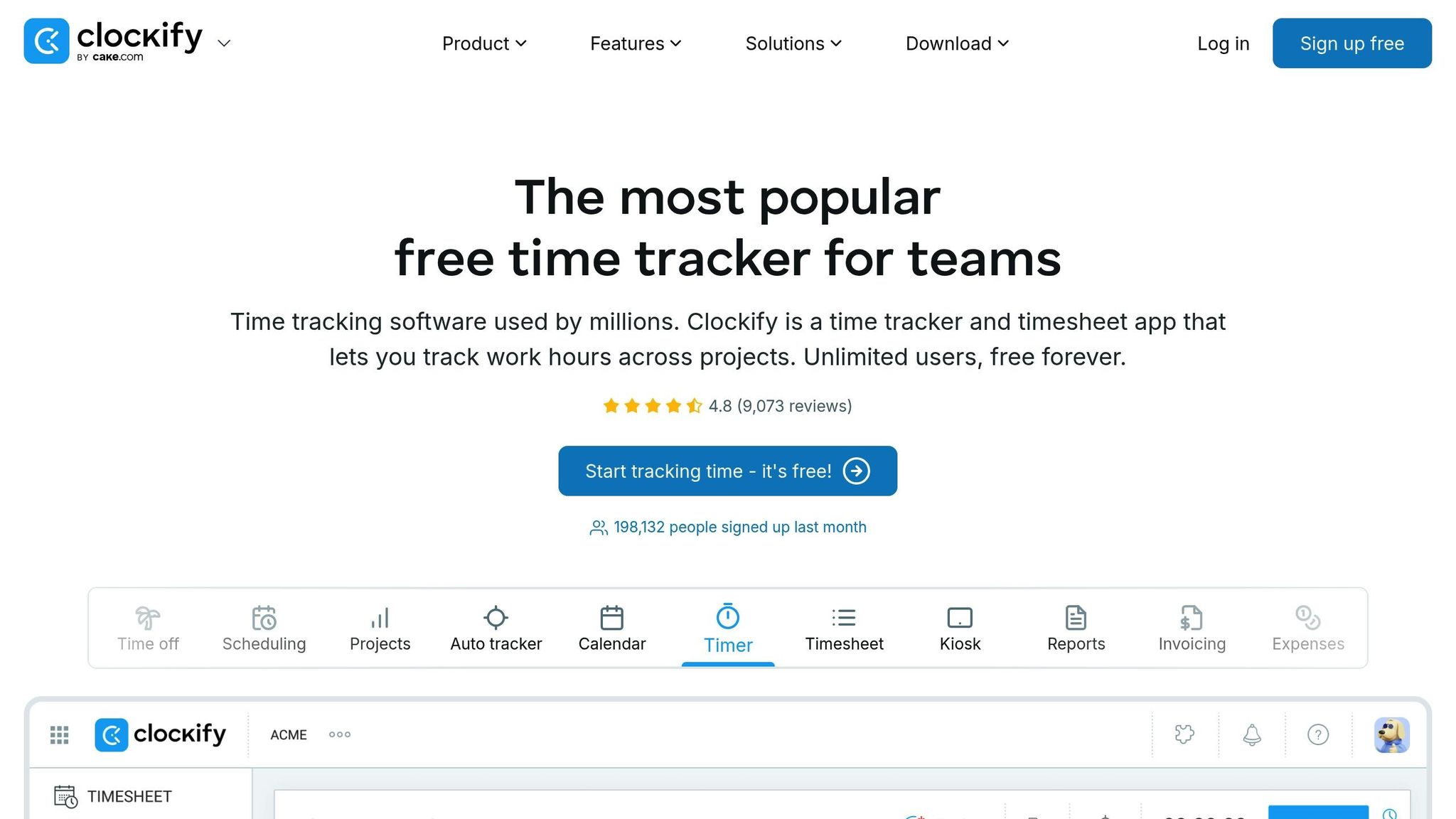
Clockify stands out by offering unlimited users and projects on its free plan, making it a practical choice for teams of any size. With over 5 million users globally and a 4.8/5 rating from more than 9,000 reviews, it’s a trusted tool for teams seeking thorough tracking without upfront expenses. This platform is especially helpful for distinguishing billable from non-billable hours and providing real-time insights into team activities. Its analytics tools help teams make smarter decisions by offering a clear view of project profitability and workload distribution.
Time Allocation Metrics
Clockify’s tracking features focus on breaking down total hours by project, client, task, and individual user. You can set cost rates (what employees earn) and billable rates (what you charge clients), enabling real-time monitoring of project profitability. The tool also allows you to set time and budget estimates for projects, with alerts when limits are close. Daniel Kroytor, CEO of a payment solutions company, shared his perspective:
"I tell my team that the end goal is to establish how long something takes so we can bill more accurately and protect our time".
Productivity Insights
Clockify’s Auto Tracker runs in the background, monitoring apps and websites to provide a detailed overview of activity. Idle detection identifies periods of inactivity, allowing users to remove these from tracked hours. The Team Dashboard offers real-time visibility into who’s actively working, helping managers spot overbooked or available team members [28,29]. Utilization rates - comparing billable hours to total hours logged - give managers a clear understanding of how much time is spent on revenue-generating tasks.
Ease of Implementation
Clockify is available across multiple platforms, including web browsers, desktop apps (Windows, Mac, and Linux), mobile devices (iOS and Android), and browser extensions. Users often highlight its minimal learning curve, making it easy to adopt. Additionally, the Kiosk Mode allows on-site teams to clock in and out using a shared device and a PIN.
Ze Belchior, a Managing Director, shared his thoughts on the platform:
"The best app out there which allows us to keep a tab on our productivity".
Customization and Reporting
Clockify enhances its analytics with three main report types: Summary (grouped data), Detailed (line-by-line entries), and Weekly (fixed week range) [26,29]. Reports can be grouped by up to three levels - such as User > Project > Task - for deeper insights. Advanced filtering options let you refine reports using criteria like date range, project, client, team, task, tag, and billability status. For those who need polished client reports, a paid feature rounds time entries to the nearest 6 or 15 minutes. Reports can be shared via links or exported in PDF, CSV, or Excel formats [26,29]. To maintain accuracy, it’s best to track time daily rather than weekly, as memory fades by the end of the week, leading to less reliable data.
Pros and Cons
Toggl Track and Clockify cater to different needs based on team size, budget, and tracking priorities.
Toggl Track stands out with its focus on profitability analysis, offering advanced metrics and an anti-surveillance approach that fosters trust within teams. However, its free plan is limited to 5 users, and accessing advanced features requires a paid subscription starting at $9 per user/month.
Clockify, on the other hand, offers an unlimited free plan, GPS tracking, and kiosk clock-ins, making it a strong option for larger teams. Despite its advantages, the mobile app has been criticized for synchronization issues and random logouts. Still, it boasts a 95% customer satisfaction rating from over 18,000 users. The app's Google Play rating, however, stands at 3.3/5, reflecting user concerns.
Here’s a quick comparison of their key features:
| Key Factors | Toggl Track | Clockify |
|---|---|---|
| Free Plan | Up to 5 users | Unlimited users |
| Key Strength | Profitability metrics and forecasting | Zero-cost access with full tracking |
| Monitoring | Anti-surveillance (no screenshots) | Includes activity and location tracking |
| Limitation | Advanced reports require paid plans | Mobile sync and authentication issues |
| Platform Support | Web, desktop, mobile, browser extension | Web, desktop, mobile, kiosk |
Real-world applications highlight these tools' effectiveness. For instance, Talk Shop Media reported cutting their time tracking overhead by 50%, saving 60–80 hours per month with Toggl Track. Similarly, FullStack Labs leveraged Toggl Track's detailed reporting to secure contracts with major clients like Uber and Fortune 500 companies.
Choosing between the two largely depends on your team's needs. If you're a smaller team looking for detailed financial insights, Toggl Track could be the better fit. Meanwhile, larger teams or those seeking a no-cost entry to time tracking might find Clockify's free tier more appealing.
Conclusion
Choosing the right time tracking metrics helps transform raw data into insights you can actually use. The secret lies in purposeful tracking - focusing only on metrics that align with your specific goals, rather than collecting an overwhelming amount of data. Research even shows how impactful time tracking can be: using timers has been found to boost team performance by anywhere from 4% to 20%. The next step is aligning your metrics with your role, ensuring the insights you gather lead to meaningful changes.
Different roles require different approaches to time tracking. Freelancers benefit from simple timer-based tracking to ensure accurate billing. Teams need tools like shared calendars and a breakdown of billable versus non-billable hours to identify productivity gaps and balance workloads. Meanwhile, managers and businesses rely on advanced analytics - such as cost variance, resource utilization rates, and profitability metrics - to make strategic decisions. This tailored approach ensures that every tracked metric serves a clear purpose and supports smarter decision-making.
The real power of time tracking comes from applying the insights effectively. Take Mark Koester, a self-tracking expert, as an example. From 2015 to 2021, he used time logs to examine his digital communication habits. In 2015, he spent 693 hours on communication tools. By using tracking data to refine his habits, he cut that number down to 261 hours in 2021 - reclaiming 160 hours of productive time each year.
"Time tracking is not merely a method for productivity and efficiency, but a way to take control of our lives and ensure that we are spending our time in ways that truly matter to us." - Mark Koester, Author and Self-Tracking Expert
Start small - track one part of your day and review the data weekly to identify and eliminate time leaks. The goal isn’t to monitor every move but to focus on measuring value creation and improving decisions. When desk workers spend nearly one-third of their day on low-value tasks, the right metrics can help you reclaim that time for work that truly makes an impact.
FAQs
Which time tracking metrics matter most for my role?
Tracking time effectively starts with knowing what to measure. Here are some key metrics to keep an eye on:
- Total hours worked: This helps you understand your overall workload and whether you're overextending yourself or underutilizing your time.
- Time distribution across tasks: By breaking down how much time you spend on different activities, you can pinpoint priorities and identify areas requiring adjustment.
- Time spent on apps or websites: This is especially useful for spotting distractions or inefficiencies in your workflow.
If you're a manager, you might need to dig deeper into metrics like:
- Task completion times: This helps gauge efficiency and identify bottlenecks.
- Project progress: Tracking this ensures that deadlines are met and resources are allocated properly.
The key is to align these metrics with your specific goals. Whether you're aiming to boost personal productivity or streamline team operations, the right data can guide smarter decisions.
How can I use time data to spot and fix time leaks?
To pinpoint and address time leaks, start by analyzing your tracked activities to uncover where time slips away - whether it's due to distractions, inefficiencies, or tasks that don't add much value. A good way to do this is by conducting a time audit: review your schedule, group tasks into categories, and look for recurring patterns of wasted time. Once you’ve identified the leaks, take action by setting firm boundaries, cutting down on distractions, or redistributing tasks more effectively. Regularly reviewing your time data can keep you on track and help you focus on activities that make the biggest difference.
How do I track time without overdoing it?
Tracking time effectively doesn’t mean you need to monitor every second of your day. Instead, focus on key metrics that genuinely reflect your productivity. Stick to simple and consistent methods, like using dedicated time-tracking tools, to avoid unnecessary complications or feeling overwhelmed.
Make sure the activities you track align directly with your goals. This helps you stay focused on what truly matters. At the same time, set clear boundaries to prevent falling into the trap of over-monitoring. Remember, the purpose of time tracking is to refine your workflow and boost efficiency - not to micromanage every moment of your day.